CG Drives & Automation 01-5958-01r0
9 Advanced Features
9.1 Setting alarm levels manually (windows
11-14)
The alarm levels can be set manually, without using the Auto set. These levels
can also be readjusted, e.g. for fine-turning, after an Auto set has been
performed. See also section 4.3 to 4.6.
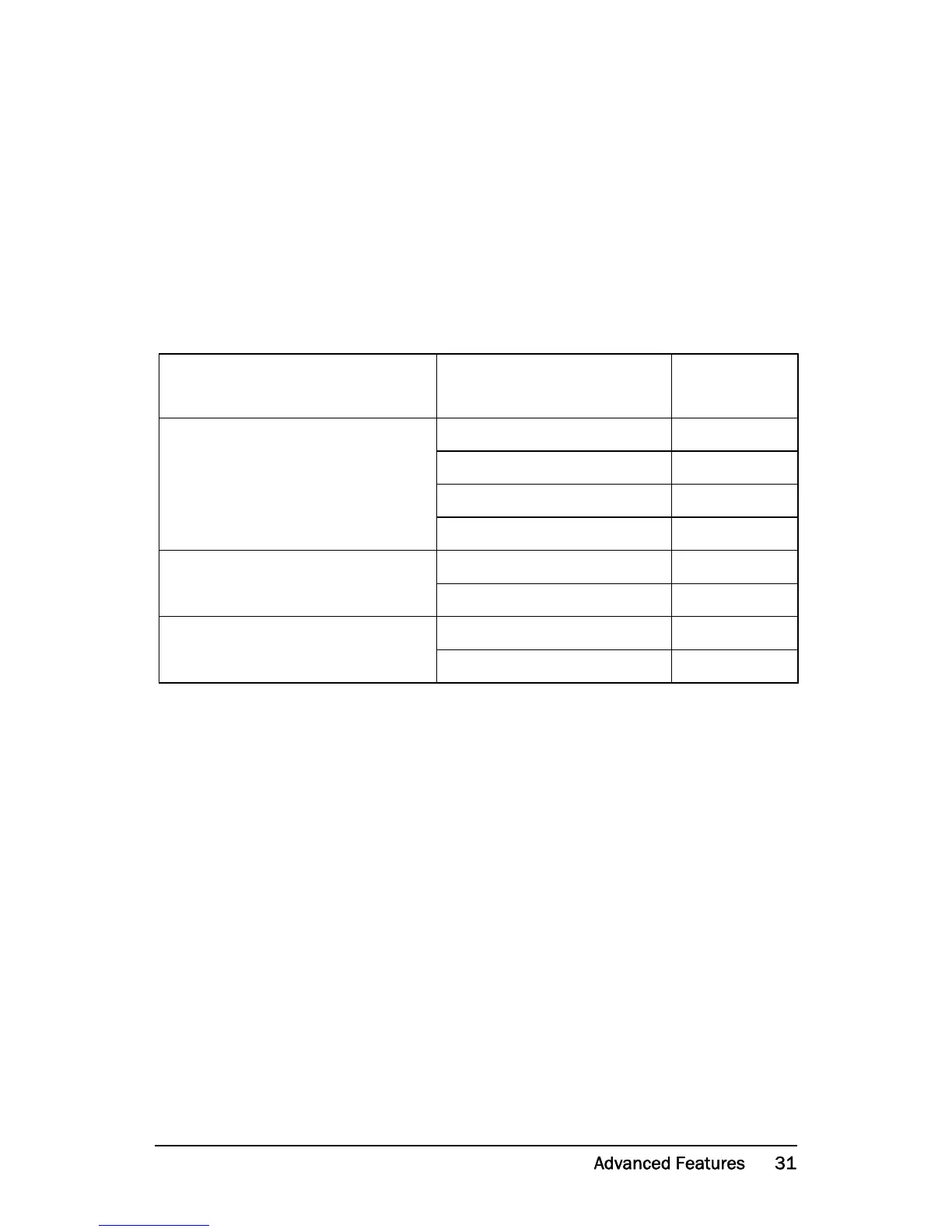
Protection (Monitor function
window 05)
Alarm levels (Window) Default
OVER- and UNDERLOAD
(Default)
11: MAX Main Alarm 100%
12: MAX Pre-Alarm 100%
13: MIN Pre-Alarm 0%
14: MIN Main Alarm 0%
OVERLOAD
11: MAX Main Alarm 100%
12: MAX Pre-Alarm 100%
UNDERLOAD
13: MIN Pre-Alarm 0%
14: MIN Main Alarm 0%


 To Next Page