CG Drives & Automation 01-5958-01r0
8.6 Setting alarm levels with Auto set
The Auto set command performs a measurement (momentarily)
of the actual
motor load and automatically sets the relevant alarm levels depending on the
selected monitor function.
Programming
1. Start the motor and let it run at the normal machine load until the Start
Delay has expired.
2. Press for 3 seconds. This can be done in any window.
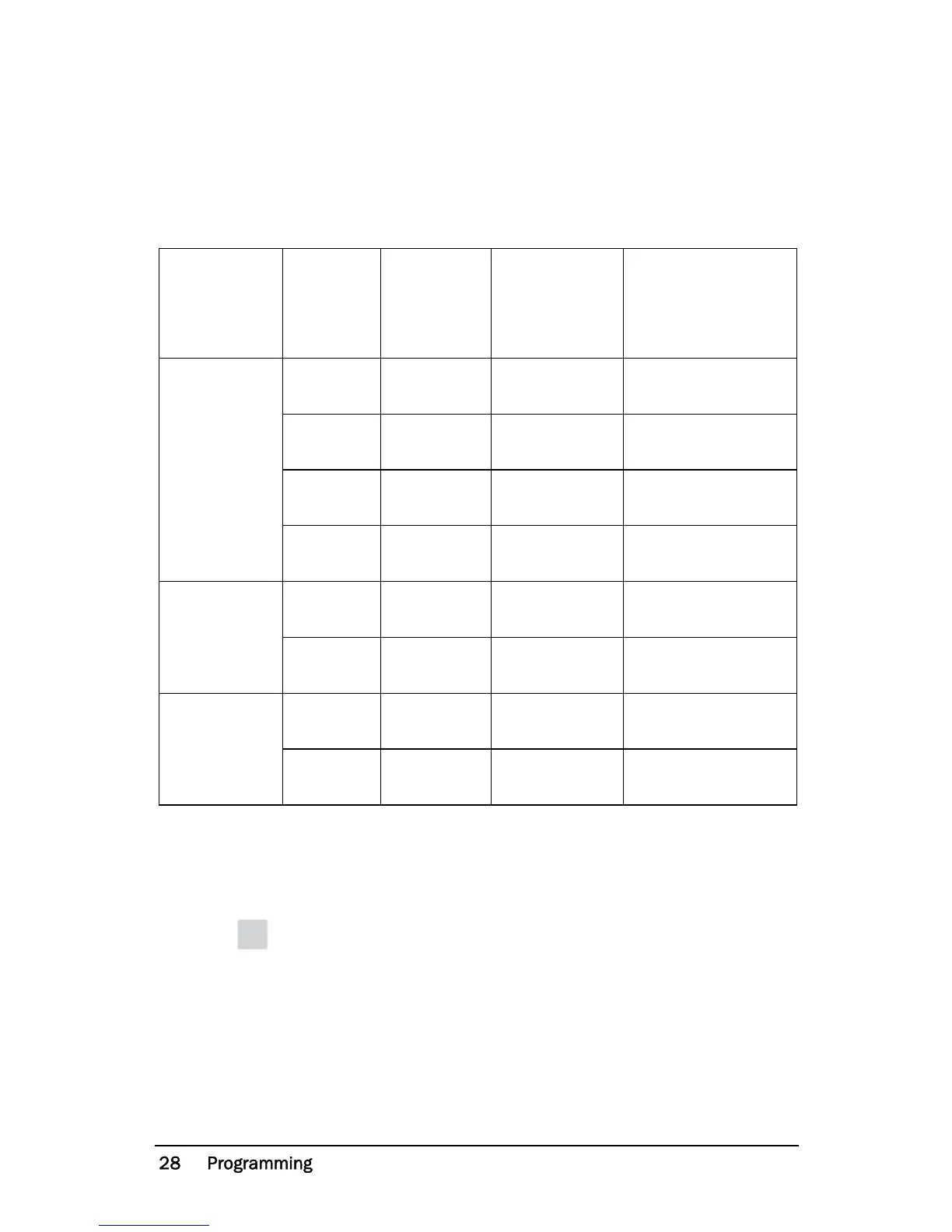
Protection
(Monitor
function
window 05)
Alarm
Margin
Value
(Default
margins)
Margins
(Windows)
Alarm Level at
Auto set
OVER- and
UNDERLOAD
(Default)
MAX Main
Alarm
16%
21: MAX Main
Alarm margin
Normal machine
load + Window 21
MAX Pre-
Alarm
8%
22: MAX Pre-
Alarm margin
Normal machine
load + Window 22
MIN Pre-
Alarm
8%
23: MIN Pre-
Alarm margin
Normal machine
load - Window 23
MIN Main
Alarm
16%
24: MIN Main
Alarm margin
Normal machine
load - Window 24
OVERLOAD
MAX Main
Alarm
16%
21: MAX Main
Alarm margin
Normal machine
load + Window 21
MAX Pre-
Alarm
8%
22: MAX Pre-
Alarm margin
Normal machine
load + Window 22
UNDERLOAD
MIN Pre-
Alarm
8%
23: MIN Pre-
Alarm margin
Normal machine
load - Window 23
MIN Main
Alarm
16%
24: MIN Main
Alarm margin
Normal machine
load - Window 24


 To Next Page