EDM01-36v10 DAG_9.2X2_Card_User_Guide - Configuring the DAG card
©2010 - 2012 Endace Technology Ltd. Confidential - Version 10 - May 2012 21
dagrom
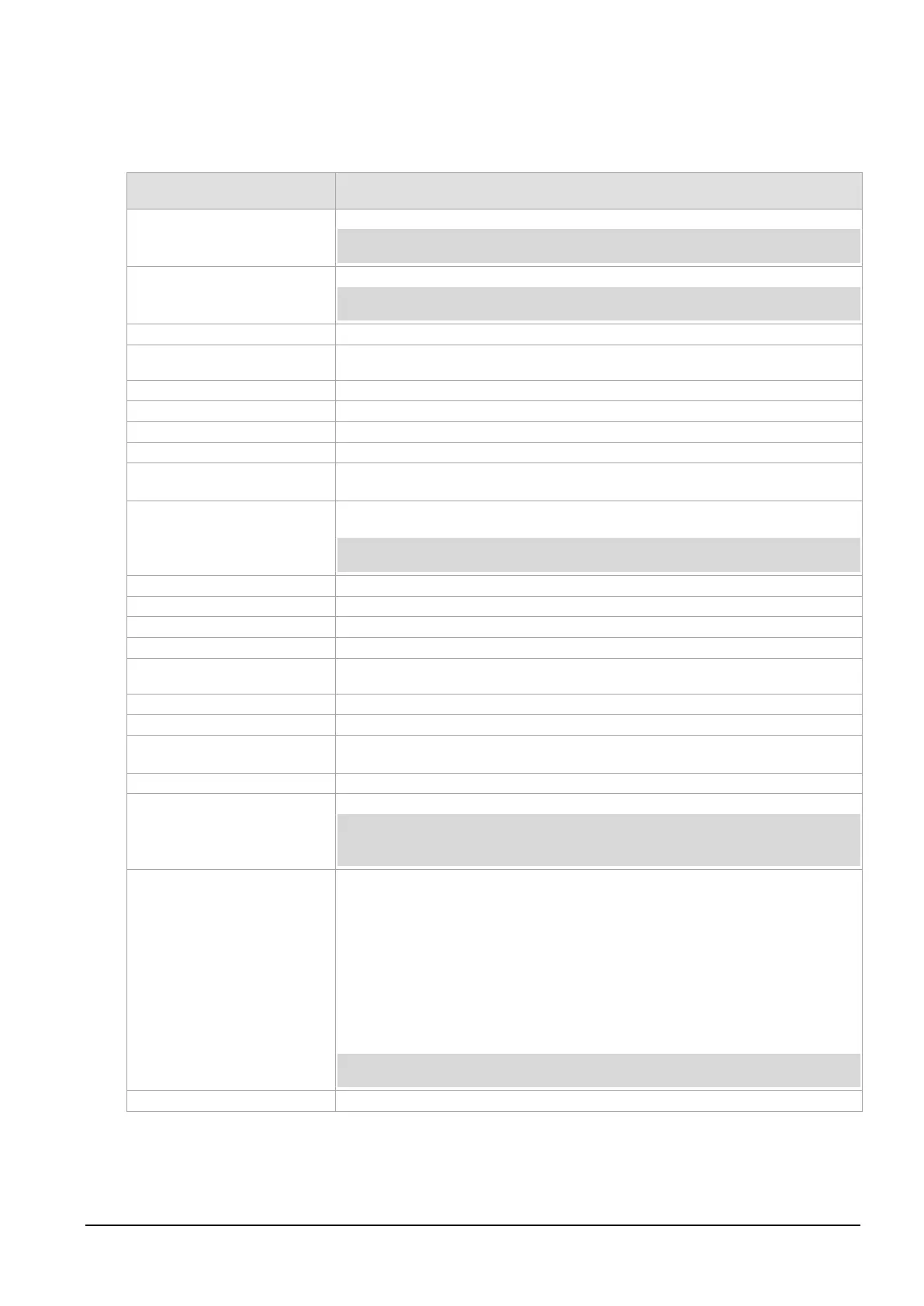
dagrom is a software utility to configure the FPGA on Endace DAG cards. The following table lists dagrom
options.
Option Description
Use alternate (stable) half. [Default is current half.] Factory / User.
Note:
Not applicable to DAG 7.4S, 7.5G2/G4, 9.2X2 or 9.2SX2 .
Entire ROM. [Default is current half only.]
Note:
Not applicable to DAG 7.4S, 7.5G2/G4, 9.2X2 or 9.2SX2 .
Check if there is a SWID on the ROM.
Access CPU region: c=copro, b=boot, k=kernel, f=filesystem, a=all.
Erase ROM. [Default is read.]
Disable fast program option for CFI mode. Use only on the advice of Endace.
File to be read when programming ROM. There are multiple FGPA images per DAG
card, covering the different versions, ERF, BFS, DAM etc.
Force loading firmware. Not recommended unless absolutely necessary - use only
with extreme caution.
May prevent DAG card operation or even damage the DAG card.
Access specified ROM controller. [Default is 0.]
Halt the embedded IXP Processor (DAG 7.1S only).
Increment ROM. [Default is read.] Use only on the advice of Endace.
-j,--swid-rom-check-key
<key>
Check the ROM SWID key with the one supplied.
Hold PBI bus from XScale (DAG 3.7T only).
Hexadecimal key for writing the Software ID (aka SWID).
-n,--fpga-number <FPGA
number>
Specify which FPGA to load the specified image into on next power cycle. Default
FPGA number is 0.
Program current User 1 Xilinx image into FPGA.
Caution:
Do not use with DAG 7.4S, 7.5G2/G4, 9.2X2, 9.2SX2 DAG 9.2X2, 9.2SX2, see
-q
below.
<image number>
Specify the image number for operations (-w, -r, -y, -e).
• 0.factory image
• 1. user image 1,
• 2. user image 2
• 3. user image 3
When used with the -r or -w options, -q changes into which slot the image is
loaded.
When used without the -r or -w options, -q does not change the image itself,
rather it sets the "boot next" flag.
Use with DAG 7.4S, 7.5G2/G4, 9.2X2, 9.2SX2 only.
Reprogram ROM (may imply erase and write).



 To Next Page