114
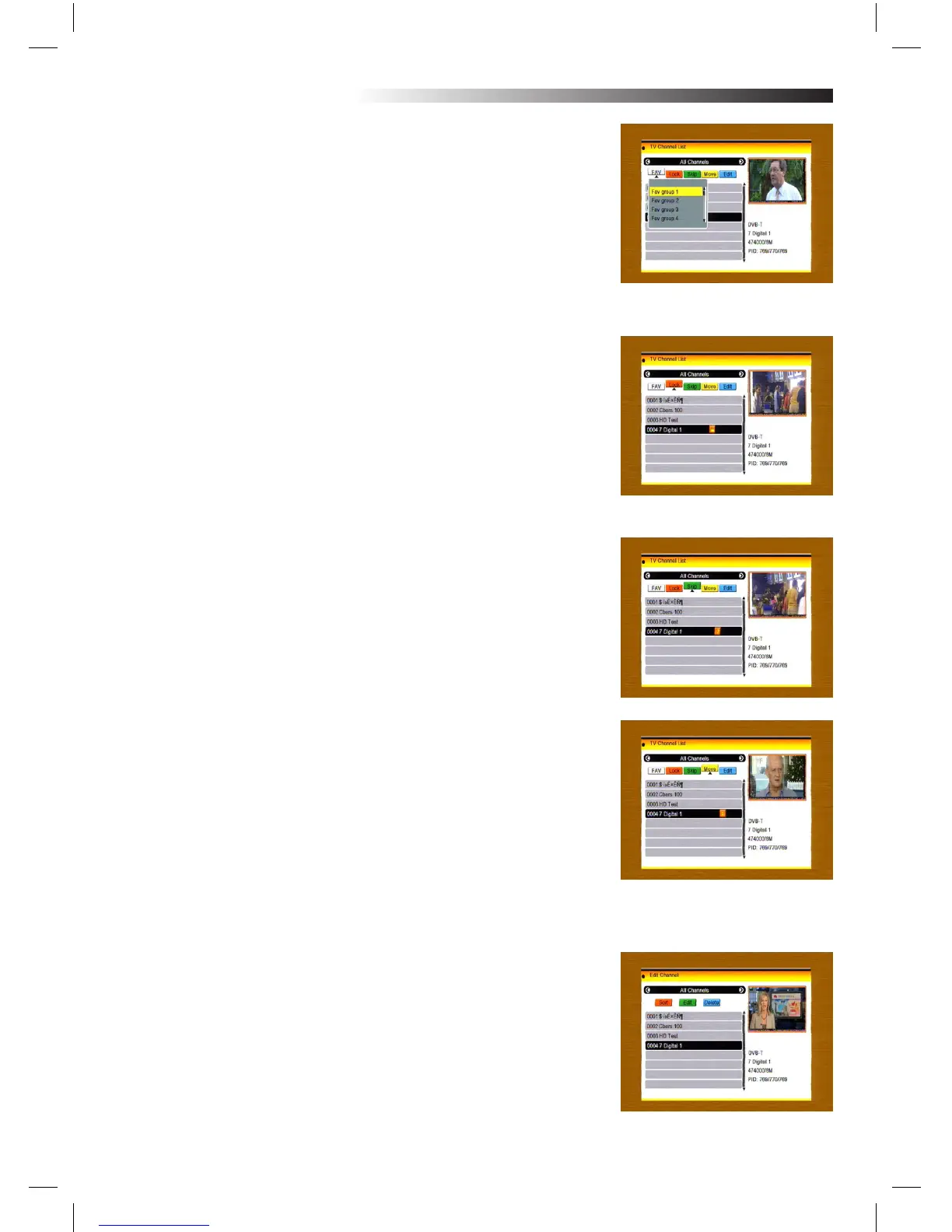
3. Press FAV key to move the FAV button upward. Select the pro-
gram and press OK key to pop up the Favourite group list. In the list,
select the group that you want to add into and press OK key, and
then you will nd the Favourite mark is displayed at the right side of
the selected program.
Press FAV key again to EXIT from the FAV mode, and
you will nd the FAV button return to the origin
position.
4. Press red colour key to move the Lock button upward. Select the
program and press OK key to mark this program with the Lock mark.
You can cancel this mark by pressing OK key once more.
Press red colour key again to EXIT from the lock mode, and you will
nd the Lock button return to the origin position.
5. Press green colour key to move the Skip button upward. Select the
program and press OK key to mark this program with the skip mark.
You can cancel this mark by pressing OK key once more.
Press green colour key again to EXIT from the skip mode, and you
will nd the Skip button return to the origin position.
6. Press yellow colour key to move the Move button upward. Select
the program and press OK key to mark this program with the move
mark. Press PR+, PR- keys to move the cursor to the position where
you want to locate and press OK key to conrm.
Press yellow colour key again to EXIT from the yellow mode, and you
will nd the yellow button return to the origin position.
7. Press blue colour key to enter into the Edit
channel window.
MENU INFORMATION



 To Next Page