132
6. REC
6.1 Storage Information
Show you the information in windows as besides.
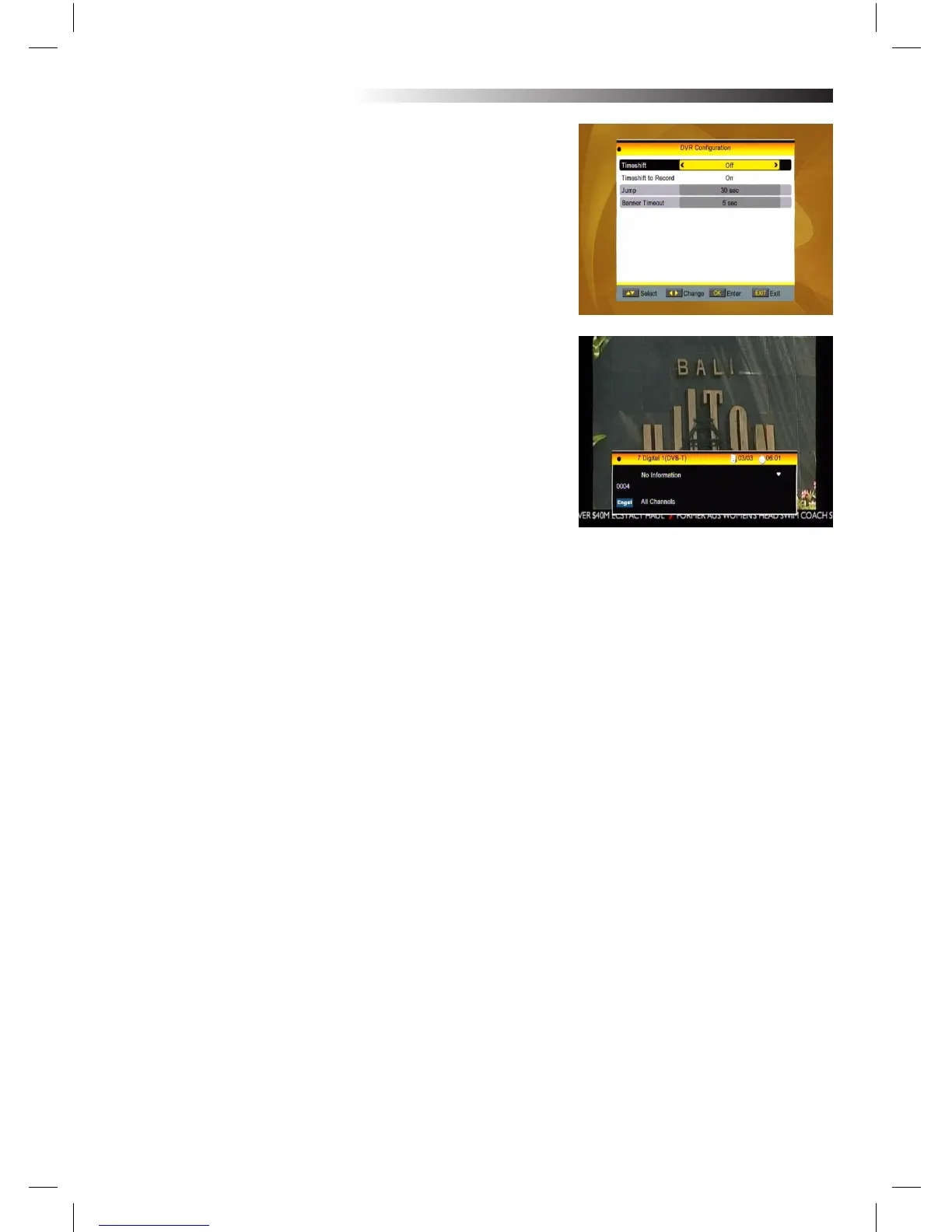
6.2 DVR Conguration
1.Time shift: Select between O and On.
2. Timeshift to Record: Select between On and O.
3. Jump: Select among 30 sec, 1 min, 5 min, 10min and 30
min.
4.Banner Timeout: Select among 5sec,10sec,30sec and
60sec.
7. Hot Key
7.1 Info
Press INFO key to pop up the Info bar.
Press INFO key again to pop up the program guide of the
current program.
Detail Information: In the INFO window, press PR+, PR- keys to select the next program and current pro-
gram, and press PR+ PR- keys to explore all pages
MENU INFORMATION



 To Next Page