124
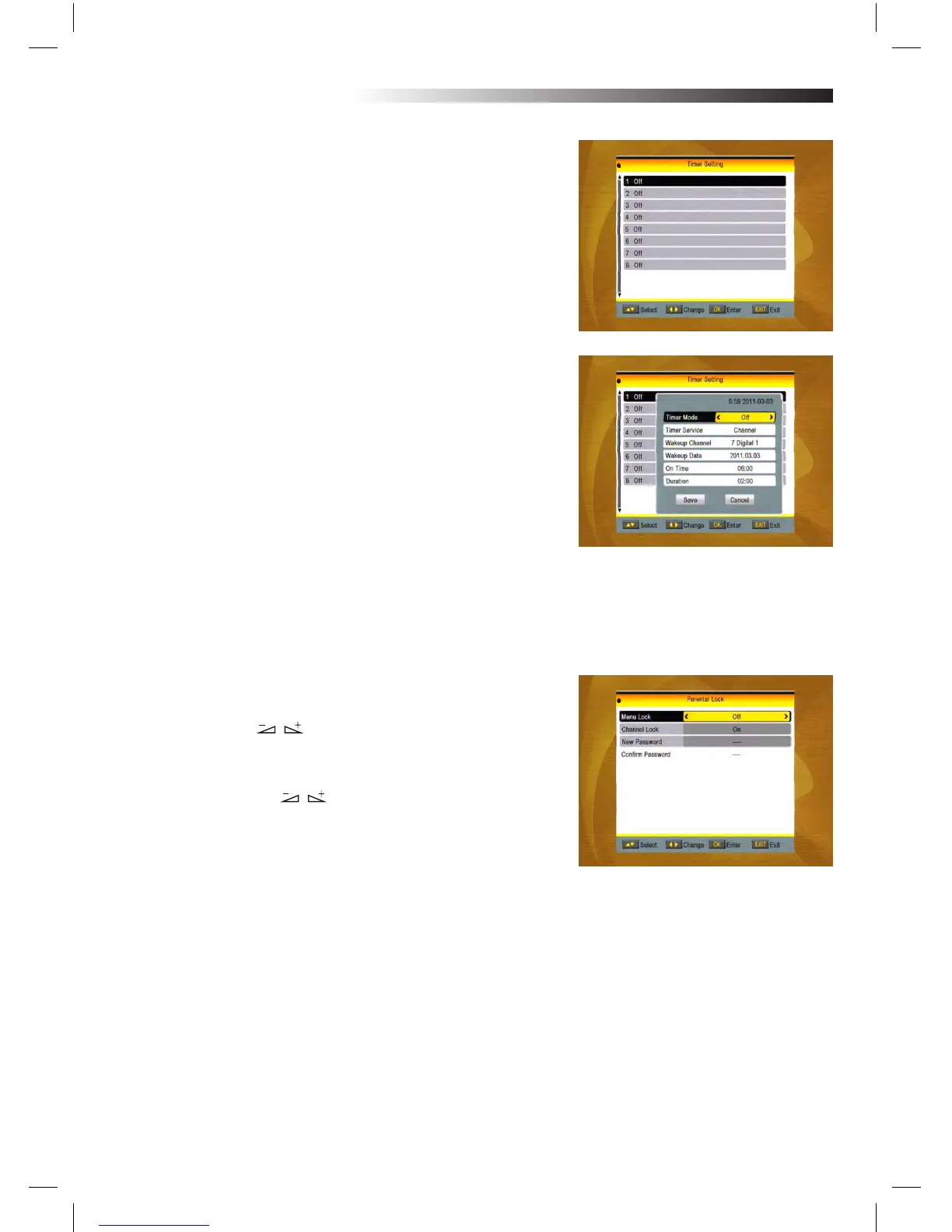
3.5 Timer Setting
If there is no program, you can not enter into this window. The-
re are 8 timers that can be set.
Select Timer up or down, and press OK key to enter into the
setting window.
1. Timer mode: The default mode is o. You can set the timer
once, daily, weekly, monthly and yearly.
2. Timer Service: Select between Channel or Record. If
Channel is selected, the Wakeup Channel is displayed in the
following item. If Record is selected, the Wakeup Message is
displayed in the following item. In wakeup message, you can
select among Birthday,Anniversary, General. At the same time
the duration item turns grey.
3. Wakeup Date, On Time: Use numeric keys to input the va-
lid date.
Duration: Set the gap time. After waking up, system will power
o automatically after the duration time.
Press MENU or EXIT key to save and EXIT.
3.6 Parental Lock
Before entering into the Parental Lock window, you need input
the correct password. The default password is 0000.
1. MENU Lock: Press keys to select between O and On.
If select “On” , you can not enter into the window before ente-
ring the password.
2. Channel Lock: Press keys to select between O and
On. The default value is O.
If select “On”, you can not view the locked channel set in Cha-
nel List Edit window until you have inputted the correct pas-
sword.
3. New Password: User numeric key (0-9) to input the new
password.
4. Conrm Password: Input the new password once again.
Conrm password must be the same as the New password.
System will inform you “Change password successfully!” while
they are the same, or inform you to input the password of
Conrm password once again when they are not the same.
MENU INFORMATION



 To Next Page