131
ENGLISH
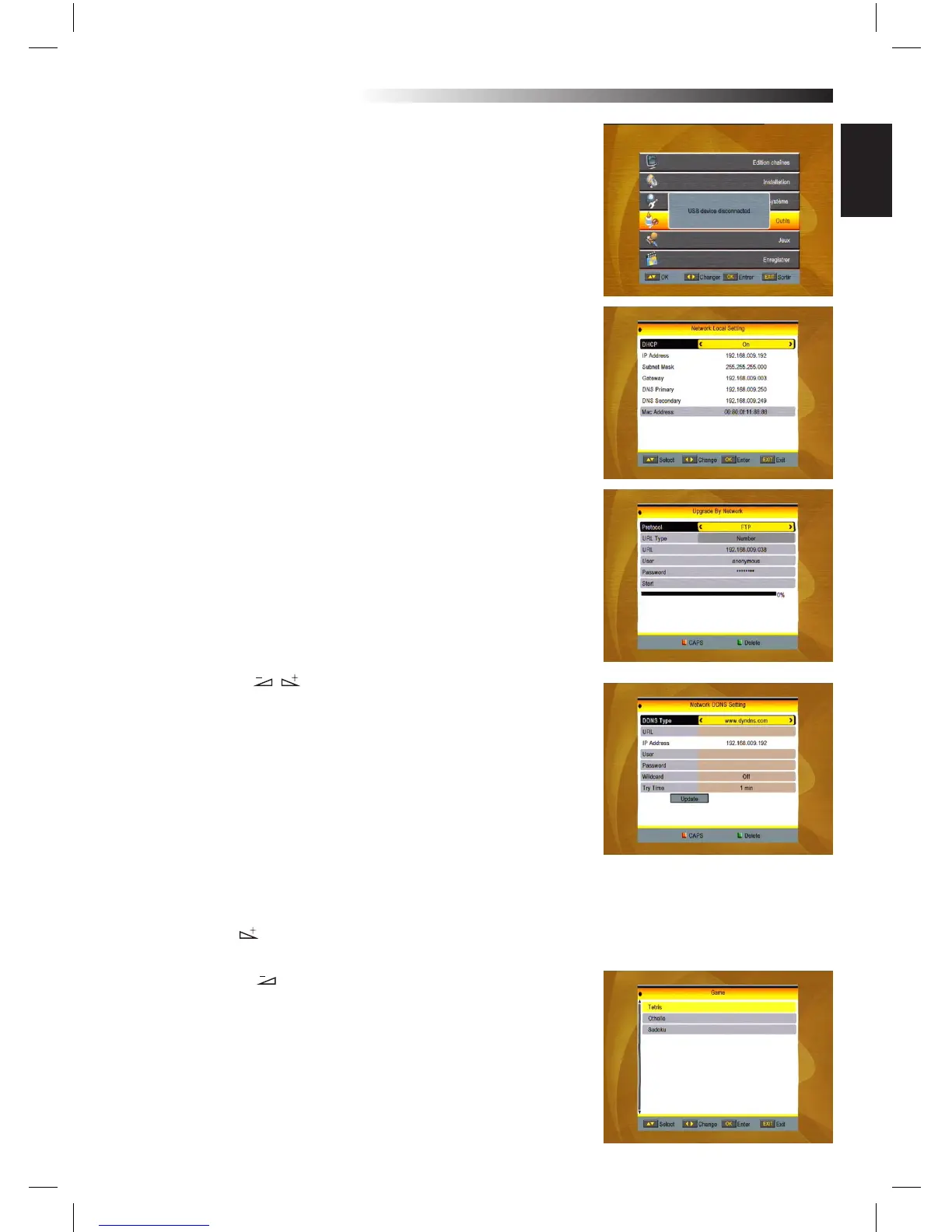
4.7 Remove USB device safely
Press OK on this item it will pop up a dialogue:”You can safely re-
move USB device now! “, then you can move your USB device safely.
4.8 Network Local Setting
HDCP: Select between ON and OFF, when it ON, the IP Address, Sub-
net Mask and Gateway item will turn gray, you can not edit them.
Press number 0-9 the input the address.
4.9 Upgrade by Network
1. Protocol: Select between HTTP and FTP.
2. URL Type: Select between number and string.
3. URL: press number key 0-9 to input.
4.User: Press number key 0-9 to input the user name.
5. Press number key 0-9 the input the password.
6. Press OK key on star button to begin updating Press green key
to delete the number or characters and press red key to switch the
input mode.
4.10 Network DDNS Setting
1. DDNS Type: Press key to select.
2. URL: press number key 0-9 to input.
3. IP Address: It can’t be edited.
4. User: Press number key 0-9 to input the user name.
5. Password: Press number key 0-9 the input the password.
6. Wildcard: Select between on and o.
7. Type Time: Select among 1min,5min,10min, 30min and 1 hour,
Press green key to delete the number or characters and press red
key to switch the input mode.
5. Game
1. Press OK key or key to enter into the game.
2. Press PR+, PR- keys to move the cursor up or down.
3. Press EXIT key or key to move the focus to the left MENU.
4. Select the game that you want to play and press OK key to enter
into the window.
MENU INFORMATION



 To Next Page