133
ENGLISH
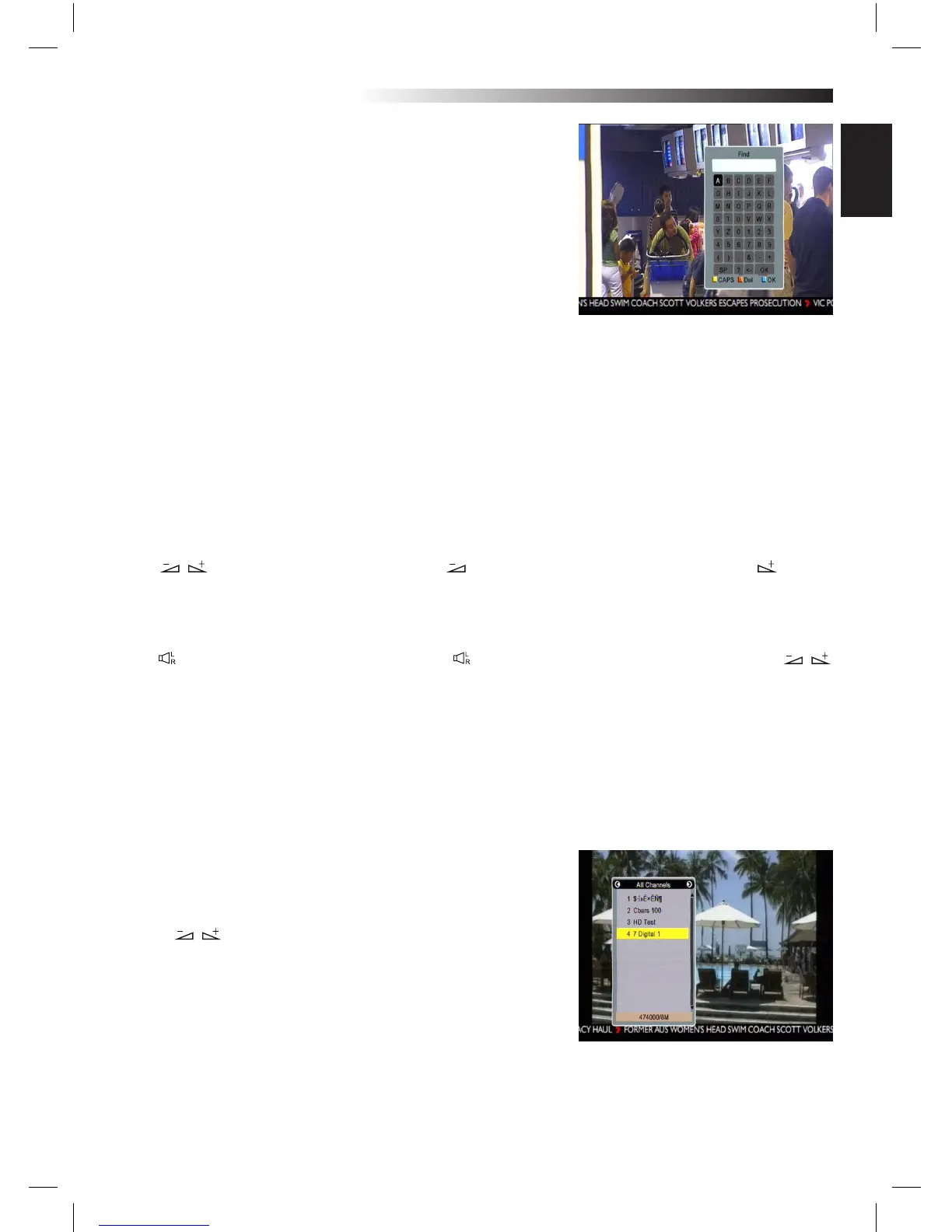
7.2 Find
Press FIND key on to pop up the Find window.
Use numeric keys to enter into the character and use the co-
lour keys to realized the corresponding operation.
7.3 Number
Use the numeric keys (0-9) to input the
number of the desired channel. If the inputted
number is beyond the valid channel number, system will “No
such a channel” and press OK key to close this message.
7.4 TV/RADIO
In normal mode, press TV/RADIO key to switch between TV mode and Radio mode.
7.5 Up/Down (Channel Change)
Press PR+, PR- keys to change the channel up or down. If in the all satellites group, you can select channel
in all searched channels. If in the specic satellite, only can select channel in the satellite group.
7.6 Left/Righ (Volume+/-)
Press keys to change the volume. Press keys to decrease the volume, while press keys to
increase the volume.
7.7 Mute
Press key to turn o the volume. You can press key once again to restore the volume, or press
keys to increase the volume.
7.8 Pause
During the viewing, you can press PAUSE key to stop the picture while the volume continues. You can play
the picture by pressing PAUSE key once again.
7.9 OK
1. During the viewing or listening, press OK key to pop up the TV
program list or the Radio program list.
2. Press PR+, PR- keys to select the channel up or down, and
then press OK key to play this channel in full-screen.
3. Press keys to select the satellite.
4. Press MENU or EXIT key to close this window.
MENU INFORMATION



 To Next Page