126
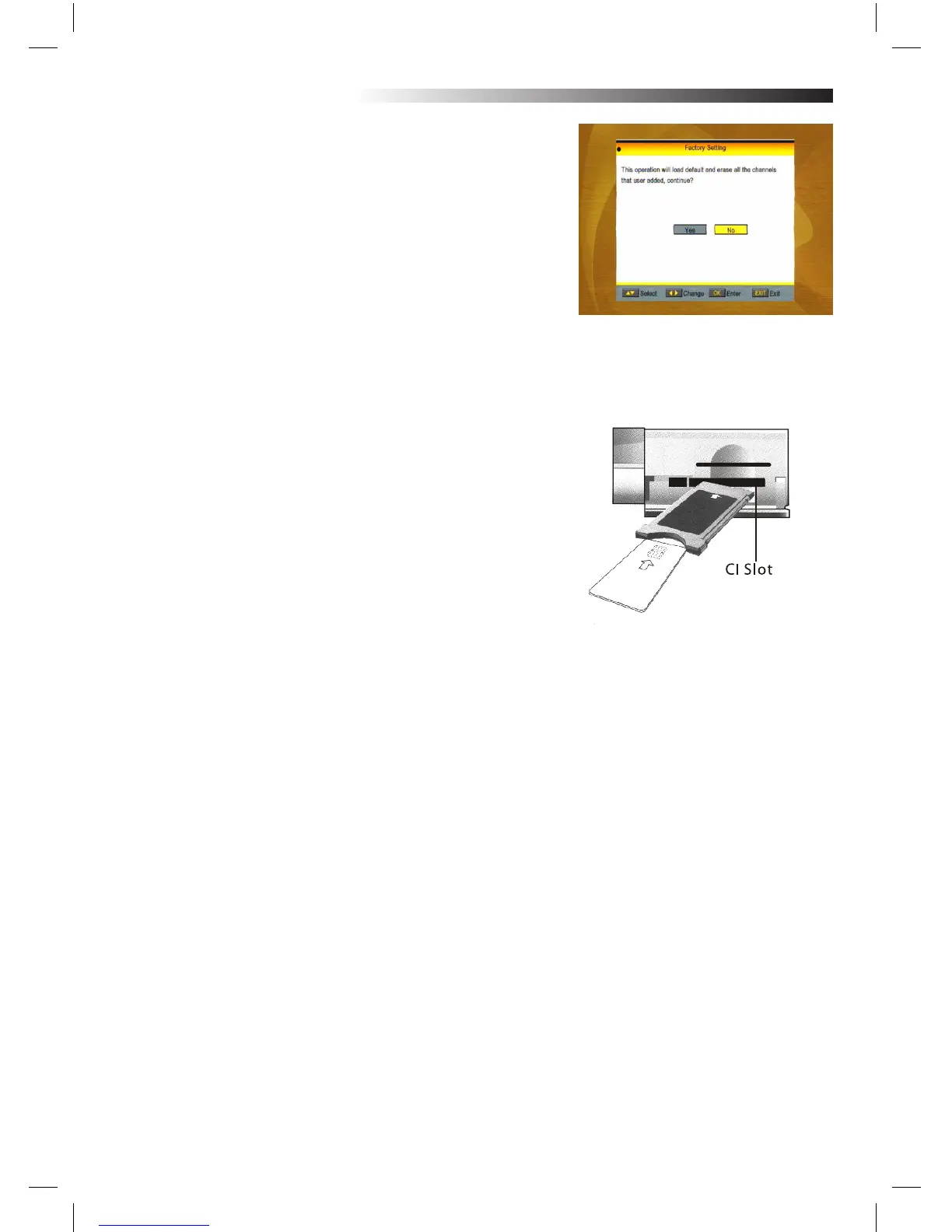
4.2 Factory Setting
Press OK key to enter into the Factory Setting window.
Select Yes button and press OK key to return to the factory set-
ting. All searched channels and set information will be erased.
Select No button and press OK key to cancel this operation, or
press MENU or EXIT key to cancel and EXIT.
4.3 Common Interface
Insert the common interface module into the CI slot, and then
insert the smart card into the common interface module with
the golden or silver chip facing up.
Push the smart card into the module. Only a few millimetres of
the card should be visible outside the module.
To remove the module from the slot, push button on the left-
hand side of the slot.
There are many types of CI. Here we take Conax access for
example.
Press OK key to enter into the main MENU.
You can know information about product Ordering, Subscription
Status, PPV Status, Token Status and so on.
Product Ordering
Not avaliable in this software.
Subscription Status
Know the detail information of Subscription Status.
PPV Status
No Entitlement.
Token Status
Know the detail information of Token Status
MENU INFORMATION



 To Next Page