113
ENGLISH
If there is no program, you can not EXIT from the Main MENU window by pressing
MENU or EXIT key. System will inform “No channel” and the following items turn grey.
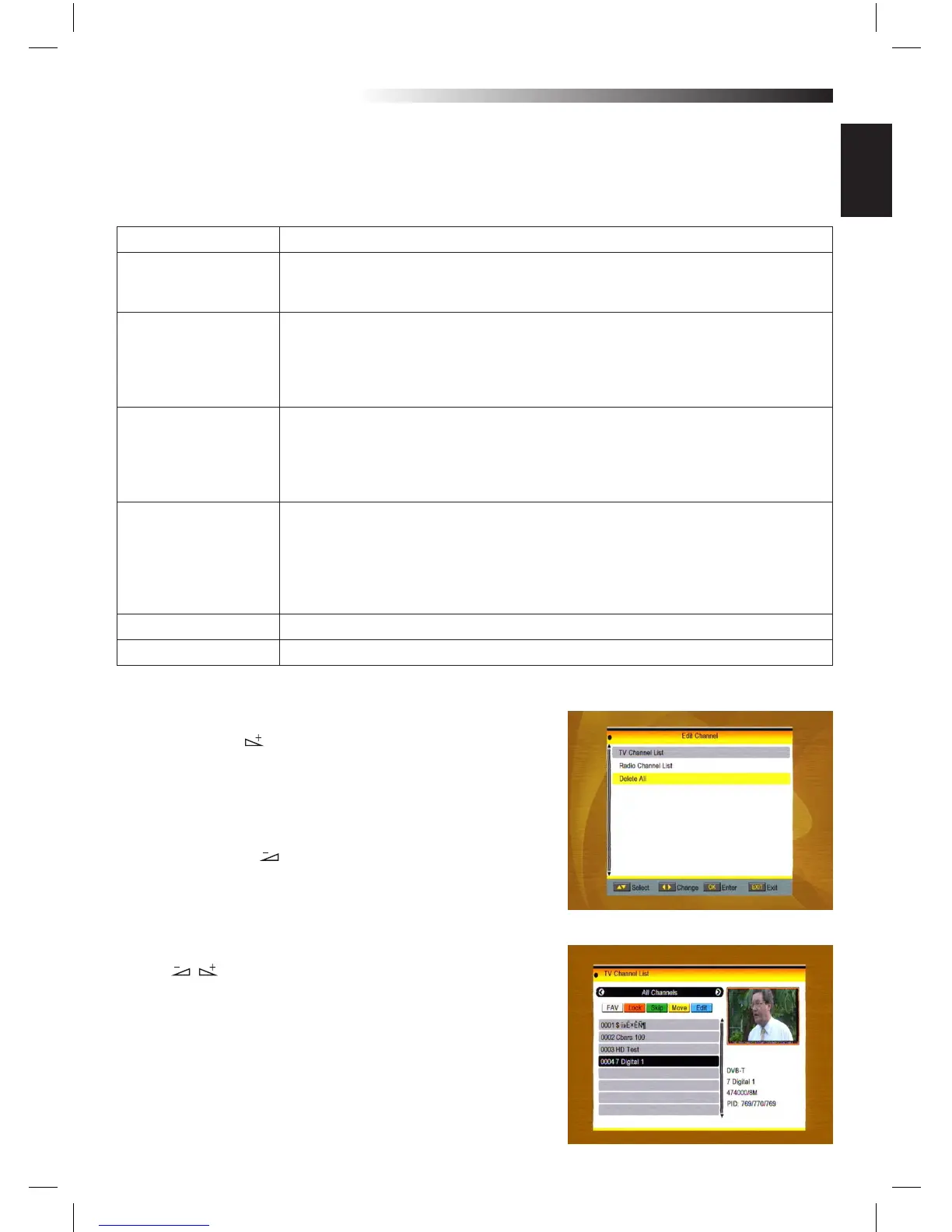
1. Edit Channel
1. Press OK key or key to pop up the “Input Password”
dialogue, you can not enter into the MENU unless the co-
rrect password is inputted.
The default password is “0000”.
2. Press PR+, PR- keys to move the cursor up or down.
3. Press EXIT key or key to move the focus to the left
MENU.
1.1 TV Channel List
1. Press keys to select satellite.
2. Press PR+, PR- keys to select the program that you want
to play, and then press OK key to view it in the small win-
dow. If move the yellow cursor to select up or down, you
will see a gray line which indicates the playing program in
the small window.
Sub-MENU
Turn grey when there’s no program
Edit channel TV Channel List
Radio Channel List
Delete all
Installation Antenna Connection Satellite List
Antenna Setup Single Satellite Search
Multi Satellite Search TP List
Terrestrial Manual Scan
Terrestrial Automatic Scan
System Setup Language TV System
Local Time Setting Timer Setting
Parental Lock OSD Setting
Favorite Other
Display Setting
Tools Information Factory Setting
Upgrade by USB Common Interface
Conditional Access Media Player
Remove USB device safely
Upgrade by Network Network Local Setting
Network DDNS Setting
Game Tetris Othello Sudoku
REC Storage Info DVR Conguration
MENU INFORMATION



 To Next Page