129
ENGLISH
4.4.4 Maturity Level
Input the PIN then Move cursor to Select Maturity level,you can select A-Over18, X-Erotic, G-General
audience,PG-Parental Guidance,move cursor to Change Maturity level button and press OK key,and then
system will pop up a dialogue informing you the changing result.
4.4.5 Subscription Status
Know the detail information of Subscription Status.
4.4.6 Even Status
Know the detail information of Event Status.
4.4.7 Token Status
Know the detail information of TOKens Status.
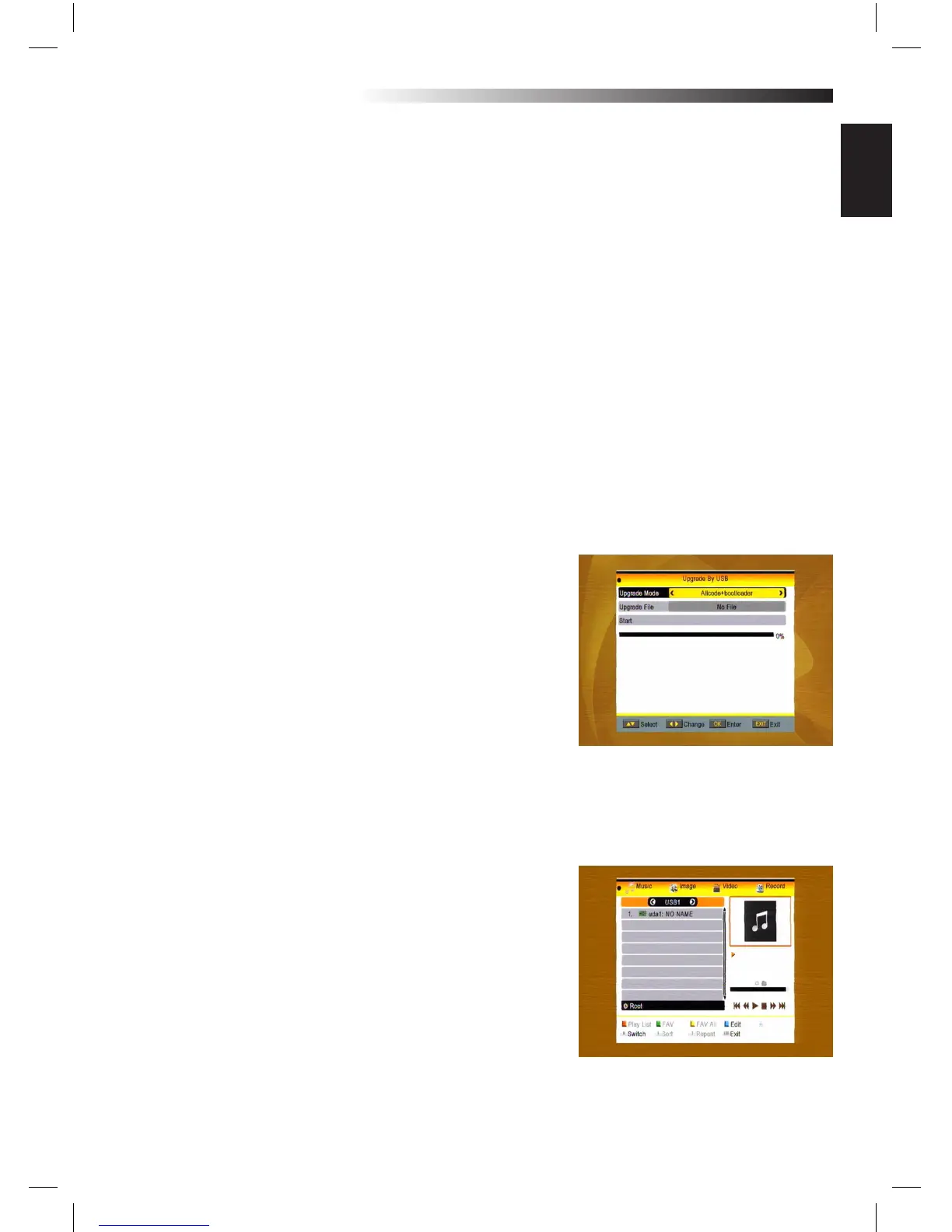
4.5 Upgrade by USB
1.Upgrade File: Show the Upgrade File.
2.Upgrade Mode: Select between AllCode and Dump. When users switch the upgrade mode, Upgrade File
will show the corresponding le according to the table below:
Upgrade Mode File feature
All code : File named as “*.abs”
Main Code: File named as *.abs
Radio back: File named as “*.abs”,
the picture will be used
as both radio back and
MENU back
Default db: File named as “*.abs”
Select the upgrade mode and upgrade le, then you can start upgrade by USB.
3.Press OK key on start button to start receiving the data from USB device. When the USB device is not
connected, this item is grey, you can not edit it now.
4.6 Media Player
This MENU will be disabled when no USB device is plugged.
Media Play List will not be saved when USB plug out or stan-
dby or power o.
Move scroll bar when press up/down key, page up or down
by page key. Go into sub-directory when press OK key in the
le directory, play the selected le when scroll bar is on the
le,automatic return USB MENU after play is over
MENU INFORMATION



 To Next Page