30
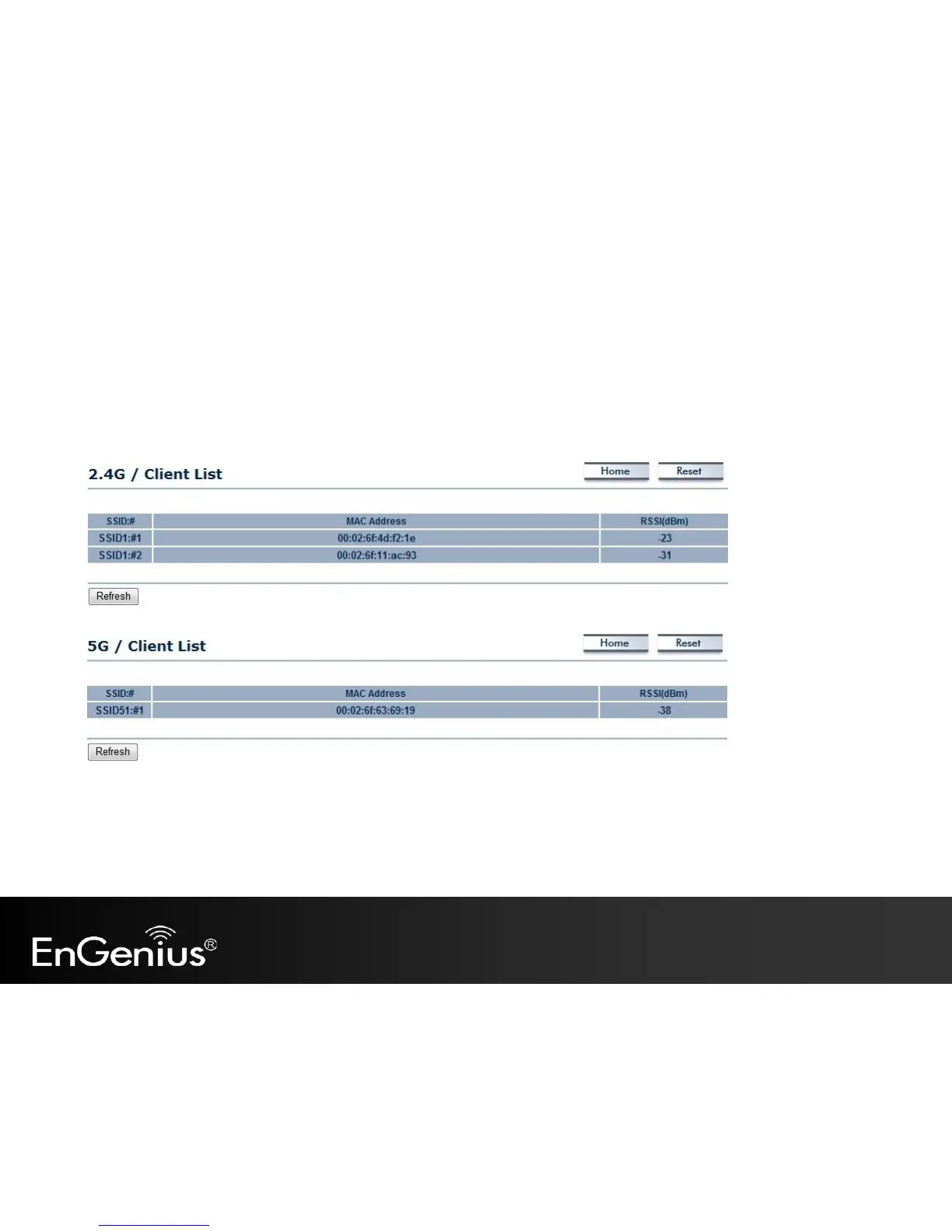
5.3 2.4G/5G Wireless Client List
Clicking the 2.4G/5G Wireless Client List link under the Status menu displays the list of clients associated to the EAP600’s
2.4GHz/5GHz, along with the MAC addresses and signal strength for each client. Clicking Refresh updates the client list.
Note: Only applicable in Access Point, WDS AP, and Repeater mode.



 To Next Page