31
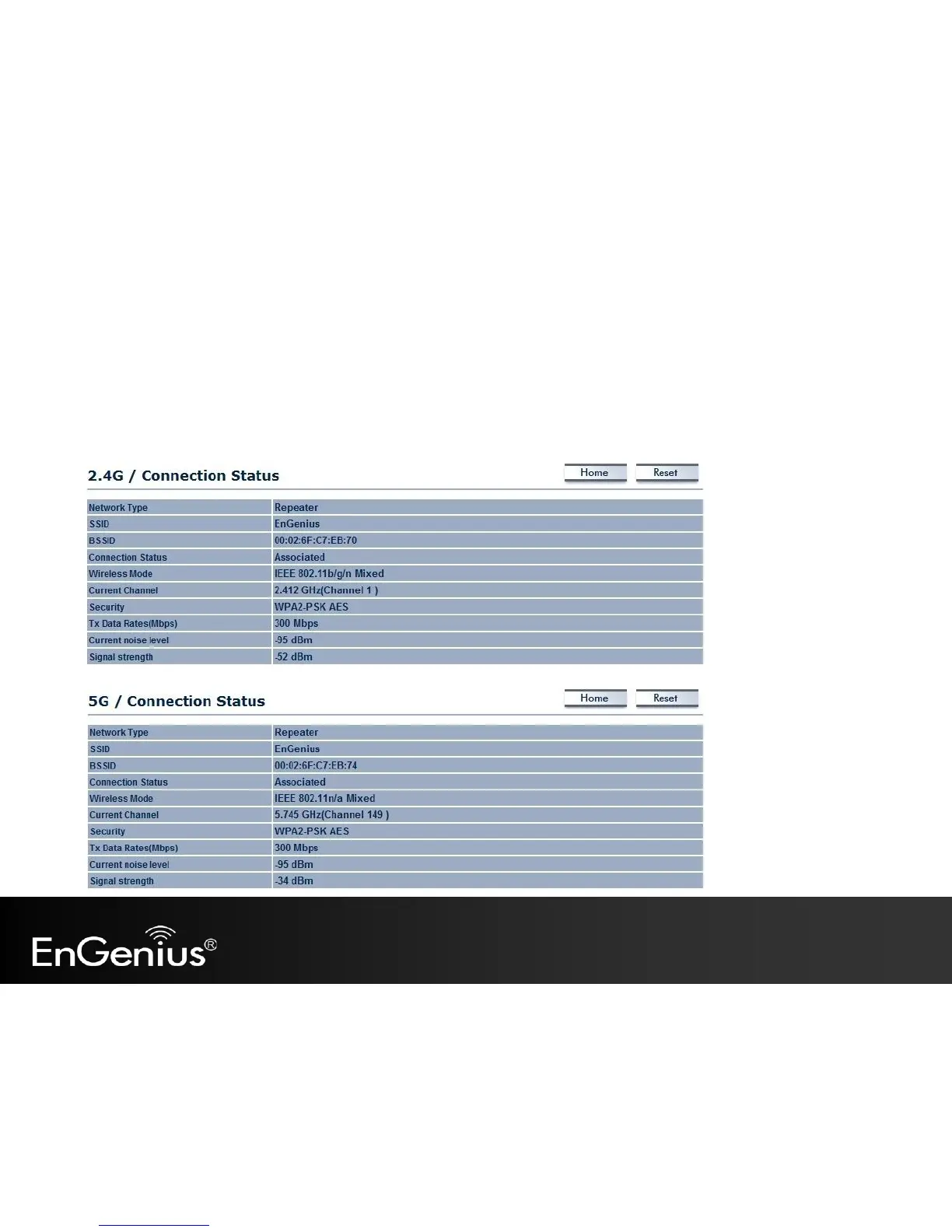
5.4 2.4G/5G Connection Status
Click on the 2.4G/5G Connection Status link under the Status menu. This page displays the current status of the Network,
including Network Type, SSID, BSSID, Connection Status, Wireless Mode, Current Channel, Security, Data Rate, Noise Level,
and Signal Strength.
Note: Only applicable in Repeater mode.



 To Next Page