53
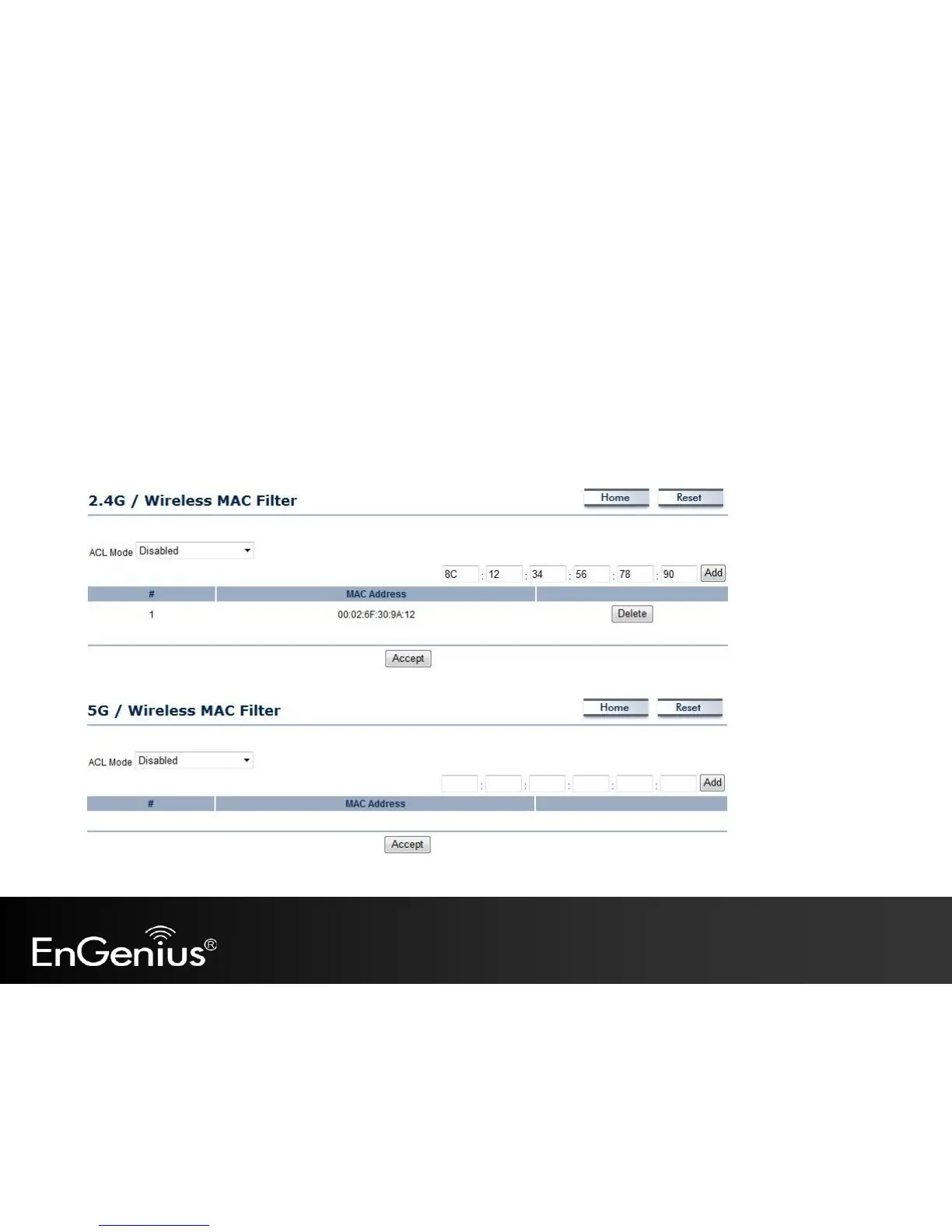
7.4 Wireless MAC Filtering
Wireless MAC Filtering is used to allow or deny network access to wireless clients (computers, tablet PCs, NAS,
smartphones, etc.) according to their MAC addresses. You can manually add a MAC address to restrict the permission to
access EAP600. The default setting is Disable Wireless MAC Filter.
Note: Only applicable in Access Point and WDS AP mode.



 To Next Page