59
5.ConguringManagedAP
(ThroughEnGeniusWirelessManagementSwitchGUI)
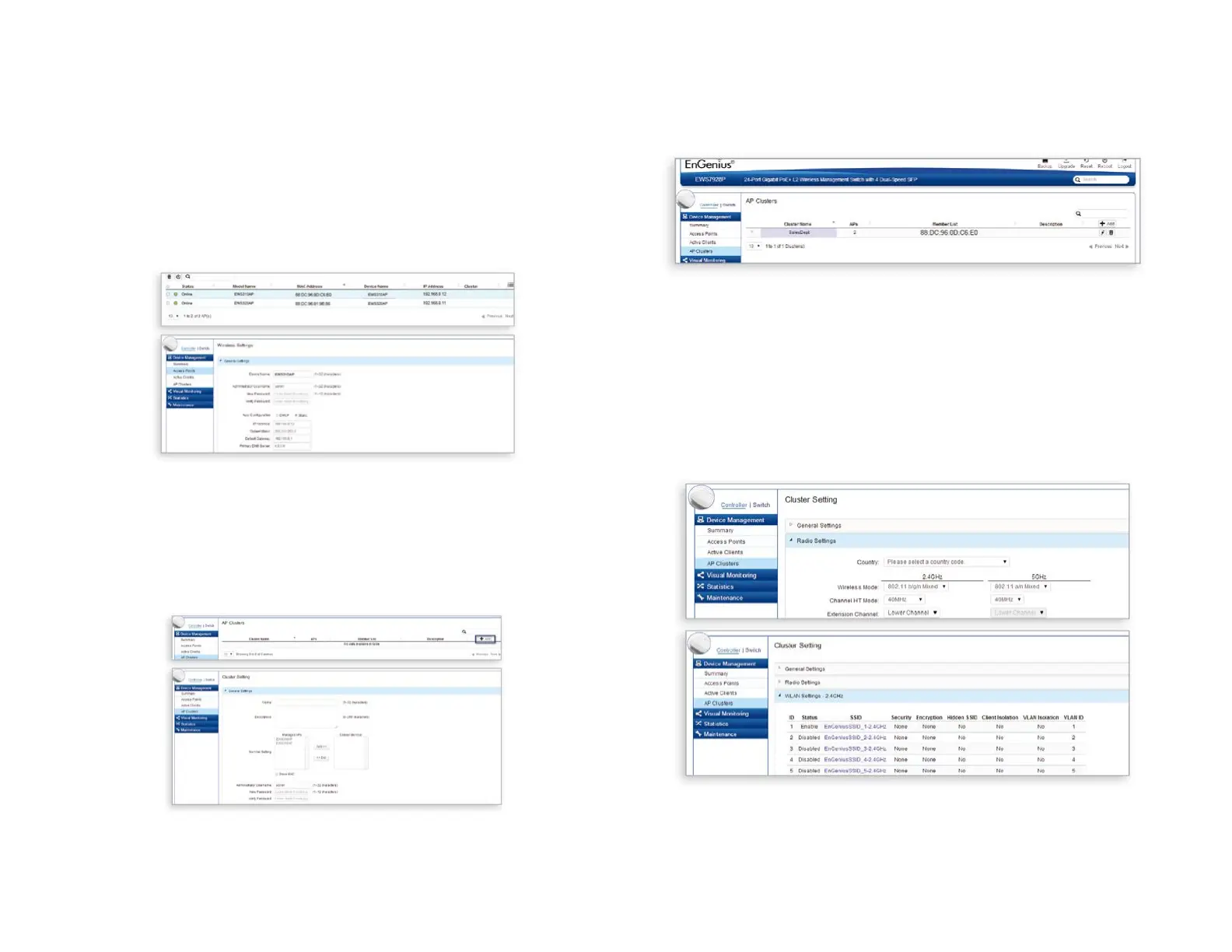
A)CongureManagedAP(s)throughtheGUIinterfacefrom
the switch for WLAN settings under Device Management.
Clickthe“DeviceName”inordertocongureyourManaged
AP.
B)AddManagedAP(s)tospecicAPClustertosavere-
petitivecongurationtasks.
C)Usersmaycreateseveralclusterssimultaneouslyto
accommodate their deployments under AP Clusters.
D)Fordistinctsettings,EnGeniusWirelessManagement
switchesstillofferindividualManagedAccessPointcus-
tomizationforclustermemberssuchasdifferentchannels
that best adapt your local WLAN deployments.















 To Next Page