IQ7+ and I Q7A Installation and Operation Manual - India
15 © 2023 Enphase Energy Inc. All rights reserved. August 2023
USM-00002-1.0
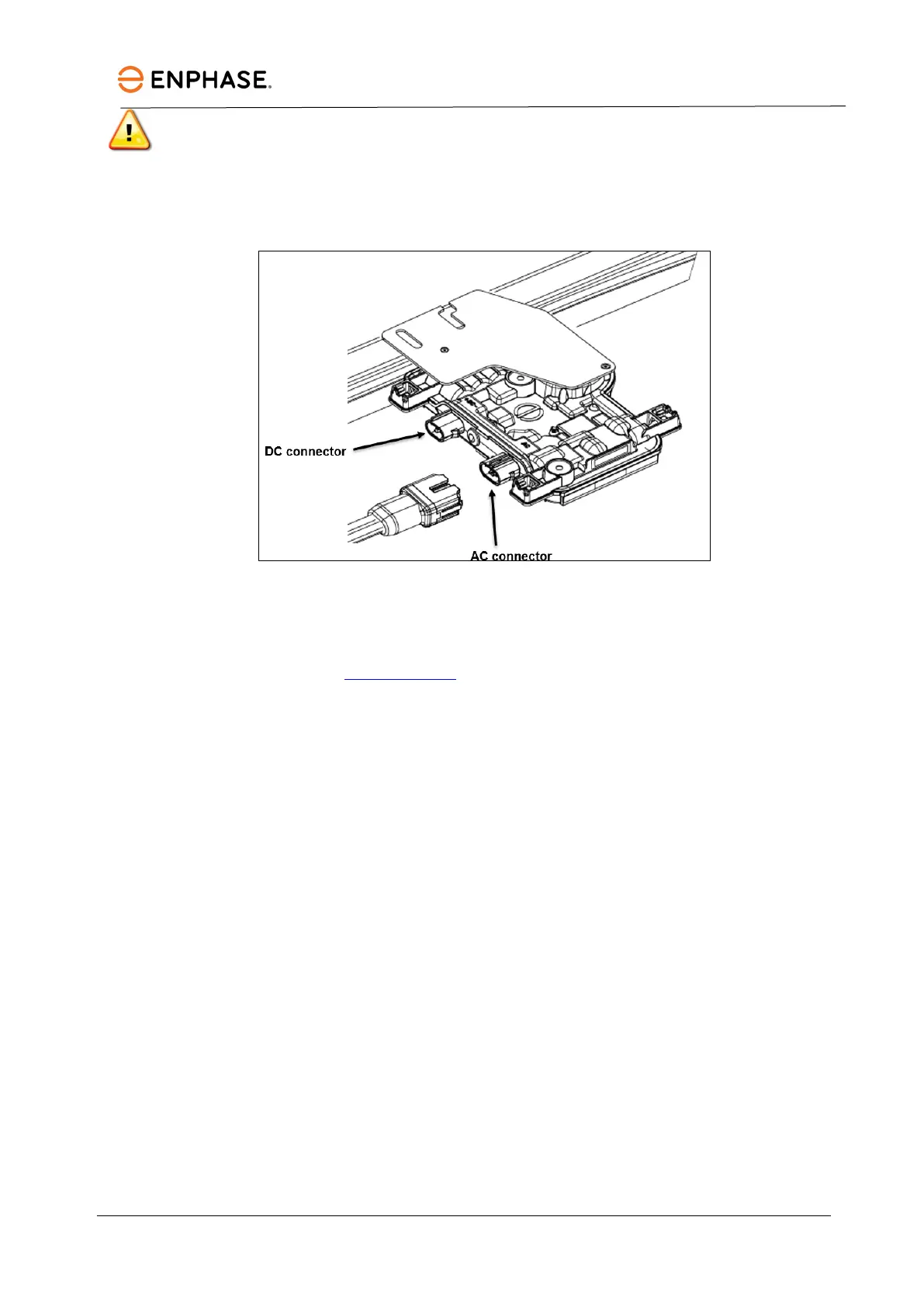
WARNING: Install the microinverter under the PV module to avoid direct exposure to rain, U V, and
other harmful weather events. Do not mount the microinverter upside down.
C. Torque the microinverter fasteners as follows. Do not over-torque.
• 6 mm mounting hardware: 5 N m
• 8 mm mounting hardware: 9 N m
Step 4: Create an installation map
The Enphase installation map is a diagram of the physical location of each microinverter in your PV
installation. Copy or use the blank installation map in this manual to record microinverter placement for the
system, or provide your own layout if you require a larger or more intricate installation map.
Each Enphase microinverter, IQ
Gateway, and IQ Relay has a removable serial number label. Build the
installation map by peeling the serial number labels from the microinverter mounting plates and placing the
labels on the map. You will also place the Enphase IQ
Gateway Metered and serial numbers on the map after
installation.
After creating the installation map, use the Enphase Installer App to record serial numbers and configure the
system.
For details, refer to “Detect the Microinverters” in the help topics of the Enphase Installer App.
A. Peel the removable serial number label from each microinverter and affix it to the respective location
on the paper installation map.
B. Peel the label from the IQ Gateway Metered, if installed, and affix it to the installation map.
C. Always keep a copy of the installation map for your records.
D. Peel the label from the IQ Relay, if installed, and affix it to the installation map.



 To Next Page