IQ7+ and I Q7A Installation and Operation Manual - India
23 © 2023 Enphase Energy Inc. All rights reserved. August 2023
USM-00002-1.0
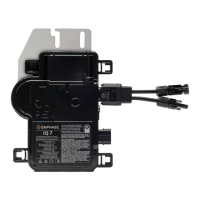
J. Add the new microinverter serial number to the IQ Gateway database by manually scanning the serial
number. Perform the following steps:
1. Open the Enphase Installer App.
2. Select your site name.
3. Connect your mobile device to the IQ Gateway via AP mode.
4. Go to Devices & Array.
5. Open IQ Microinverters & Array.
6. Click on Scan IQ Microinverter.
7. Scan the barcode of the microinverter.
8. After scanning, move to IQ Gateway Connectivity and provision the device.
K. Add the new microinverter serial number to the IQ
Gateway database by initiating a device scan
using one of the following methods:
a. Method 1: Initiate a scan using the Enphase Installer App
1. In the Enphase Installer App, navigate to the Overview screen once connected to the IQ
Gateway Metered.
2. From the Overview screen, tap Devices & Array > Start Device Scan to start a new 30-
minute device scan.
3. If device scanning on the IQ
Gateway Metered is inhibited, the app displays Scan Inhibited. If
you need to add more microinverters to the system when device scanning is inhibited on the
IQ Gateway Metered, you must use the Enphase Installer App scanning tool to provision
them on the IQ Gateway Metered rather than using the IQ Gateway Metered’s device
scanning function to discover them. If this is not possible and you need to enable device
scanning on the IQ Gateway Metered, contact Enphase Support.
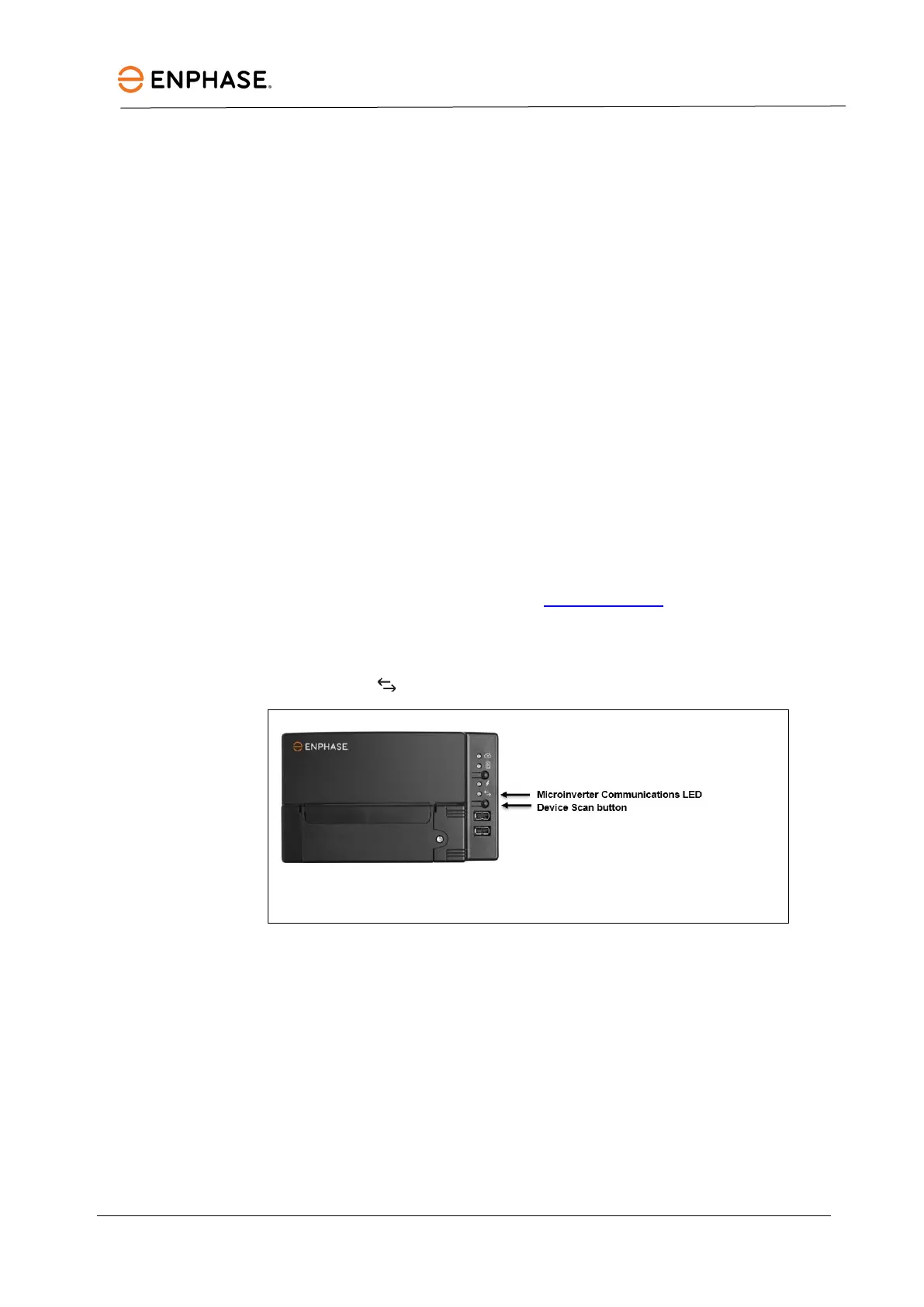
b. Method 2: Use an IQ Gateway Metered
1. Press the Device Scan button on the IQ
Gateway Metered. The IQ Gateway Metered begins a
15-minute scan to identify all the microinverters deployed at the site. The Microinverter
Communications LED flashes green during the scan.
L. Log in to the Enphase Installer App to use the Enphase Installer App’s array builder to add the newly
detected microinverter to the virtual a rray.
M. Ship the old microinverter to Enphase using the supplied return-shipping label.
Ordering replacement parts
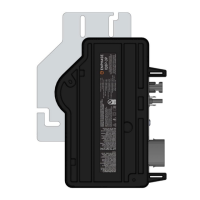
Replacement adaptors for the microinverter include:
• Q-DCC-2: cable assembly, DC adaptor to MC-4



 To Next Page