25
RAK111_ENG / © Ensto 2019
Ready for
use
Correct SW in use
Correct operating mode
• Standalone
• Online
12. Maintenance / Preventive Maintenance Instructions
1 x per year
WARNING! Danger of electrical shock or injury.
Disconnect power before working inside the device or removing any components.
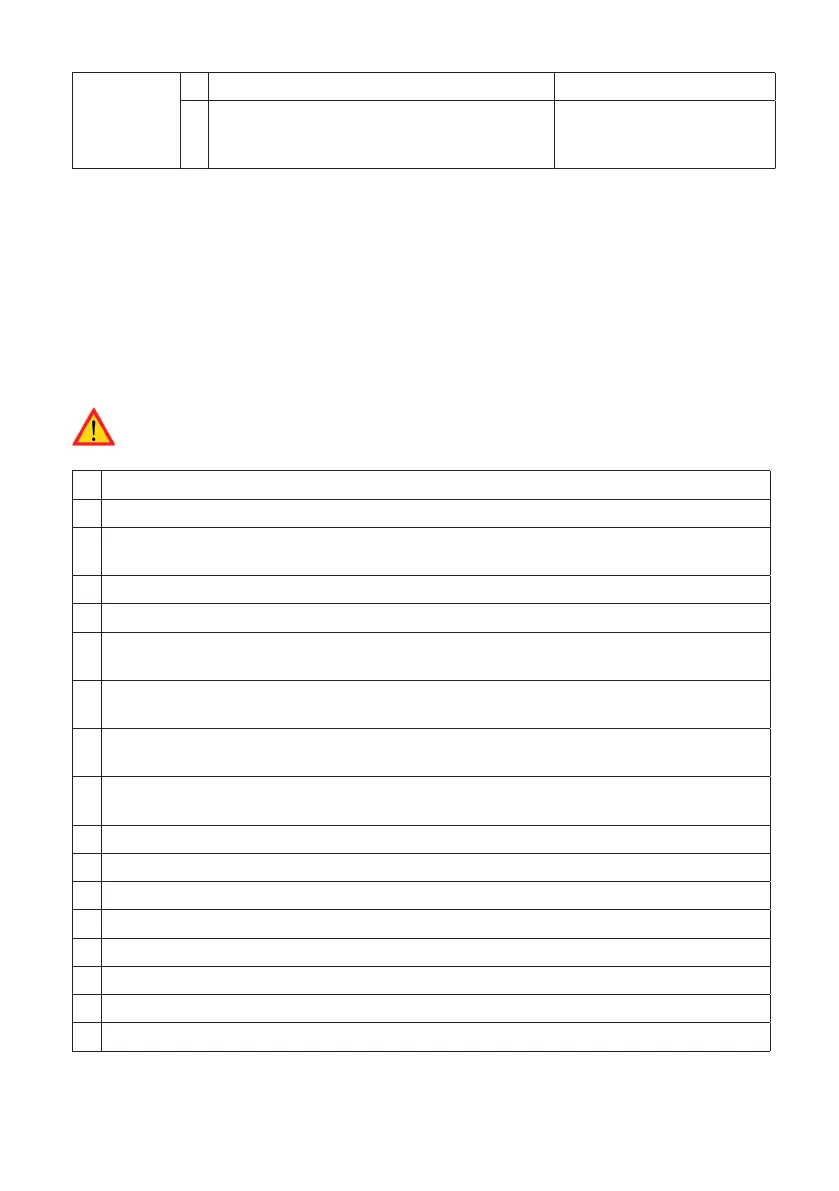
X MAINTENANCE ACTION
Retighten all screws (electric components).
Check the Mode 3 socket and if needed change it (burn or parts damage) (socket cost
not under warranty).
Check the charging cable and if needed change it.
Check the sealings.
Gently push the charging station with a hand to create vibration to ensure no bad contact
/ connection exist (wire or PCB).
Gently push the controller to create vibration to ensure no bad contact / connection exist
(wire or PCB).
Create fail and charge (with RFID card) to check all the LED states / color (green, blue, red)
and RFID reader is functioning.
Test available electricity at the sockets; use Mode 3 tester if needed. All the contacts (L1,
L2, L3 must be tested).
With Mode 3 tester, test the functioning of Mode 3 (from green to blue).
Check tightness of the PE-cable screw.
Test voltage between PE and N (must be less than 10 V).
Test PE conductor resistance (must be less than 3 Ω).
Test the surge arrester, if there is any.
SW update if needed (if in service contract).
Restart the station from F0, ensure it will restart properly.
EVB101: Test the function of the RCD / MCB twice a year by pressing the “Test” button.


 To Next Page