35
RAK111_ENG / © Ensto 2019
17. Troubleshooting
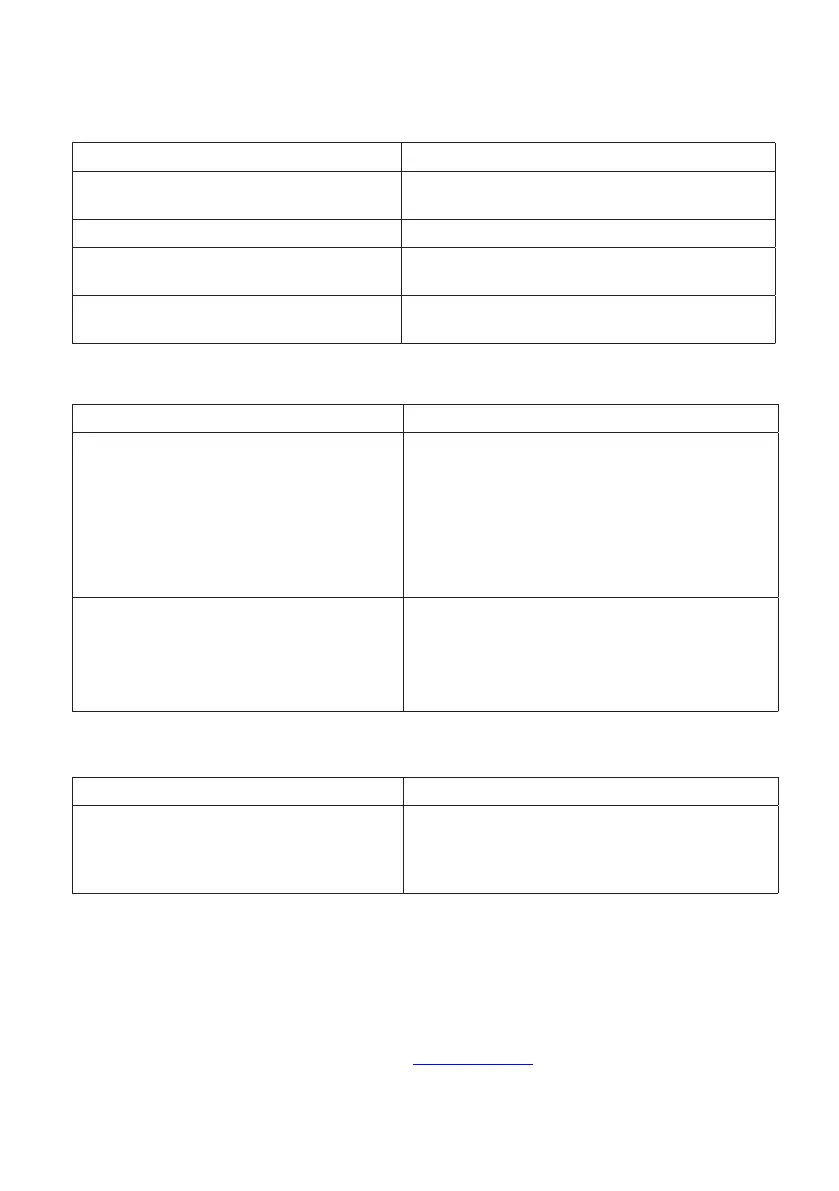
Charging station is o, no lights on
Issue Corrective action
Mains voltage does not exist in supply
connector L1.
Ensure proper power supply.
Circuit breaker F0 is o. Turn F0 on.
12V power unit has no LED on. Ensure 230V power supply to 12V power unit; if
ok replace the power unit.
The controller has no PWR LED on. Ensure power supply to the controller; if ok re-
place the controller.
Charging cable is locked in Mode 3 socket outlet
Issue Corrective action
Unexpected fault has occurred while pow-
er is on.
Option 1:
If equipped with Mode 3 lock release functional-
ity, turn o the power from F0 and pull charging
cable out from the socket.
Option 2:
Turn o the power. Switch Mode 3 lock manu-
ally into open position.
Power is o. Open the front cover. Switch Mode 3 lock into
open position.
Note! If the station has a Mode 3 Lock Release
functionality, then during power cut the Mode 3
lock opens automatically.
Conguration via web browser
Issue Corrective action
PC does not recognize micro USB plug and
connection to the controller cannot be es-
tablished via web browser.
Check from Windows 7 / 10 operating system
settings via “Device Manager” that RNDIS
network adapter is available. If not, update the
related Windows driver.
18. Warranty
Warranty conditions, see the product card on www.ensto.com.


 To Next Page