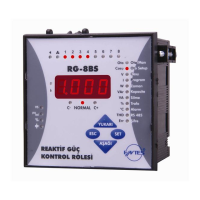
POWER FACTOR CONTROLLER
RG3-12C/CS
25
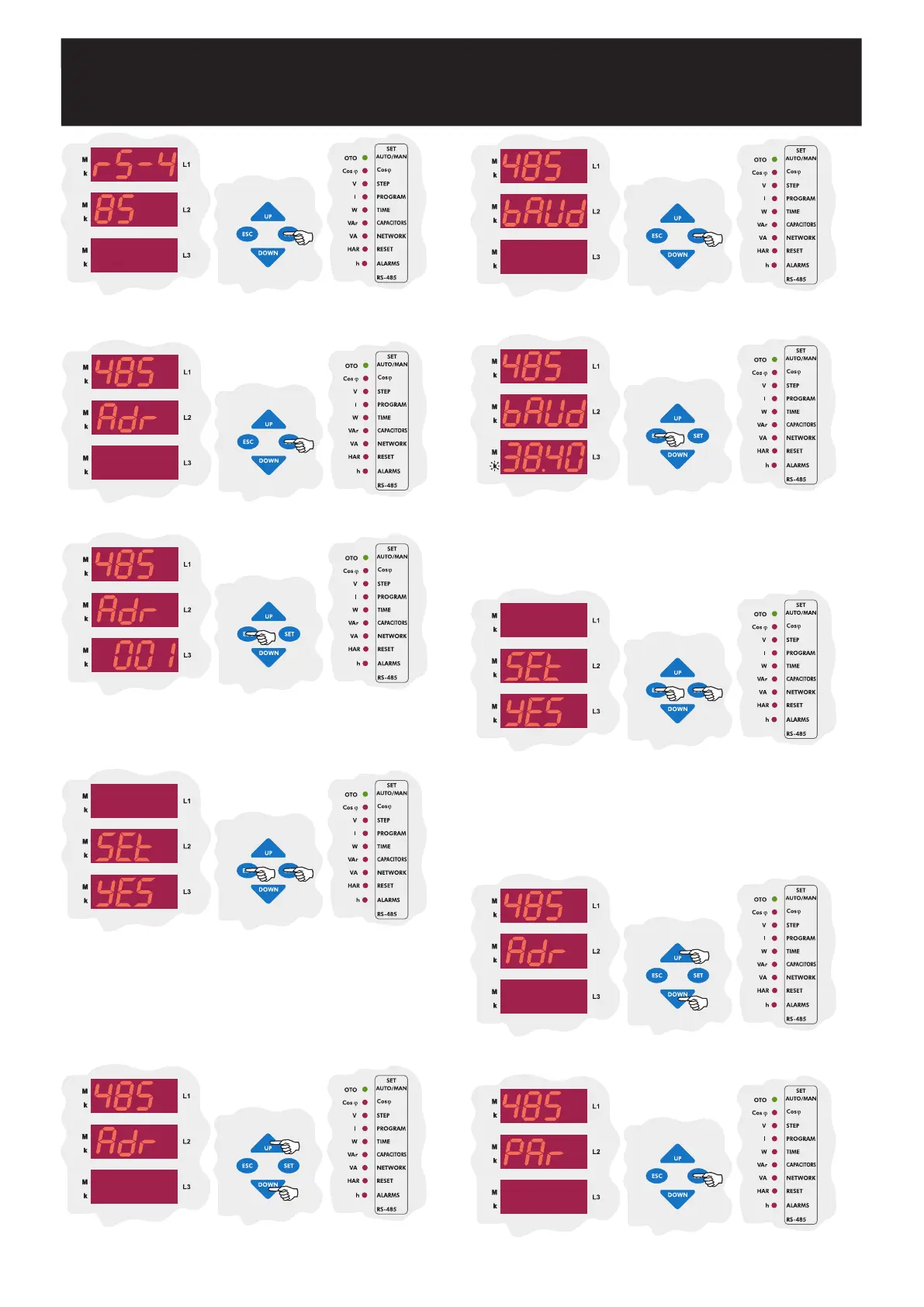
The first parameter in the computer communication menu(RS-485) is the
address setting(Adr). Prass the SET button for address setting.
Press the SET button to set the address value.
Enter the communication address between 1-247 and press the SET
button.
If you are going to change another setting, return to the menu by
pressing the SET button.
If you do not want to set another parameter,
press the ESC button.
In this menu, baud rate value can be set as 1.200 Kbps, 2.400 Kbps, 4.800
Kbps, 9.600 Kbps, 19.200 Kbps or 38.400 Kbps as defined in the
communication software.
3.11.b Baud Rate Setting
Using the UP/DOWN buttons, enter baud rate value (1.200 - 2.400 -
4.800 - 9.600 - 19.200 - 38.400) and press the SET button.
If you are
going to change another setting, return to the menu by pressing the
SET button.
If you do not want to set another parameter, press the
ESC button.
In this menu, Parity value can be set as no, odd or EVEn.
3.11.c Parity Setting
SAUE
If you want to leave the setup menu without making any other changes,
press the ESC button until SAVE SEt yES shows on the screen. If
you want to save the changes, press the SET button. If not, press the
ESC button.
Using the UP/DOWN buttons, find baud rate menu(bAUd) which is the
second parameter in the RS-485 menu.
Press the SET button to enter the baud rate menu(bAUd).
SAUE
If you want to leave the setup menu without making any other changes,
press the ESC button until SAVE SEt yES shows on the screen. If
you want to save the changes, press the SET button. If not, press the
ESC button.
Using the UP/DOWN buttons, find the parity menu(PAr) menu which is
the third parameter in the RS-485 menu.
Press the SET button to enter the parity menu(PAr).


 To Next Page