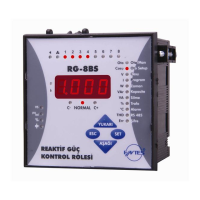
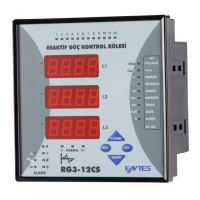
POWER FACTOR CONTROLLER
RG3-12C/CS
12
2
SAUE
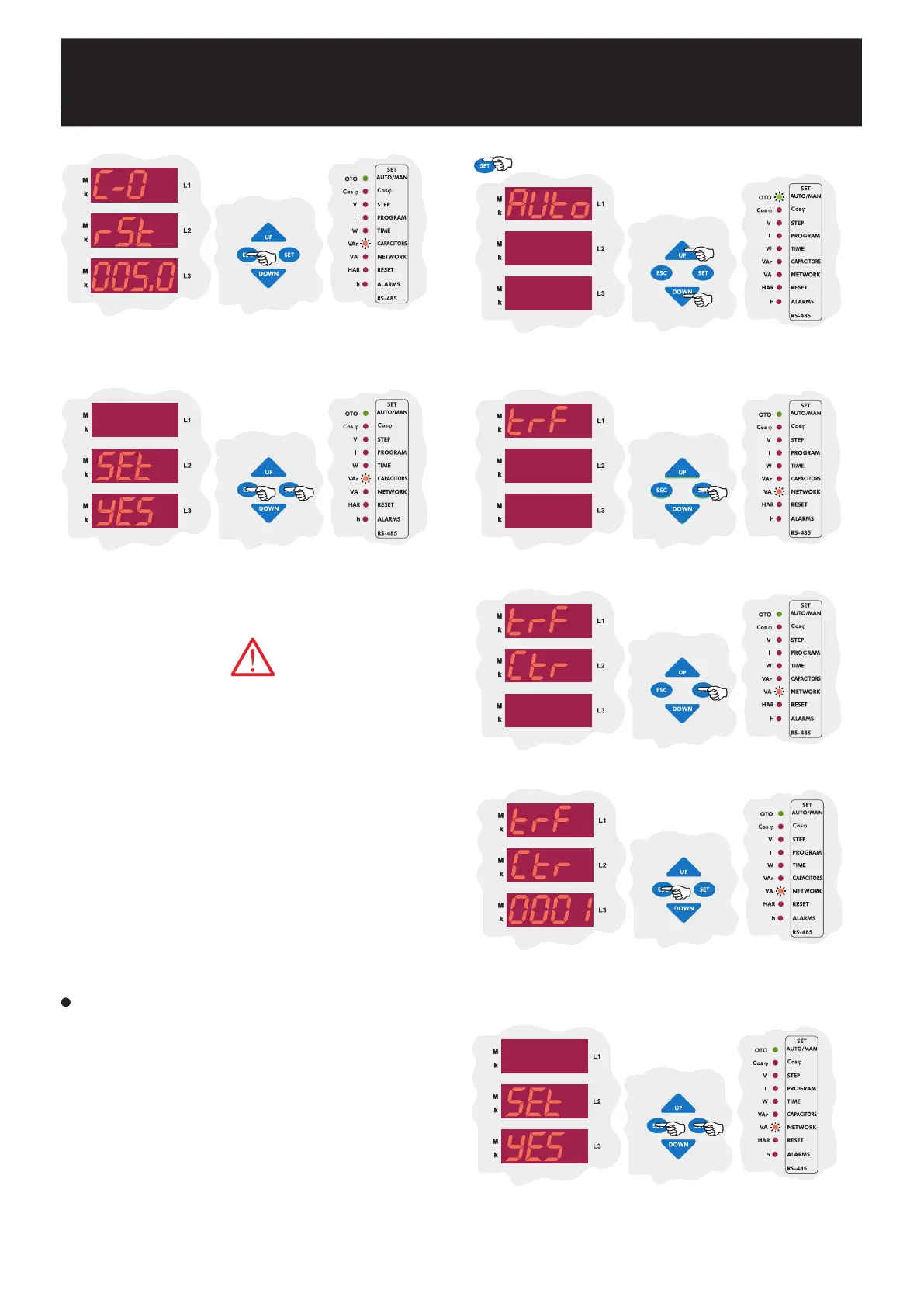
If you want to leave the setup menu without making any other changes,
press the ESC button until SAVE SEt yES shows on the screen. If
you want to save the changes, press the SET button. If not, press the
ESC button.
Enter the power value of the second capacitor step and then press the
SET button. If you do not want to set another parameter, press the ESC
button.
CAP C-03
In this menu, capacitor setting for third step are done.
CAP C-04
In this menu, capacitor setting for fourth step are done.
CAP C-05
In this menu, capacitor setting for fifth step are done.
CAP C-06
In this menu, capacitor setting for sixth step are done.
CAP C-07
In this menu, capacitor setting for seventh step are done.
CAP C-08
In this menu, capacitor setting for eighth step are done.
CAP C-09
In this menu, capacitor setting for nineth step are done.
CAP C-10
In this menu, capacitor setting for tenth step are done.
CAP C-11
In this menu, capacitor setting for eleventh step are done.
CAP C-12
In this menu, capacitor setting for twelveth step are done.
Above capacitor steps settings are done just like second capacitor step
setting (C-02).
In this menu, current transformer ratio can be set between 1-2000.
For example : For a 150/5 current transformer, CT ratio must be set as
30.
Note : Be aware that this value is entered as a ratio, not CT primary
or secondary value.
3.7.a Current Transformer Ratio Setting
To obtain accurate power values when calculating the capacitor step
powers, current and voltage transformer ratios must be entered correctly.
If these ratios are entered incorrectly, the calculated capacitor step powers
will be incorrect. When these ratios arent entered, the device will set these
ratios as 1 and capacitor step powers will be calculated according to
this setting.
Current and voltage transformer ratios can be set separately.
Using the UP/DOWN buttons, find current and voltage transformer ratio
menu (trF). When this menu is selected, Transformer (VA/TRF) LED turns
on.
Press the SET button to enter to the CT and VT ratio setting menu.
Enter CT ratio between 1-2000 and press the SET button.
If you do not want
to set another parameter, press the ESC button.
SAUE
If you want to leave the setup menu without making any other changes,
press the ESC button until SAVE SEt yES shows on the screen. If
you want to save the changes, press the SET button. If not, press the
ESC button.
3.7 Current and Voltage Transformer Ratio Settings
Press the SET button for 3 sec. in order to enter to the menu.
3 sec.
The first setting in the CT and VT ratio menu is the CT ratio menu.
Press the SET button to set CT ratio.


 To Next Page