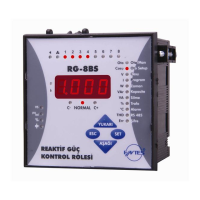
POWER FACTOR CONTROLLER
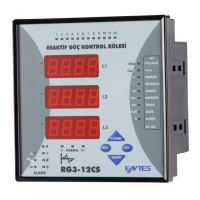
RG3-12C/CS
10
Discharge time must be set according to determined time periods by the
capacitor suppliers. If discharge coil or contactors, which have discharge
coils, are used, discharge time can be shorten according to do instructions
defined by the suppliers.
3.5.c Discharge Time Setting
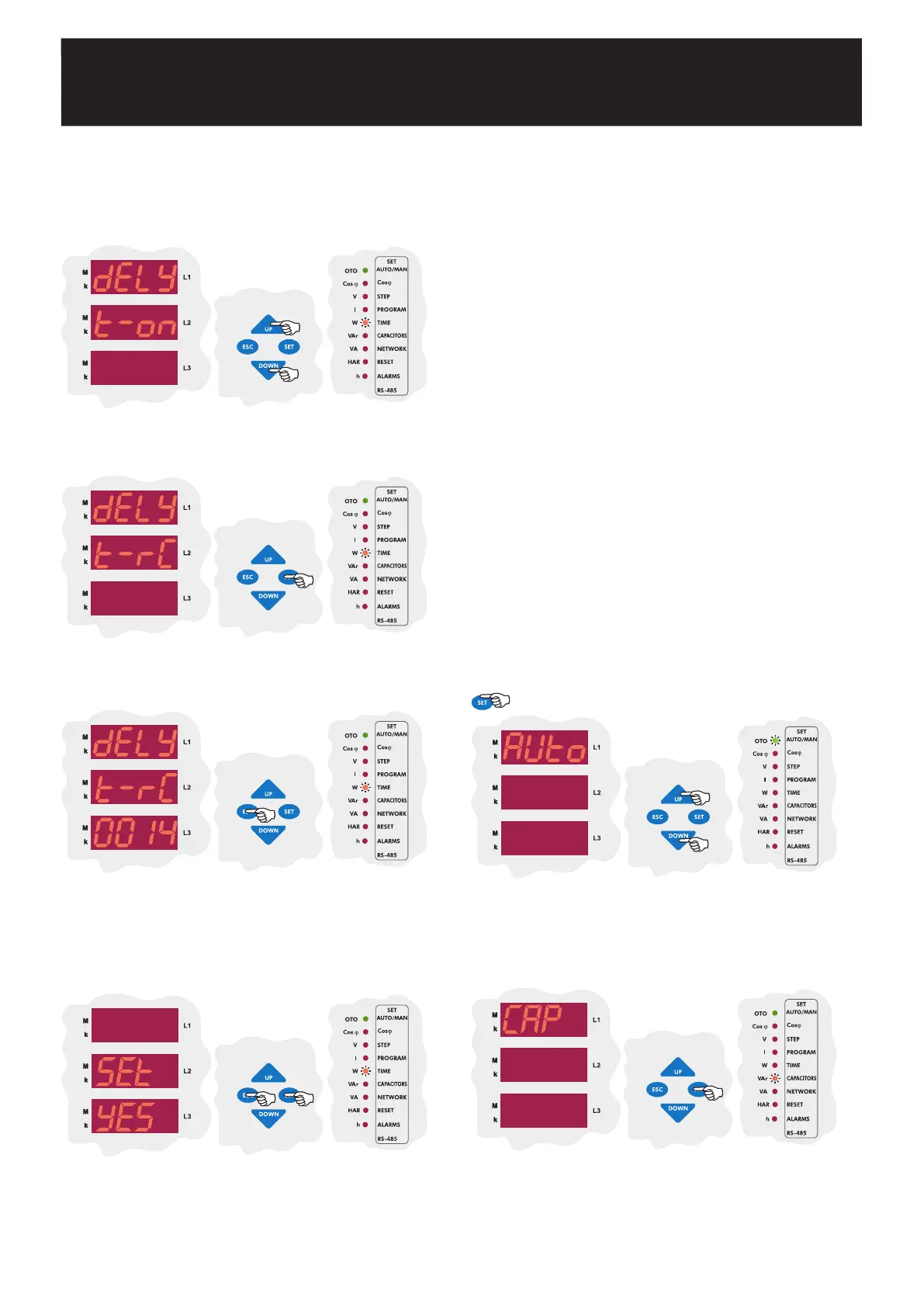
Using the UP/DOWN buttons, select the discharge time menu
(dELy t-rC).
Press theSET button to set discharge time.
Enter a value between 1-1800 seconds and then press SET
button. Using the UP/DOWN buttons, enter to another menu
option which you wish to change. If you are not going to change
any more settings, press the ESC button.
SAUE
If you want to leave the setup menu without making any other
changes, press the ESC button until SAVE SEt yES shows
on the screen. If you want to save the changes, press the SET
button. If not, press the ESC button.
3.6.a First Capacitor Step Setting
First capacitor step is used to find connection. Therefore, a 3-phase
capacitor must be connected to the first step. For this reason, it isnt possible
to set the connection setting for first capacitor step and it is always selected
RST type.
When setup parameter is selected as on in Auto menu, if any program
except PS-10 is selected, power value of the first capacitor step is measured
and other steps power values are calculated according to selected program.
When setup parameter is selected as of, power values of all capacitor
steps (including first capacitor step) can be set manually.
Note : When setup parameter is selected as on in Auto menu, after
completing the measurement of capacitor powers according to the
selected program, RG3-12C/CS continues to work in setup:of mode.
In this menu, power values and connection types of all capacitor steps can
be set.
There are 5 different connection types for capacitors which are R, S, T,
RST and off. Also capacitor step measurement for power values can be
set between 0,020-2,000 kVAr. If a capacitor step is set as off, there is
no need to set any power value.
Note : For the first capacitor step. There isnt a connection type setting.
RST connection type always must be selected because first capacitor
step is used to detect correct connection.
Note : If the 10th program is selected, capacitor powers can be set
separately for each capacitor step. However; if any program except
PS-10 is selected, only first capacitor steps power value (C-01) can be
set manually. Capacitor powers for other steps are calculated in 3-
phase according to the selected program.
3.6 Power Value and Connection Type Settings
for Capacitors
Using the UP/DOWN buttons, select capacitor (CAP) menu.
When capacitor menu is displayed, capacitor (C/VAr) LED turns
on.
Press the SET button to enter capacitor settings menu.
Press the SET button for 3 sec. in order to enter to the menu.
3 sec.


 To Next Page