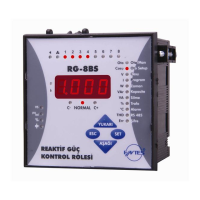
POWER FACTOR CONTROLLER
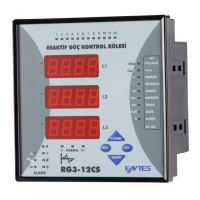
RG3-12C/CS
7
The last capacitor step number is entered between 1-12 for RG3-12C/CS
in this menu. For example; if this number is entered as 8, only the steps 1
through 8 will be operated by the device. After this setting is changed, the
device must be de-energised and re-energised. If not, the active steps
which arent selected may stay activated.
NOT: When program 10(PS-10) is selected, it is better if the last capacitor
step number is set as 12. When program 10 is selected, the activation
and deactivation of the steps without a capacitor connected to them
is not an issue because with program 10, the connection for these
steps can be set as oFF. The last capacitor step number should be
used with the switching sequences other than the 10th.
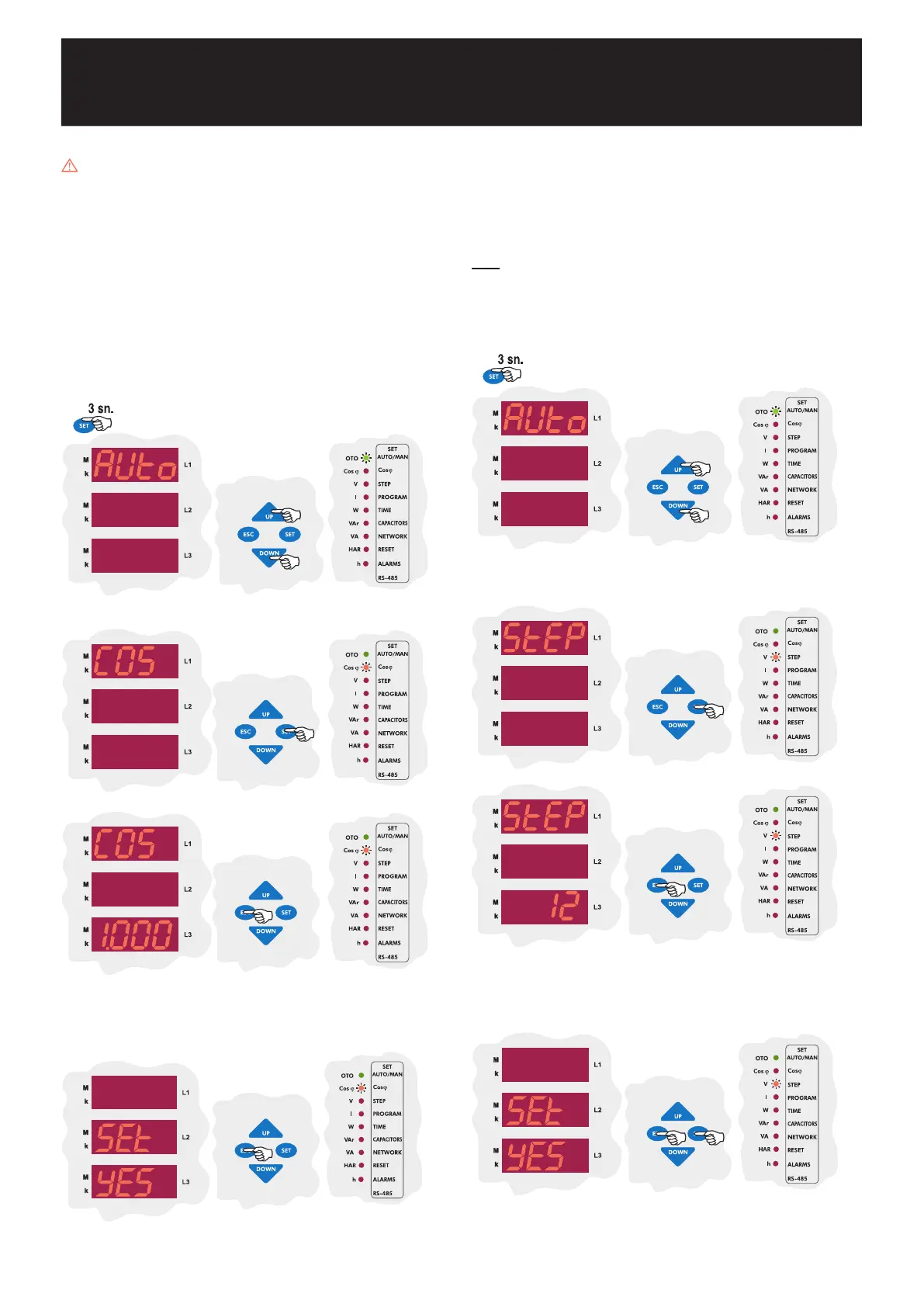
3.3 Last Capacitor Step Number Setting
Press SET button for 3 sec. in order to enter to the menu.
Using the UP/DOWN buttons, find the step number(StEP) menu
option. When the step number setting menu is selected, the STEP
LED will turn on.
SAUE
If you want to leave the setup menu without making any other
changes, press the ESC button until SAVE SEt yES shows
on the screen. If you want to save the changes, press the SET
button. If not, press the ESC button.
Press the SET button to enter the last capacitor step number.
Using the UP/DOWN buttons, enter a last capacitor step number
between 1-12 and press the SET button.
Using the UP/DOWN buttons, enter to another menu option
which you wish to change. If you are not going to change any
more settings, press the ESC button.
3.2 Target Cosj and Target Cosj2 Value Setting
The device has two target Cosj values as Cosj ve Cosj2.
If there is a voltage between 110-250 VAC present on the generator inputs
of the device, the target Cosj set on the device is deactivated and target
Cosj2 is activated. Then the device starts the compensation according to
target Cosj2. This operation mode continues until the voltage on the generator
input is disappeared.
Target Cosj ve Cosj2 values may be adjusted between 0,800 ... -0,800 by
the user. Negatif values represent Capacitive region and positive values represent
Inductive region. RG3-12C/CS tries to match the systems Cosj to the user
defined value. If the need for compensation of a phase is lower than 0,625 times
of the capacitor which is connected to that phase, the device doesnt activate or
deactivate any steps and stays at NORMAL status
. If there arent any connected
capacitors on that phase, the device operates according to one-third(the power
for that phase) of the 3-phase capacitor with the lowest power value.
Target Cosj and Cosj2 values may be entered between 0,800 ... -0,800.
Negative values represent Capacitive Region, positive values represent Ýnductive
Region.
3.2.a Inductive / Capacitive Cosj and Cosj2 Setting
Press the SET button for 3 sec. in order to enter to the menu.
Using the DOWN / UP buttons, find the Target Cosj (COS or
COS2) menu option.
Press the SET button to enter the Target Cosj menu.
Using the UP/DOWN buttons, enter a Cosj value between -
0,800 ... 0,800 and press the SET button.
Using the UP/DOWN buttons, enter to another menu option
which you wish to change. If you are not going to change any
more settings, press the ESC button.
If you want to leave the setup menu without making any other
changes, press the ESC button until SAVE SEt yES shows
on the screen. If you want to save the changes, press the SET
button. If not, press the ESC button.
SAUE


 To Next Page