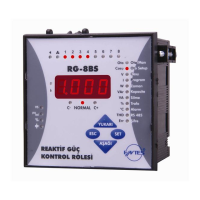
POWER FACTOR CONTROLLER
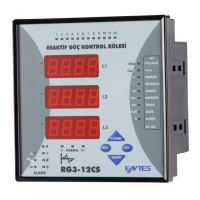
RG3-12C/CS
26
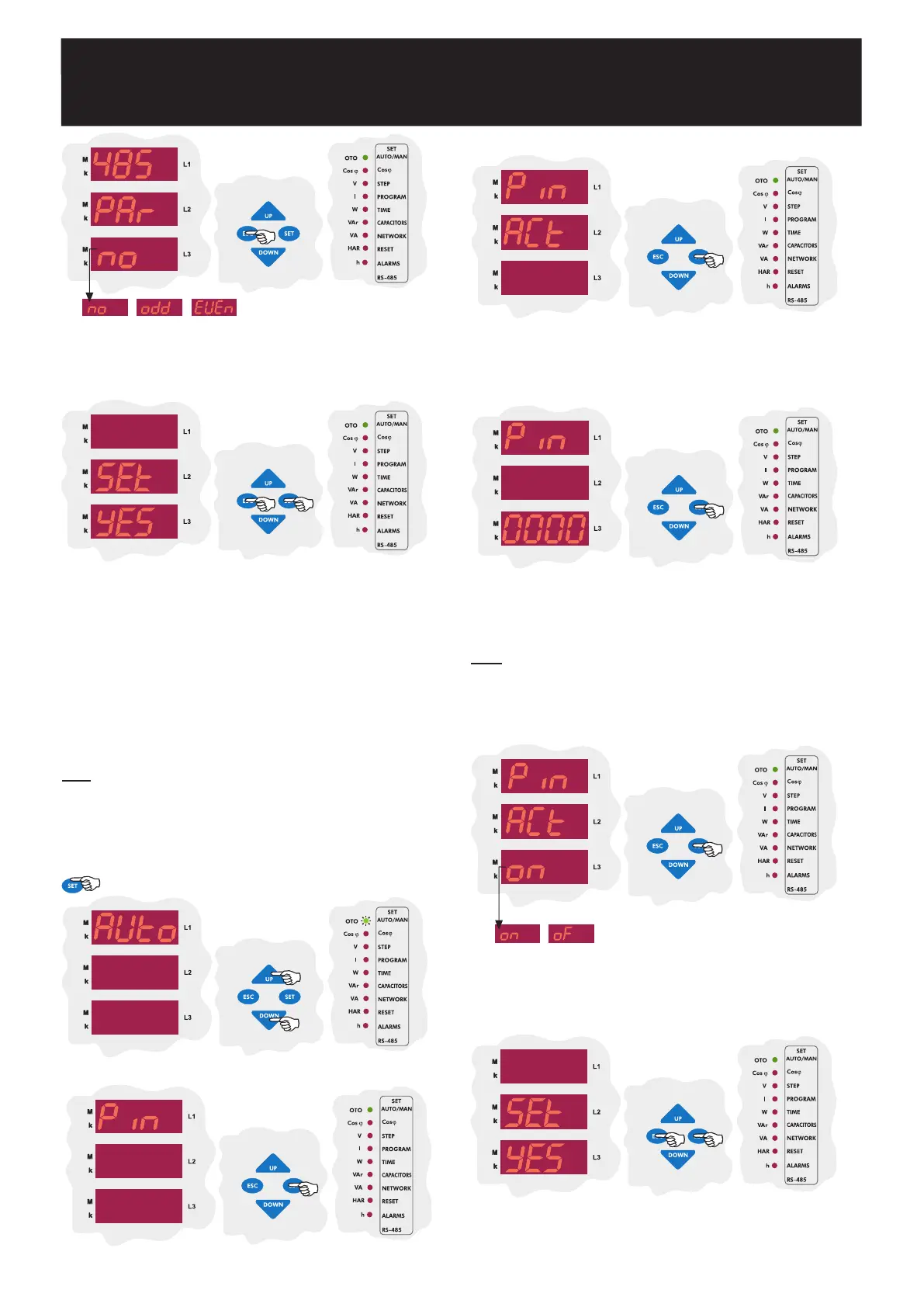
The first parameter in the password menu is the parameter activation
menu(Pin ACt). According to this setting, password for the device menu
can be set inactive or active. Press the SET button to enter this
menu.
SAUE
If you want to leave the setup menu without making any other changes,
press the ESC button until SAVE SEt yES shows on the screen. If
you want to save the changes, press the SET button. If not, press the
ESC button.
If you did not activate the password before, enter the pin code as 1234.
If you changed the password before, enter that password. Press SET
button to change the password activation setting.
Note: While entering the pin code, the blinking digit represents the digit
which will be set. Press the UP/DOWN buttons to increase/decrease
the value of the related digit. Press SET button to set the next digit or
press ESC button to set previous digit.
Using the UP/DOWN buttons, select the Pin ACt as on or of and
then press the SET button.
If you are going to change another setting,
return to the menu by pressing the SET button.
If you do not want to
set another parameter, press the ESC button.
In this menu, user password is activated. When the password is activated,
a pin code is always required before entering to the menu.
User password can be changed and activated in this menu. When the
password is activated, a pin code is always required before entering to
the menu.
Thus, user password prevents any change to the settings of the device
by unauthorized people. For this reason, a pin code with 4 digits must be
set and then it must be activated.
Note: Factory default value for pin code is 1234 and it is not activated.
3.12 Password Activation and Change Settings
3.12.a Pin Activation
Using the UP/DOWN buttons, find Pin menu.
Press SET button to enter the password menu.
Using the UP/DOWN buttons, select a parity option and press the SET
button.
If you are going to change another setting, return to the menu by
pressing the SET button.
If you do not want to set another parameter,
press the ESC button.
SAUE
If you want to leave the setup menu without making any other changes,
press the ESC button until SAVE SEt yES shows on the screen. If
you want to save the changes, press the SET button. If not, press the
ESC button.
Press the SET button for 3 sec. in order to enter to the menu.
3 sec.


 To Next Page