Program Guide
2322
Program Guide
Using Program Guide
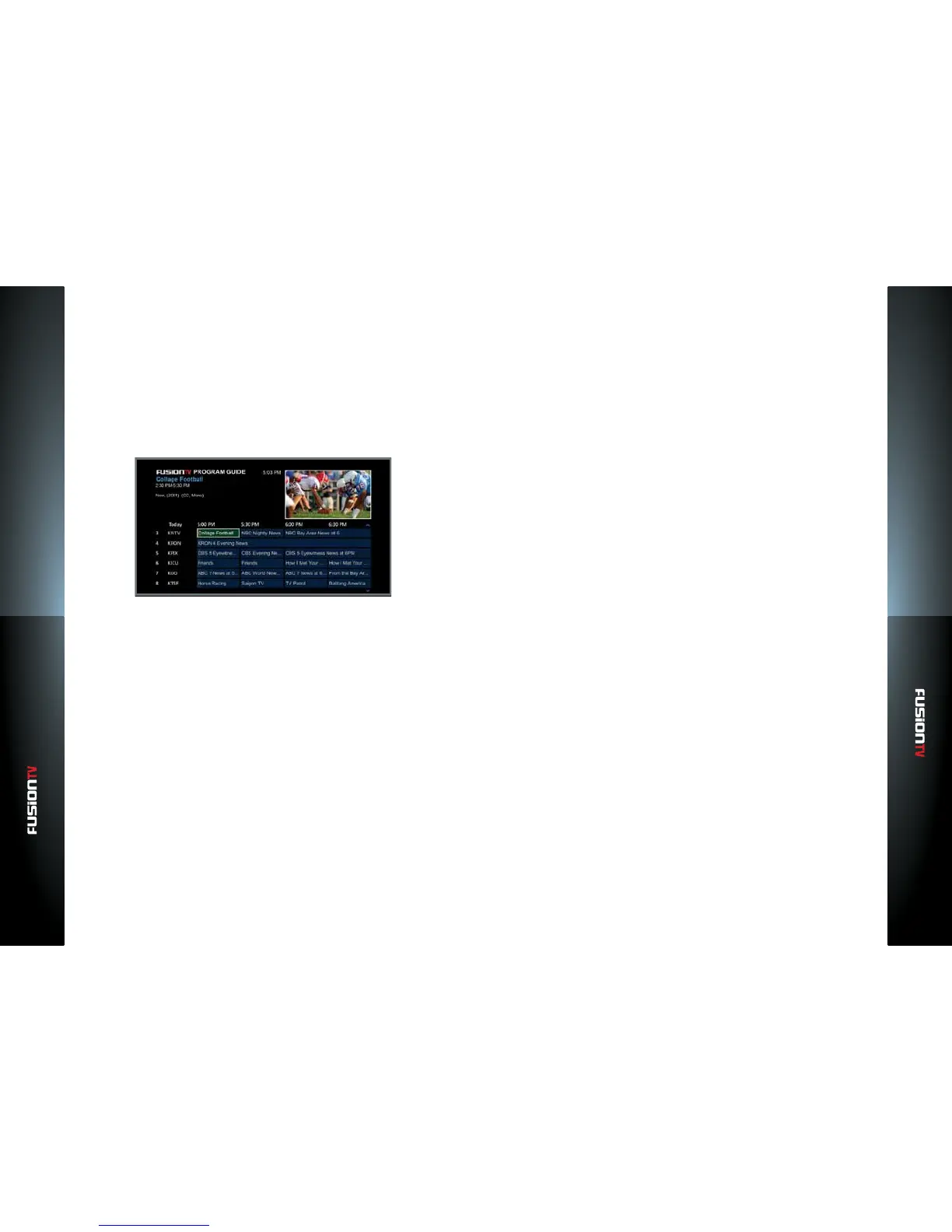
Program Guide provides a guide listing for your TV programs. It can be activated
by pressing the GUIDE button on the remote control, allowing you to watch
what programs are currently playing now, what programs will air in the future,
and information about the highlighted programs.
NOTE: Please ensure you have properly connected the coaxial cable to your CABLE/ANT IN
and if using CableCARD that the card is securely seated inside the slot on the back of
your device to receive the data. Also make sure your device is connected to a broadband
connection to ensure your Program Guide is properly updated.
Navigate Program Guide
To view the Program Guide, press the GUIDE button on your remote
control, or from the Main Menu, select “SEARCH” then “Program Guide”.
Use the ARROW KEYS to scroll through channels and program options.
— Use the CH/PG button to page up and down through the Program
Guide.
Press OK to select a program or to select highlighted program, recording,
and playback options.
Use the OPTIONS button to open the program, recording, or playback
option menus depending on whether the program is current, at a future
time, or already recorded.
Use the BACK button to return to the previous menu screen.
In the Program Guide, select EXIT or GUIDE to return to Live TV.
The INFO button displays program information about the chosen program,
whether live or recorded.
Skipping Hours/Days
To navigate the Program Guide, press the GUIDE button on your remote
control and then press the LEFT/RIGHT ARROW KEYS to go back or
forward in thirty (30) minute segments.
To navigate the Program Guide in six (6) hour increments, press the GUIDE
button on your remote control and then press the REW button to go back
or the FF button to advance forward.
To navigate the Program Guide in twenty-four (24) hour increments, press
the GUIDE button on your remote control and then press the REPLAY
button to go back or press the SKIP button to advance forward.
Find Other Times
To nd other times when a selected program will air, press the OPTIONS
button on your remote while highlighting a program in the Program Guide.
This will bring up “Program Options”. Use the ARROW KEYS to select
“Find Other Times” and then press OK.
Selecting “Find Other Times” takes you to an “Upcoming Programs” screen
displaying the current program’s future episodes. The list will display new
episodes or repeat episodes.
If you nd another time the program is playing and you want to record it,
select the future program and press OK. Recording options will appear.
Refer to the “Record Episode” or “Record Series” section of this user guide
for more information about this feature.



 To Next Page