Recording TV
Recording TV
2928
Recording TV (DVR)
FusionTV enhances your TV viewing experience by enabling you to record your
favorite programs so you can watch what you want, when you want to watch it.
You can record programs currently being broadcasted live or schedule
recordings in advance for any programs that will be broadcasted (for up to 14
days).
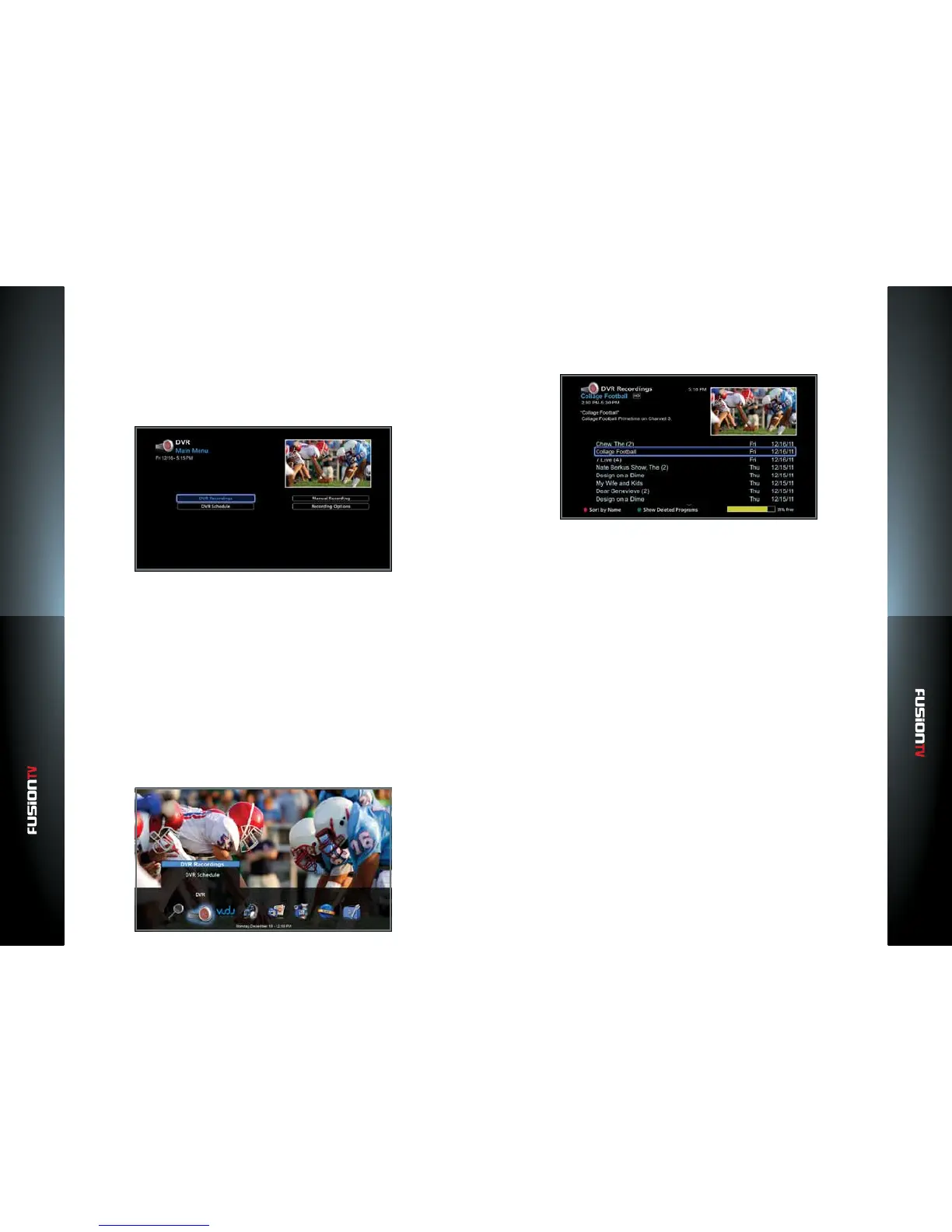
To access DVR, press the MENU button on the remote and select “DVR“ icon
from the Main Menu options. The following options will display:
DVR Recordings: Displays a list of previously recorded programs.
DVR Schedule: Displays a list of programs scheduled to be recorded.
Manual Recording: Allows you to schedule manual recordings when
program information isn't available or setting recordings for custom times.
Recording Options: Allows you to setup default recording options for
recording new programs.
Viewing Recorded Programs
1. Press the MENU button and select “DVR”.
2. Use the ARROW KEYS to select “DVR Recordings” and press OK. The “DVR
Recordings” screen lists programs sorted by name.
You can choose between “Sort by Name” and “Sort by Date” by pressing
the RED button on the remote.
If you don’t see a particular show, then press the GREEN button to “Show
Deleted Programs”. This will display what programs have been deleted
based on their priority settings. The programs will be deleted automatically
based on the recording options to create space for future recordings.
NOTE: Once a program is marked for deletion, it can no longer be played as the content
becomes unavailable. If the “Show Deleted Programs“ option is enabled, the deleted
program will display with a small trash can next to the program name in the “DVR
Recordings“ screen.
Search and Find Shows to Record
The Program Guide is the primary method of nding shows to record. Using
the SEARCH icon and selecting “Search by Title” and “Advanced Search” oer
additional ways to locate programs. Watching Live TV and scrolling through
channels is another way to record programs where the REC button can be
pressed for immediate recording.



 To Next Page