VUDU Movies
VUDU Movies
4140
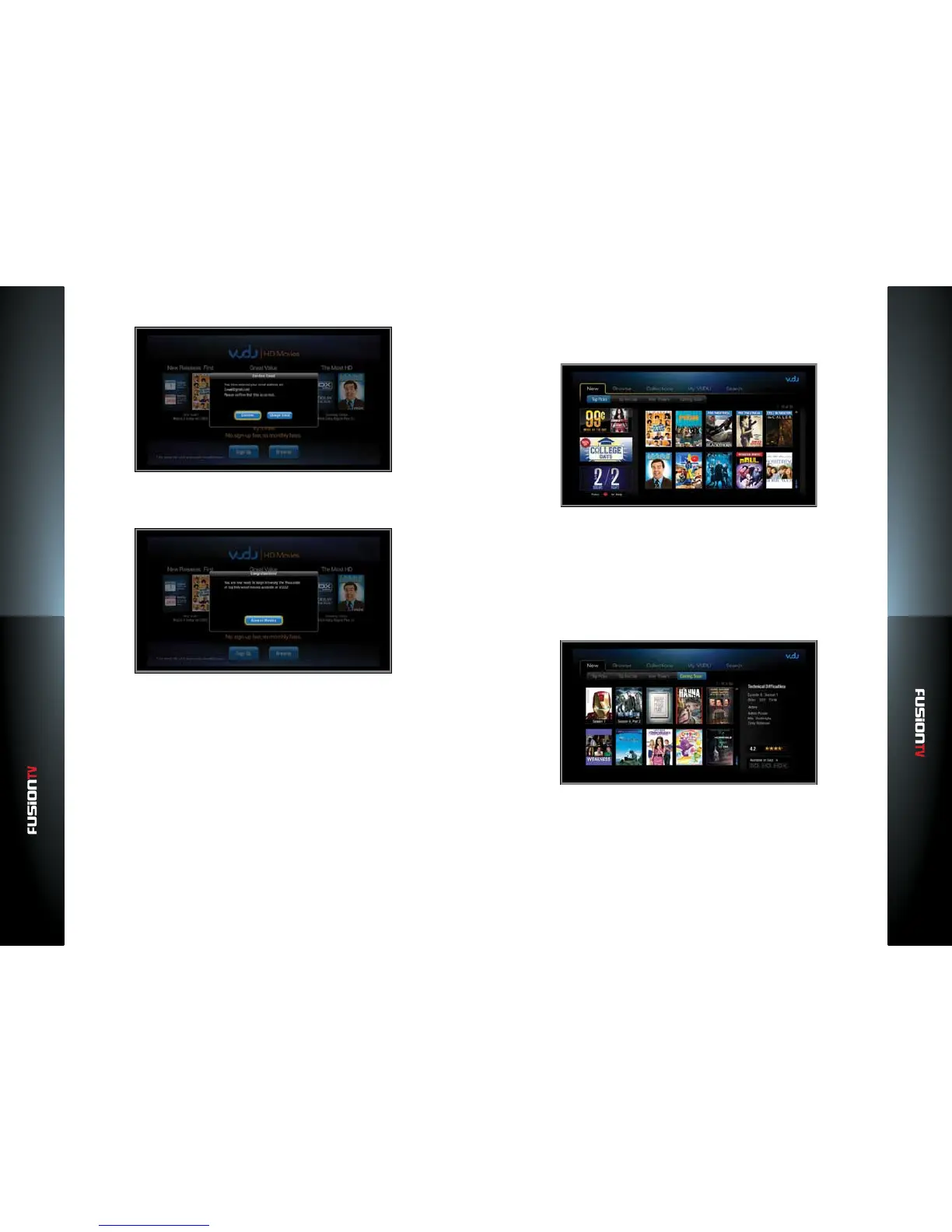
9. Select “Conrm” and press OK.
10. If you have entered a valid email address, you will see a congratulations
message. You are now ready to browse the VUDU library of movies and TV
shows.
11. Check in your email account for a message from VUDU with instructions on
how to complete the VUDU activation process.
Exploring VUDU
Whether you’re looking for a specic movie or don’t know what you want to
watch, the VUDU Main Menu page oers you the easiest way to navigate VUDU.
The movies on the home screen are selected by VUDU to be some of the most
interesting, most talked about, and biggest box oce movies new to the VUDU
Movies streaming service.
You can also enjoy social networking and media apps directly from the VUDU
Apps Main Menu page. Facebook, Picasa, Twitter, and many more come
standard with VUDU.
NEW on VUDU
Discover all the latest movies and shows new on VUDU – from trailers of
upcoming movies to new titles that will be coming soon.
Top Picks: A list of the hottest new releases.
Top Rentals: A list of the most popular releases for rent on VUDU.
New Trailers: A list of the latest theatrical movie trailers currently in
theatres today or coming soon.
Coming Soon: Shows which movies are coming soon to VUDU so you can
add them to your Wish List. For more information about Wish List, see the
“My VUDU” section below.



 To Next Page