FusionLink
FusionLink
5958
Photos
FusionLink enables you to store, view, and play slideshows of your favorite
photos. You can view your photos, sort them by date taken, or play a slideshow.
The convenient USB port or Memory Card slot (if available) allows you to import
your personal photos. You can even play music while viewing a slideshow.
View Photos
1. In the Main Menu, use the ARROW KEYS to select “PHOTOS”. Press OK.
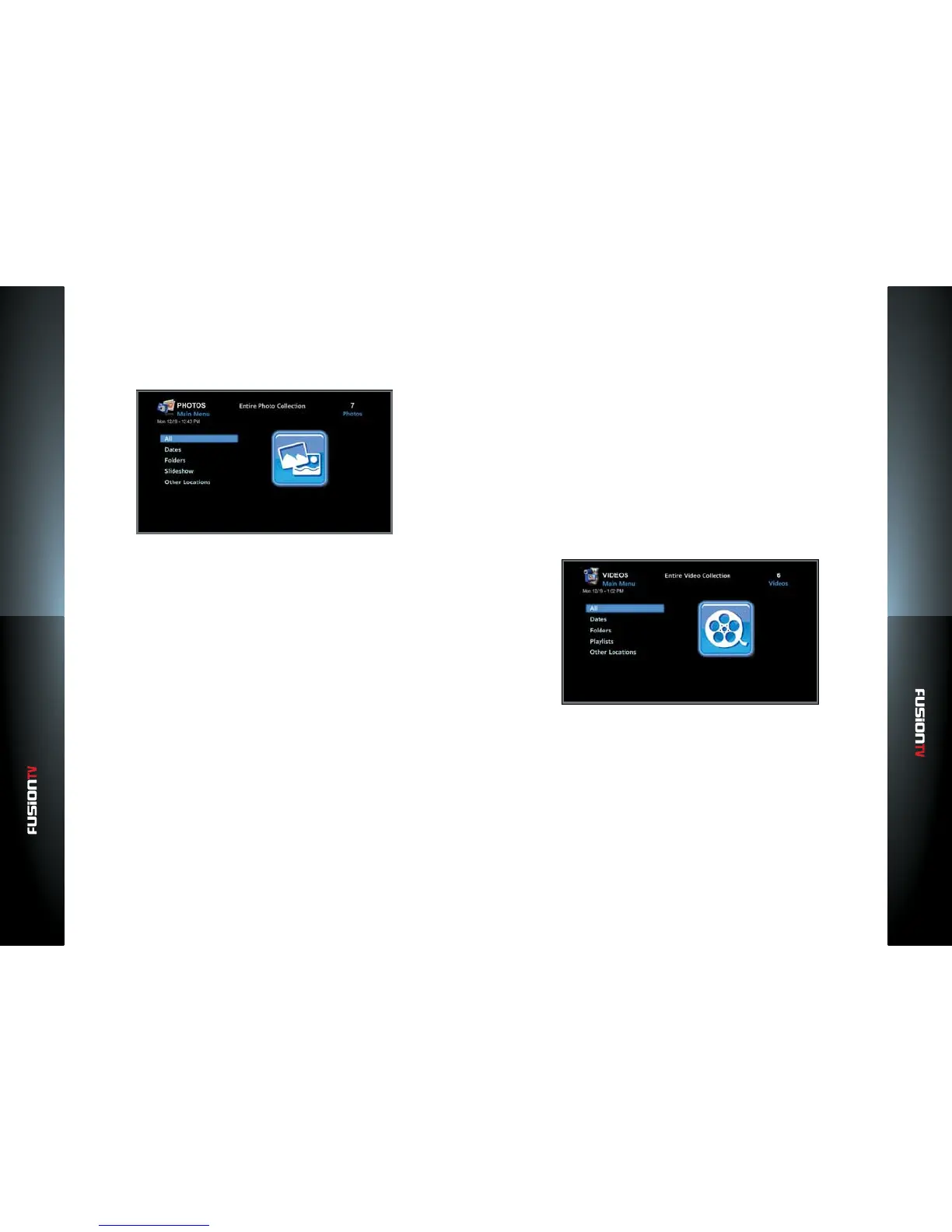
2. Use ARROW KEYS to select between the following directories and press
OK.
— All: Includes all photos on the Entone device.
— Dates: View photos sorted by date.
— Folder: Photos organized by folders.
— Slideshow: Displays all photos on the device in a slideshow.
— USB: Use your USB device to view or transfer your photos.
NOTE: The following photo le formats are supported (BMP, GIF, JPEG, PNG, TIFF).
3. Select a photo from the chosen directory and press OK.
View Slideshow
1. In the Main Menu, use the ARROW KEYS to select “PHOTOS”. Press OK.
2. Use the ARROW KEYS to select “Slideshow” and press OK.
A slideshow of your photos will begin to play. You can also start a slideshow
by selecting a photo to view and pressing the OPTIONS button on your
remote control, then select “Play slideshow”. Press OK.
Play Music During A Slideshow
1. From the Main Menu, select “MUSIC”, “Playlist”, and select a Playlist.
2. Click on a song in the Playlist to get the selection box to play or modify the
playlist.
3. Choose “Play Playlist”. Your music begins playing.
4. Immediately press the MENU button.
5. Select “PHOTOS”, then “Slideshow” or select the individual photos you
would like to display with your accompanying music.
Videos
FusionLink enables you to store and play your personal video content. You can
view all your videos, sort by date, by folders, and create video playlists. The
convenient USB port or memory card slot (if available) allows you to import
videos to the device to be played or stored for future playback.
You can play videos directly from your PC and view them on the FusionTV
service. If you have downloaded videos to your USB device, you can play those
from your FusionTV service.
Watch Videos
1. In the Main Menu, use ARROW KEYS to select “VIDEOS”. Press OK.
2. Use the ARROW KEYS to select between the following directories and press
OK.
— All: Includes all videos on the Entone device.
— Dates: View videos sorted by date.
— Folder: Browse folders imported from a media storage device.



 To Next Page