Main Menu
Setup Wizard
1514
NOTE: Pairing process may take a few minutes or sometimes a few hours depending on your
cable service provider. If you have not received your premium programming in one hour,
please call your service provider for troubleshooting tips.
12. Once the card has been paired an on-screen message will display indicating
that the device has been paired successfully. Press OK to continue.
Congratulations! Setup of your FusionTV service is now complete.
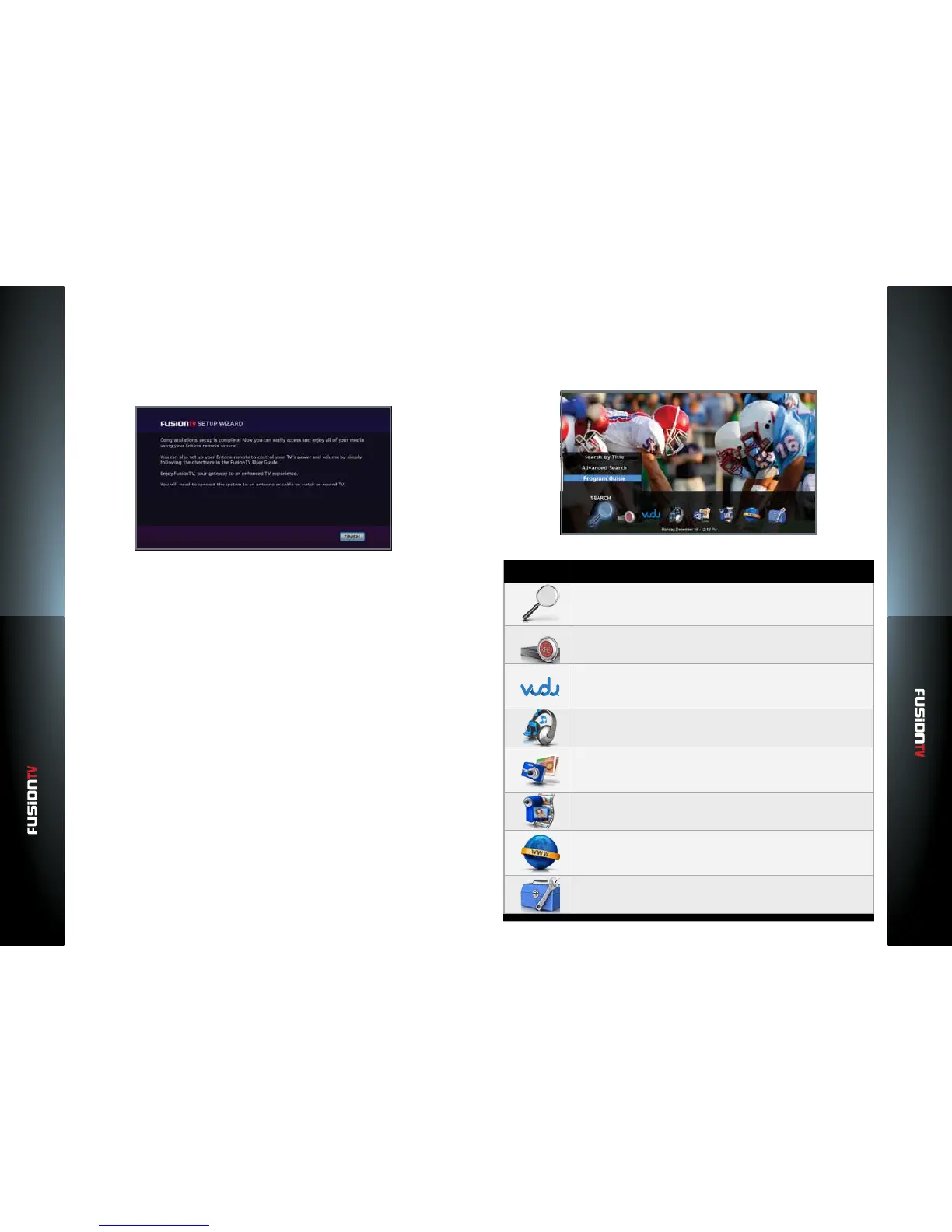
Navigating the Main Menu
The Main Menu provides access to all the features available on your FusionTV
service. To access the Main Menu, press the MENU button on the Entone
remote control.
SEARCH
DVR
VUDU
MUSIC
PHOTOS
VIDEO
WEB
SETTINGS



 To Next Page