25
Watching TV
Watching TV
24
Watching TV
FusionTV makes watching high-denition TV simple with the ability to receive
content from an antenna (ATSC) or digital cable via Clear QAM or CableCARD.
Live TV can be accessed from any location in the menu by pressing the GREEN
shortcut button on your remote control at any time.
While watching live TV, use CH/PG on your remote to change channels one
at a time. You can also tune to a specic channel at any time by entering the
channel number using the NUMBER KEYS on your remote.
Alternatively, you can display the Program Guide by pressing GUIDE on your
remote to view what is currently playing or programs on other channels.
If you use the UP/DOWN ARROW KEYS while watching Live TV, you can see
the next or previous channels’ program information listed in an information
bar across the top of the screen. Press OK to switch to any channel or press the
EXIT button to remove the information bar and continue viewing the current
program.
Controlling Live TV
Enjoy live TV at your convenience.
Press PAUSE to alternate between pausing and resuming the program you
are watching.
Press REW up to ve times (for ve dierent speeds) to rewind the program.
Press FF up to ve times (for ve dierent speeds) to fast-forward the
program up to the point of the live broadcast.
Press PLAY at any time to resume playing the program.
Press the GREEN shortcut button to access up to the point of live broadcast
for the last channel you watched.
Press REPLAY to view the previous 7 seconds of the program.
Press SKIP to advance 30 seconds forward in the program up to the point
of live broadcast.
Press PAUSE and then FF or REW once to activate slow motion.
Press REC to record what you are currently watching, including what has
been buered (up to 60 minutes).
View Last Channel
The LAST button toggles between two channels. Pressing LAST switches to the
previous channel you were watching. Pressing LAST again switches back to the
other channel you were watching before you pressed LAST.
View Program Information
There are multiple ways for you to view more information about a particular
program.
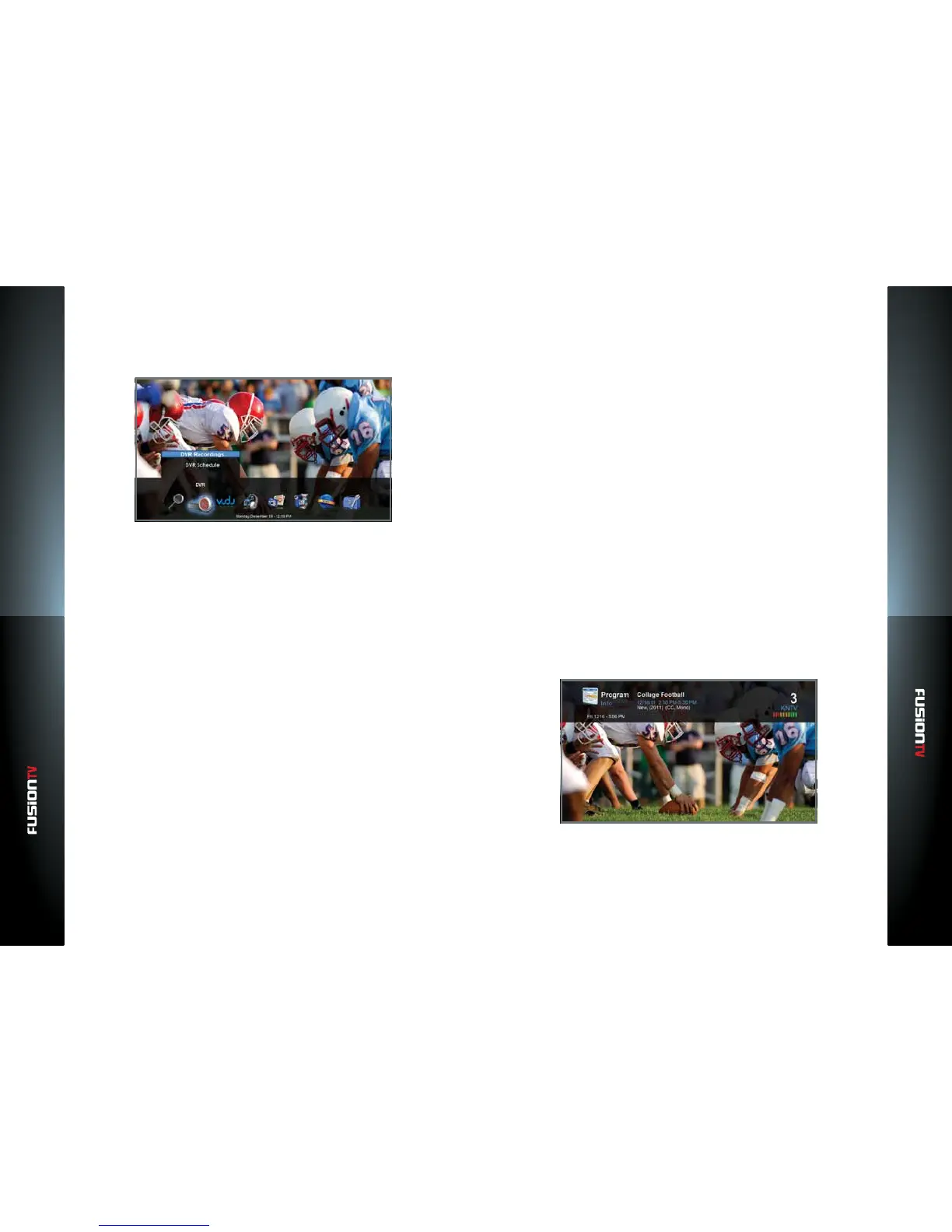
While watching a live program, press the INFO button on the remote to
view more details about the program you are currently watching. This will
display the program details such as the program title, duration, description,
channel number, and any TV ratings related to the current program.
While viewing the Program Guide, pressing the INFO button on a
highlighted program will display the details of that program.



 To Next Page