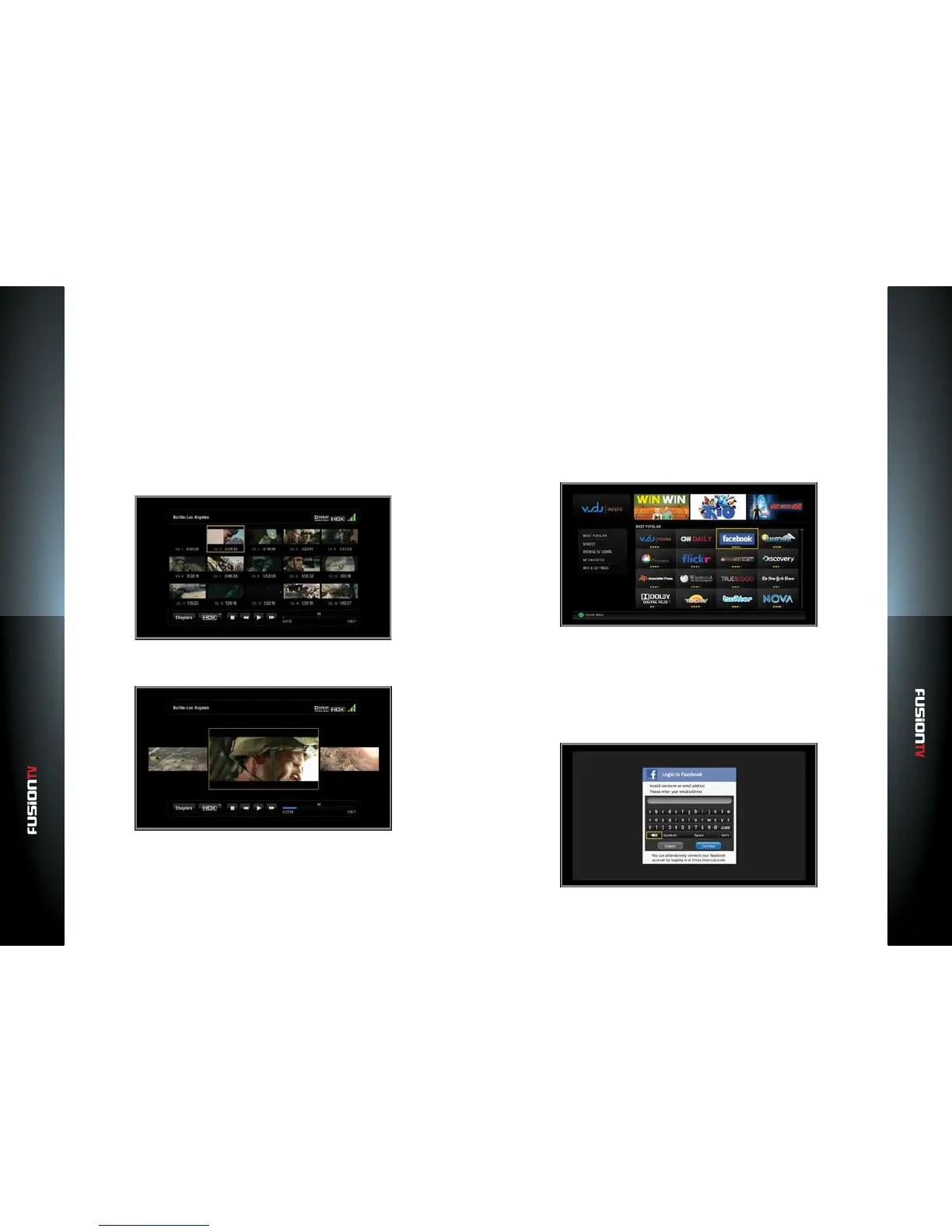
VUDU Apps
VUDU Movies
5150
Video Quality Indicator: Displays the video quality (SD, HD, HDX) you are
watching and what level of service you have. Three bars indicate you are
receiving the highest quality streaming video available.
Switch Qualities: The Internet can have rush hour too. If you experience
buering, consider switching to a lower quality level so you can avoid
interruptions.
Progress Bar: How far into the movie are you? How much is left to go? The
progress bar shows you everything you need to know.
VUDU Player – Chapter Navigation Screen
Select the chapter and jump to it, just like on a DVD.
VUDU Player – Fast Forward / Rewind Navigation Screen
Use Fast Forward / Rewind to nd a specic point in the scene.
VUDU Apps
VUDU Apps supports many types of web media application directly from the
VUDU interface. Managing accounts can be done directly from the Entone
device, or from https://my.VUDU.com. To set up accounts in VUDU, launch the
application from the VUDU Apps screen.
Facebook
Facebook is a social networking service and website. To use Facebook on your
TV, launch the Facebook application from the VUDU Apps screen.
1. Press the BLUE button on the remote or from the Main Menu select “VUDU”
and press OK.
2. Use the ARROW KEYS to select “Facebook” and press OK.
3. Use the on-screen keyboard to log in to your existing Facebook account.
NOTE: If you do not have an existing Facebook account, you will need to setup a Facebook
account by going to www.facebook.com using your PC.
4. Once you have entered your username or email address, you are logged
into Facebook and will remain logged in for the duration of the session.



 To Next Page