Page 22
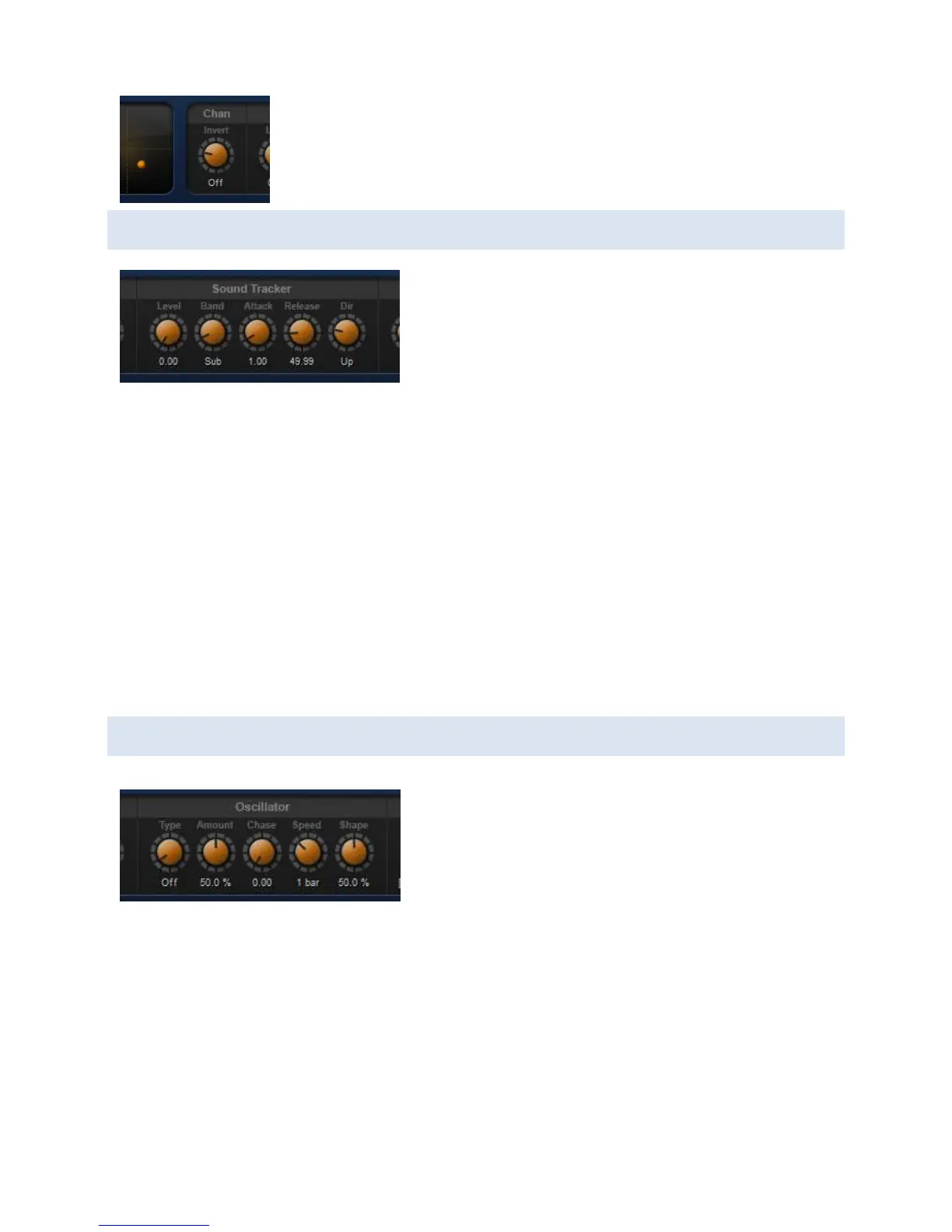
This control inverts the logical direction of all selected channels. For
example, if you have a t-bar stand with four scanners, try inverting
the Pan on scanners 3 & 4, and then move all four Pan controls at
once. You’ll see the scanner beams cross in the middle.
SOUND TRACKER
The sound tracker lets you “sound activate”
selected channels to track the input audio. There
are 5 controls to play with...
Level: controls the amount of sound tracking.
Band: the range of frequencies to track (Sub | Lo | Mid | Hi).
Attack & Release: controls how quickly the tracker responds to the audio.
Dir: controls the direction in which the fader moves in response to the audio.
Sound tracking is the quickest way to get some dynamic movement into your light show.
BUT, it is not the most effective way in DMXIS! Sound tracking as a technique can be
rather unpredictable - the results will vary wildly depending upon the level and type of
the music. A MUCH better way to add excitement and movement to your light show is the
DMXIS Oscillator, coming up next!
OSCILLATOR
The oscillator lets you automatically sweep channel
values up & down with a wide variety of “shapes”.
Although consisting of only 5 simple controls, the
oscillator is the secret weapon in creating exciting
moving visuals with DMXIS. This is the feature that
lets you quickly create time-synced chases across any number of LED parcans, or trace
complex synchronised patterns in the air with a bank of scanners!
Type: choose from Sine, Square, Triangle, Saw Up & Saw Down shapes.
Amount: how much the fader should move by.
Chase: when multiple channels are selected, this spreads the oscillators to create smooth
chase effects. This is the most powerful feature of the oscillator!


 To Next Page