Page 27
The Fade To Next control is also context-sensitive. Each preset has its own Fade To Next
value, and the control displays the value for the currently selected preset. The fade times
are remembered when you quit DMXIS.
NEW! When you cross-fade between two presets that use oscillators, the oscillators will
smoothly morph from one state to the next.
NEW! All cross-fading is shown in real time on the DMXIS faders
If you are using the DMXIS fixture library (as you should be!) cross fading becomes
intelligent – that is, DMXIS will only cross fade channels for which cross-fading makes
sense! For example, RGB levels and pan/tilt settings will smoothly cross fade, so you will
see your scanners & moving head fixtures gently glide from one preset to another.
However, colour and gobo wheels, will cleanly snap from their old settings to their new
settings halfway through the cross fade.
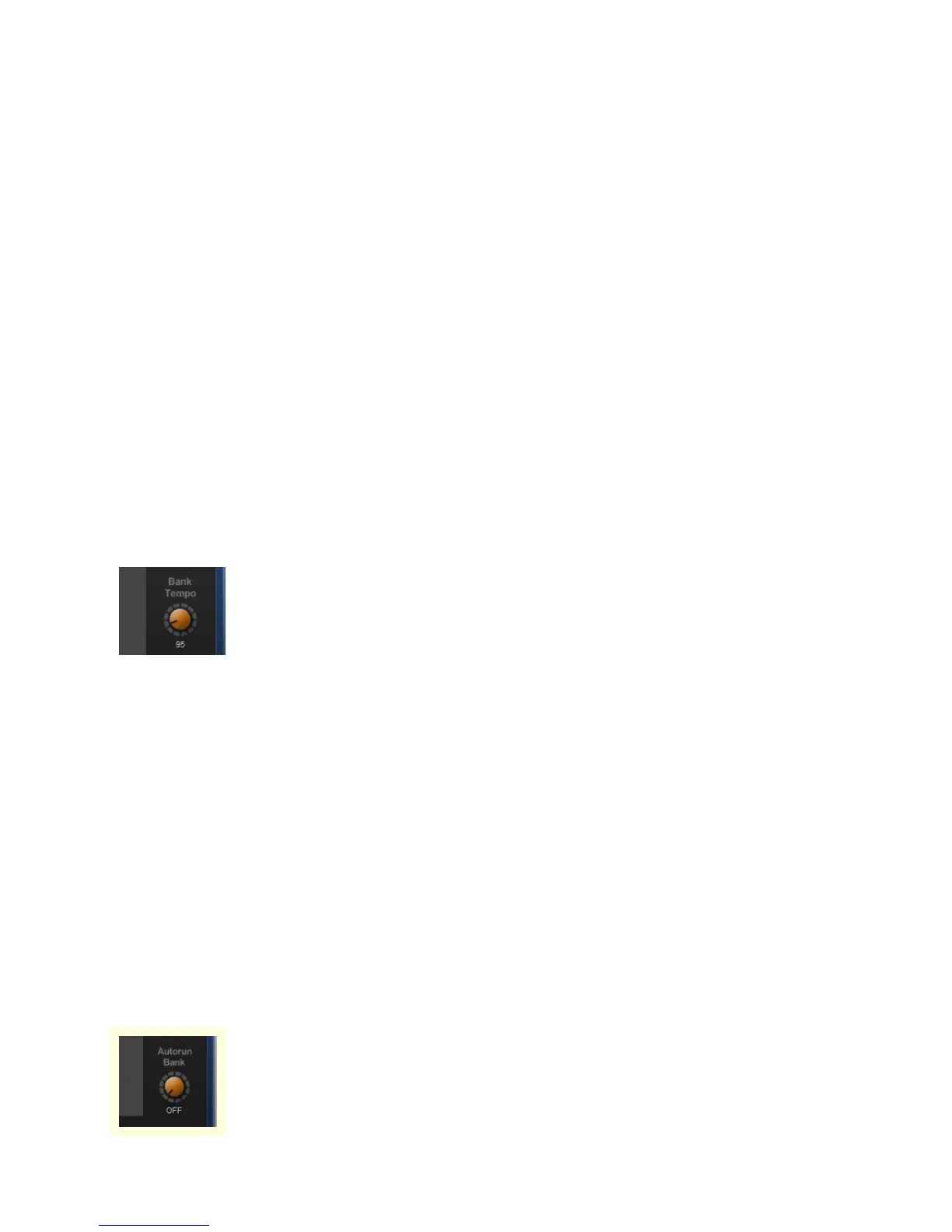
Setting the bank master tempo
Each bank can be assigned a different tempo, and every preset in a bank
will run at the bank tempo. (The tempo sets the DMXIS oscillators to run
in sync with your song)
Assuming you store each song in a separate bank, this basically lets you define the song
tempos for your live set. You can still tweak the overall tempo (to match the actual tempo
your band is playing at!) from Master Speed on the main page.
If you have a MIDI foot pedal, a good solution is to control Master Speed from an
expression pedal (using MIDI Learn). Then, each bank will switch to the correct tempo for
that song (via Bank Tempo) but you can tweak the tempo up & down using the expression
pedal.
This feature is only useful with the DMXIS standalone program. In the VST/Audio Unit
plug-in, bank tempo is always overridden by the current host tempo.
Auto-run a bank of presets
This is a neat feature for running a hands-off show in a loop, for example,
to keep your audience amused before the start of your show.
The Autorun Bank dial (right of the preset list) automatically advances


 To Next Page