Page 28
through the presets in the currently selected bank, at a predetermined rate. Once the end
of the bank is reached, it will loop back to the start of the bank.
This is really only useful in the DMXIS standalone program. If you are using the DMXIS
plug-in, you have much more scope and control when creating interesting automatic
shows. More later...
NEW! MACROS
Macros can perform a range of useful tasks in DMXIS. Think of them as shortcuts to help
you perform manually intensive or repetitive tasks more efficiently.
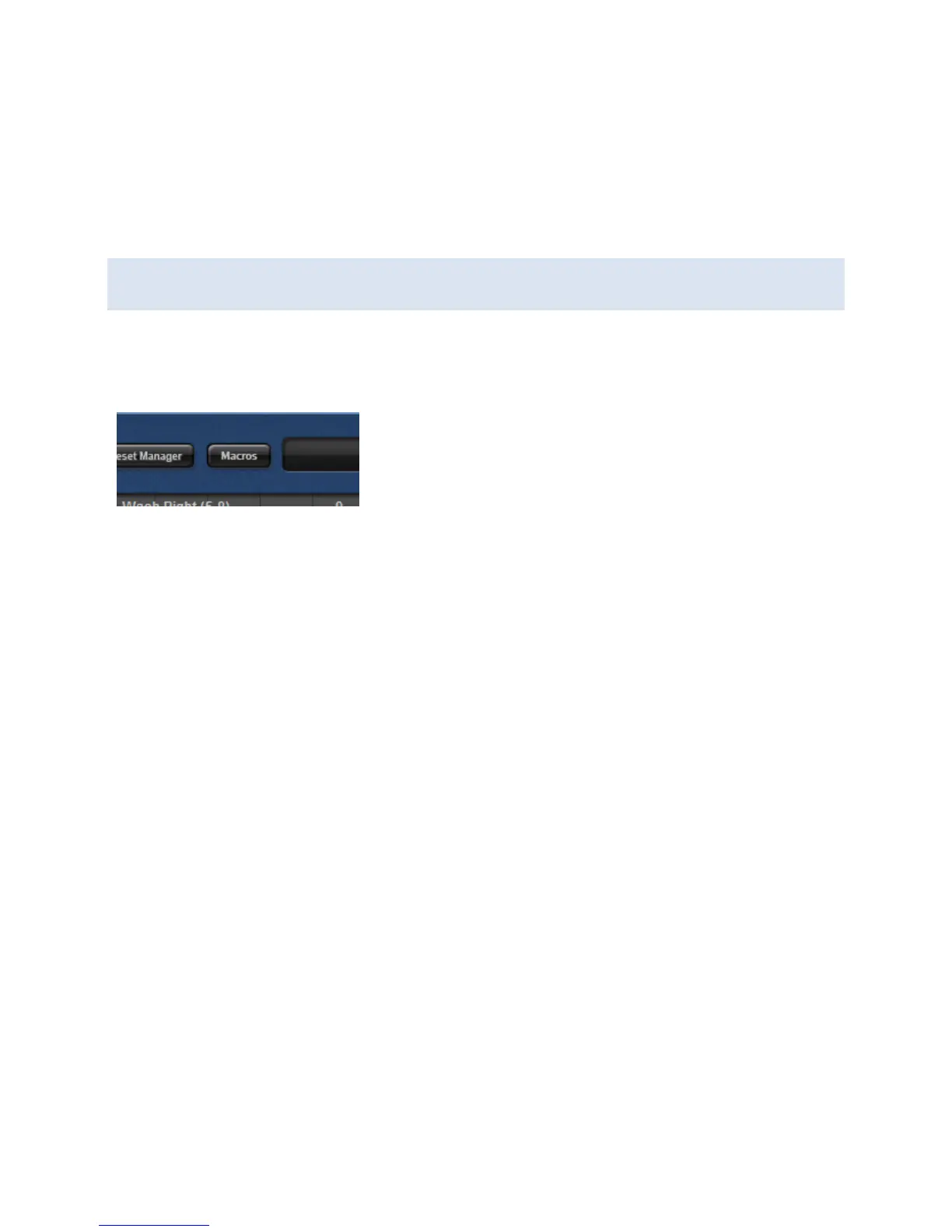
Macros are accessed by clicking on the Macros button at
the top of the DMXIS screen. This displays a cascading
menu with a variety of macro categories. Example macro
categories are:
Colours – in here, you will find a number of macros to set RGB channels to
named colours, and to manipulate existing RGB values. Simply select some RGB
channels in your rig before running the macro.
Fan – these macros allow you to create fan effects on the selected channels.
Select – these macros speed up some common selection tasks (e.g.
automatically selecting all Pan/Tilt channels)
Shapes – these macros manipulate the oscillators on any selected Pan/Tilt
channels, to automatically create moving circles, Figure-8s and other shapes.
Global Edits – these macros should be used with caution, as they make
permanent changes to every preset in the current show. An example use would
be to fix a musician’s front lighting to a fixed level for the entire show. You
would simply set the channel to the appropriate value, and then run the Copy
selected levels to all banks+presets macro.
Fixture Setup – these help speed up the task of setting up multiple fixtures in
your rig. For example, if you have 8 identical parcans, simply load the first one
manually, and then run the Repeat last new fixture macro 7 times.
Note: the last run macro is always available at the top of the macro menu, and pressing
the F4 key also re-runs the most recent macro.


 To Next Page