Page 30
Single click
Sets the action performed when you click once on the pedal. You can choose to cycle
through the presets or banks, or load a random preset/bank.
Double click
Sets the action performed if you click twice on the pedal in quick succession. The double
click time fader defines the time during which two clicks must occur. A value of
200-250ms is a good starting point.
If you configure both single AND double click actions, there will be delay equal to the
double click time before single clicks are activated. If you want single clicks to activate
immediately (for precise switching of presets), set Double click to “no action”.
Click & hold
Sets the action performed when the pedal is pressed and held for a minimum time (set by
the Click & hold time fader).
Click & hold also has a unique action called Last preset (while held). This temporarily loads
the last preset in the current bank while the pedal is held down. When the pedal is
released, the original preset is then loaded back in. You can use this to trigger a special
effect (such as a crowd blinder or a fast strobe) on demand at multiple points in a song.
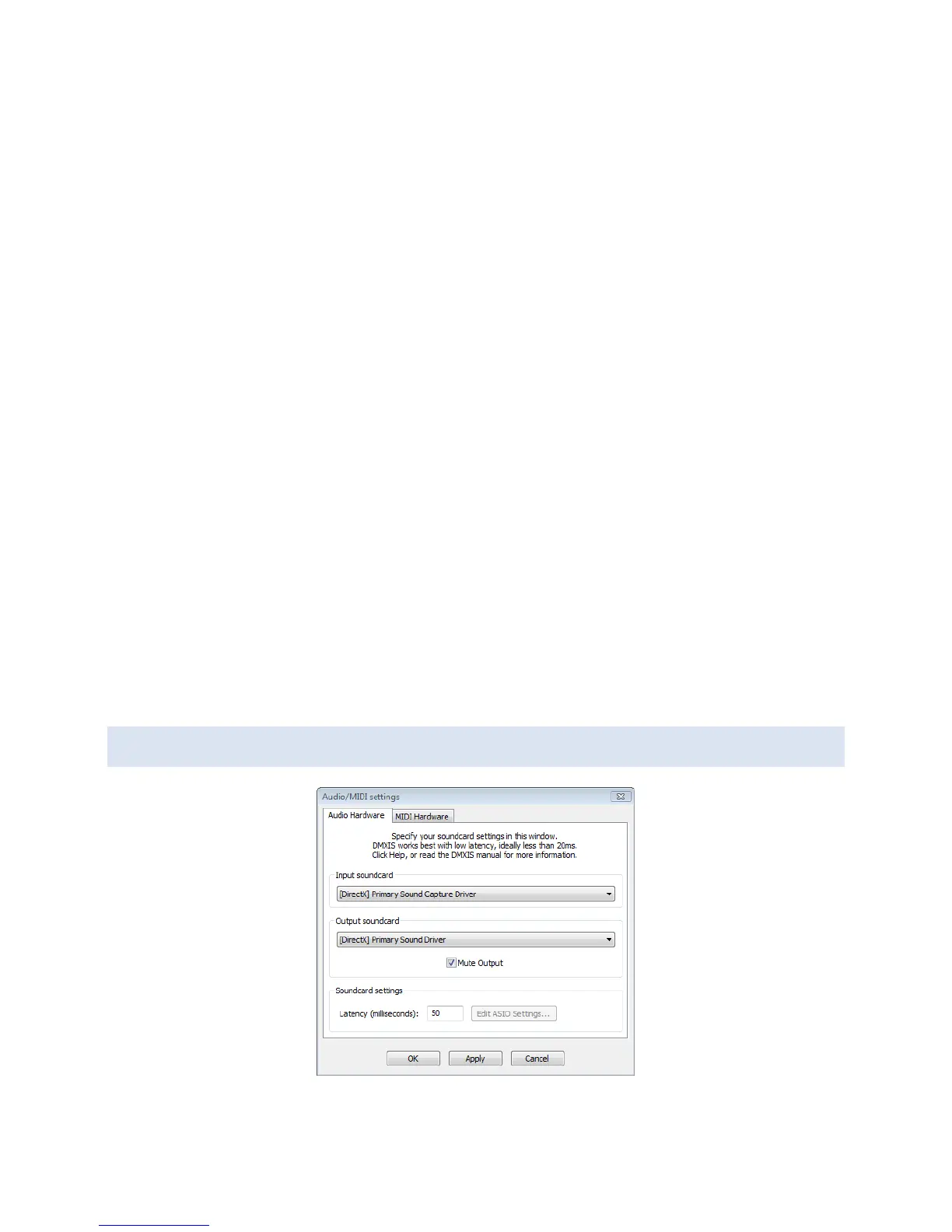
AUDIO/MIDI PREFERENCES


 To Next Page