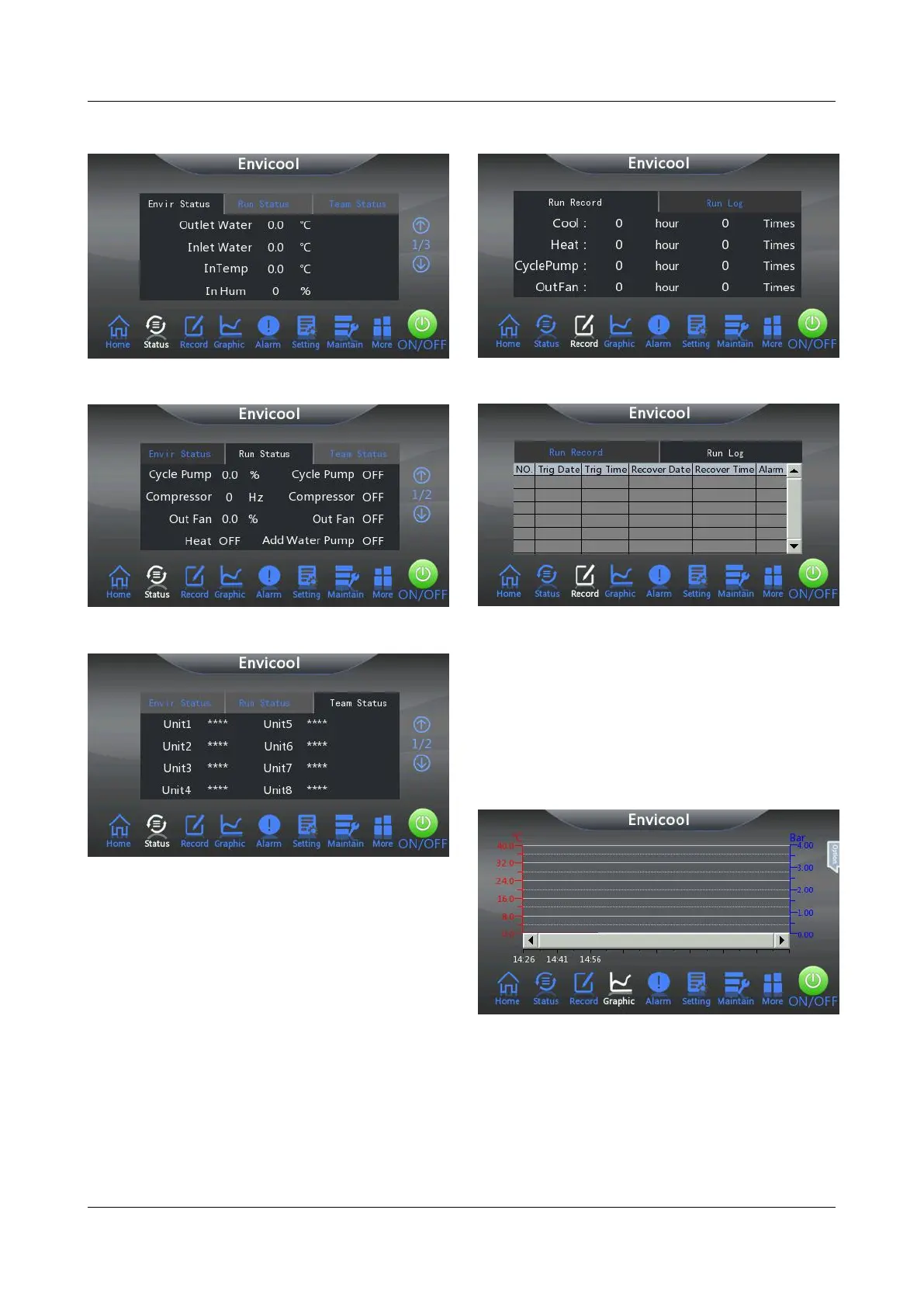
Figure 4-5 Envir Status interface
Figure 4-6 Run Status interface
Figure 4-7 Team Status interface
The group control function is an optional function.
When the chiller is not configured with the group
control function, the parameter value of the Team
Status interface is displayed as "****", as shown
in Figure 4-7.
Click Record on the homepage interface of the
system to view the current operation record and
operation log of the chiller.
Click Graphic on the homepage interface of the
system to view the operation curve composed of
the cooling setting point temperature curve, outlet
coolant temperature curve, inlet coolant
temperature curve, coolant outlet pressure curve
and the inlet coolant pressure curve.
Figure 4-10 Graphic interface
The system displays the Temp SP (cooling
setting point temperature) curve, Temp PV (outlet
coolant temperature) curve, Outl Pre (outlet
coolant pressure) curve and Intl Pre (inlet coolant
pressure) curve by default. Users can perform the
following operations in the Graphic interface.



 To Next Page