EMW90HDNC1A Air-cooled Chiller
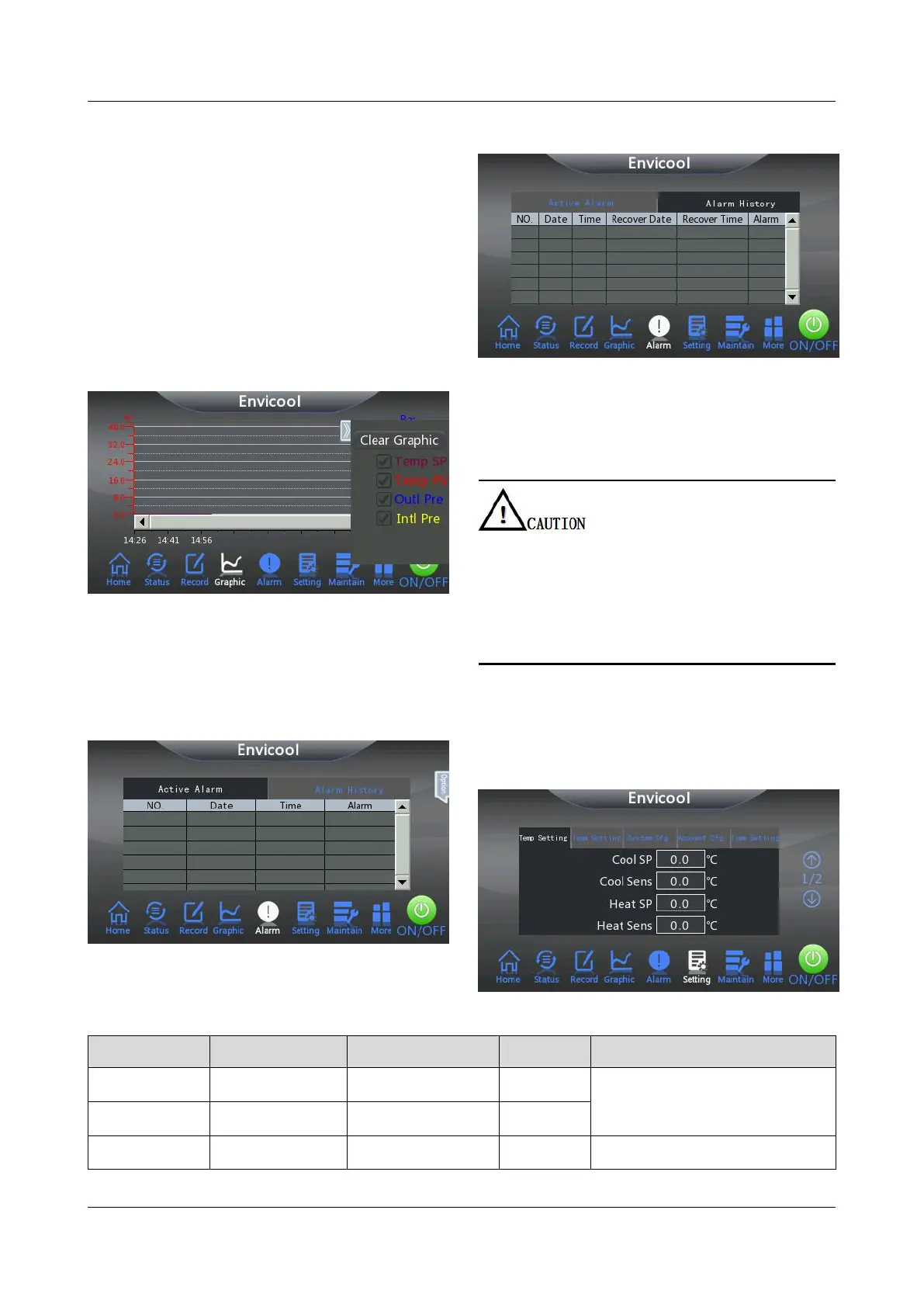
Customize the curve to be displayed by
unchecking the check box in front of the curve
type.
Click Options > Clear Graphic to clear the
curve displayed on the current interface.
After the curve is cleared, the control system
automatically regenerates the curve according
to the operating situation of the chiller.
Click the temperature value and pressure
value around the curve display area, you can
modify the temperature value and pressure
value range according to the actual plan.
Figure 4-15 Curve setting interface
Click Alarm on the homepage interface of the
system to view the current active alarm and
historical alarm information of the chiller.
Figure 4-12 Active Alarm interface
Figure 4-13 Alarm History interface
In order to make the chiller run reliably and maximize
energy efficiency, it is recommended that users do not
change the temperature setting point at will.
When the parameter setting value does not meet the
actual operation requirements and needs to be
modified, please confirm with the product after-sales
service.
Click Settings on the homepage interface of the
system and select the Temp Setting tab. The
system displays the interface shown in Figure
4-14, and the parameter settings of the interface
are shown in Table 4-2.
Figure 4-14 Temp Setting interface
Table 4-2 Parameter description of the Temp Setting interface
Refer to Table 2-2 for the on
and off conditions of cooling.
Refer to Table 2-2 for the on



 To Next Page