Division:
37 I 77
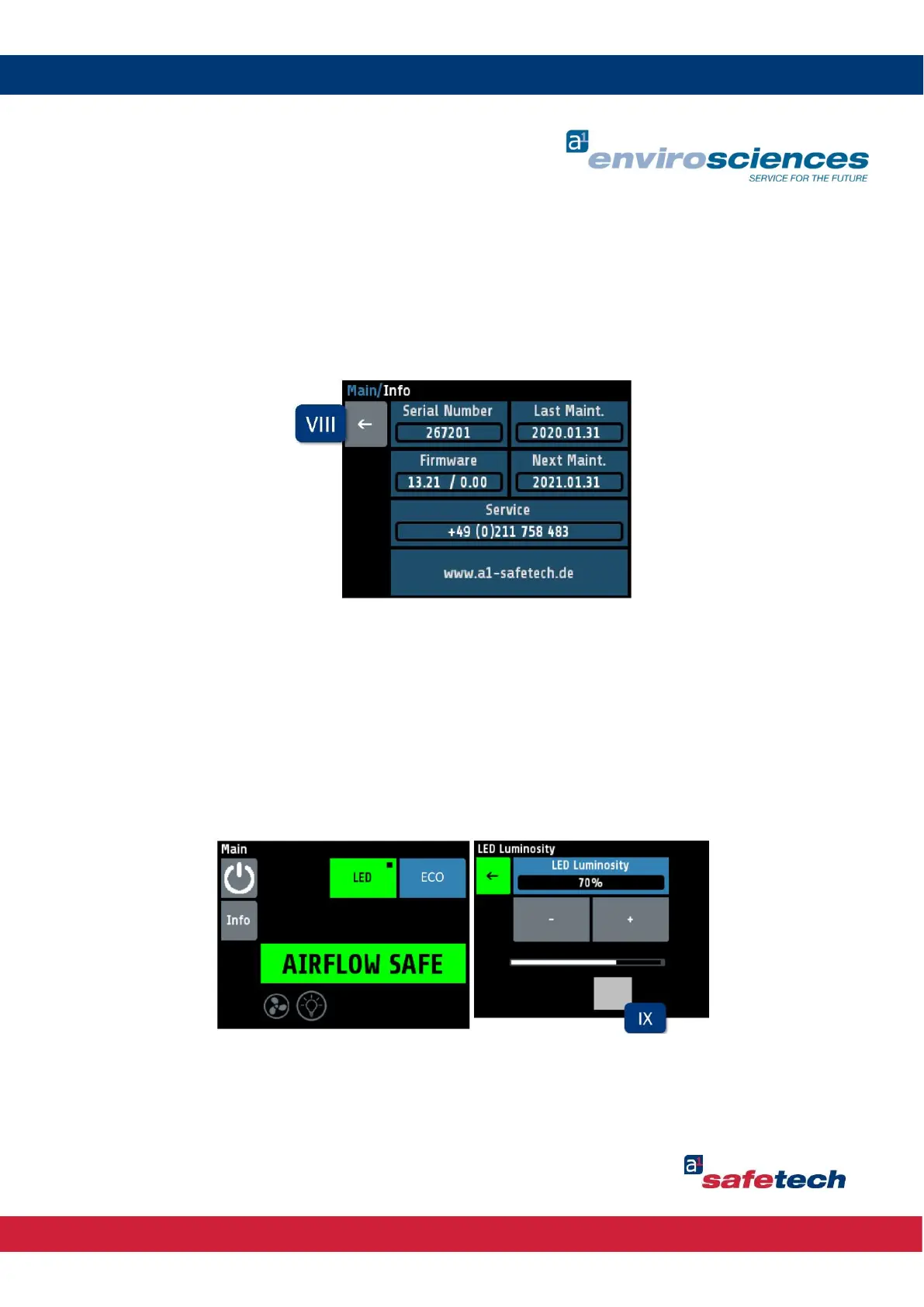
The following information is displayed via the enclosure as well as the alarm system:
Serial number
Firmware
Date of the last maintenance by an a1-safetech service technician
Date of the next maintenance by an a1-safetech service technician
Contact information
The "Back" button (VIII) takes the user back to the main screen.
The enclosure lighting can be switched on and off via the "LED" button (IV). When the lighting
is switched on, this button is coloured green. By keeping the button pressed, the user can
adjust the brightness of the lamp from 0-100 % through a submenu. The brightness can be
changed in steps of 1% via the "Plus" and "Minus" buttons. With the grey slider at the bottom
(IX), the user can increase or decrease the brightness in steps of 10% by sliding it to the right
or left.



 To Next Page