F 1
20:03
21:03
21:03
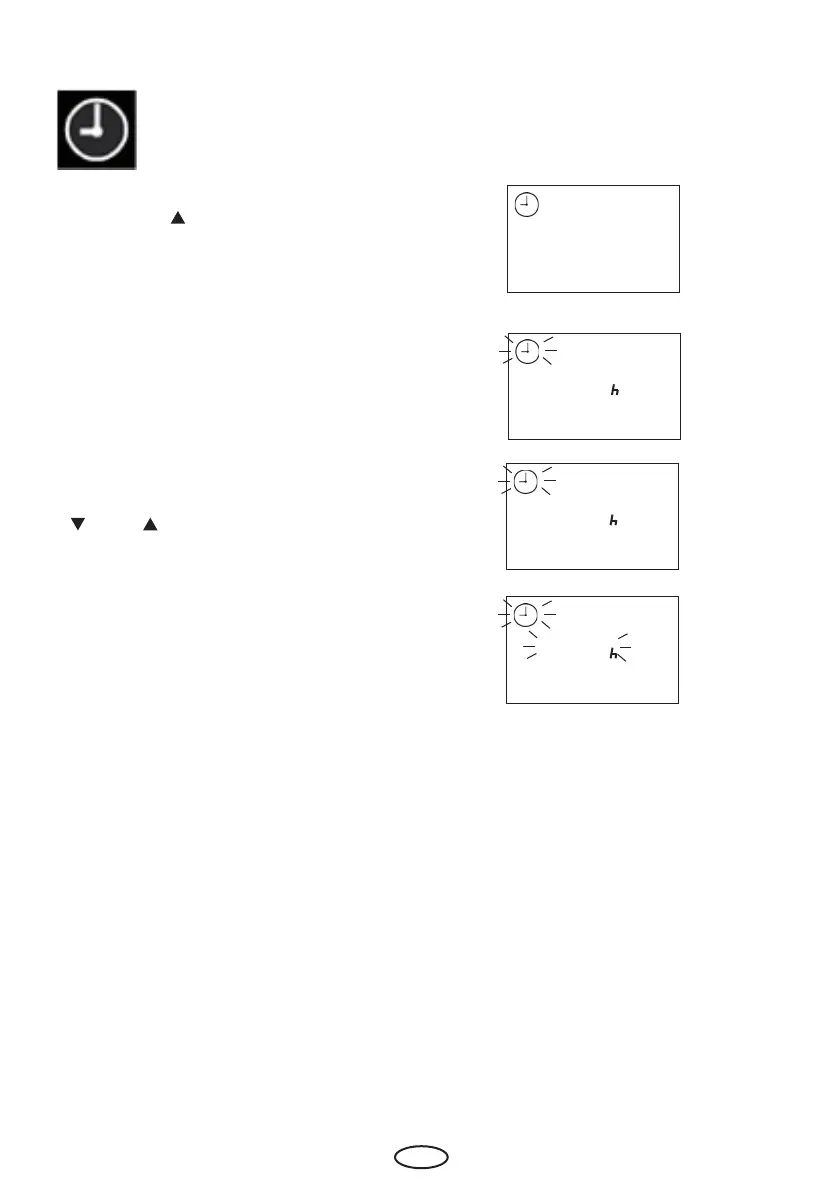
For clock time adjustment please press
„Mode“ and „ “ button synchron.
(In the display appears „F1“ and the clock
symbol.)
Please confi rm with the „Mode“ button.
Please chose the wished value with the
„
„ and „ „ buttons.
(to switch between summer and winter
time for example)
Please confi rm with a long press on the
„Mode“ button until the new value is fl as-
hing on the display.
Afterwards the displays shows „F1“ for
short time



 To Next Page