26
GB
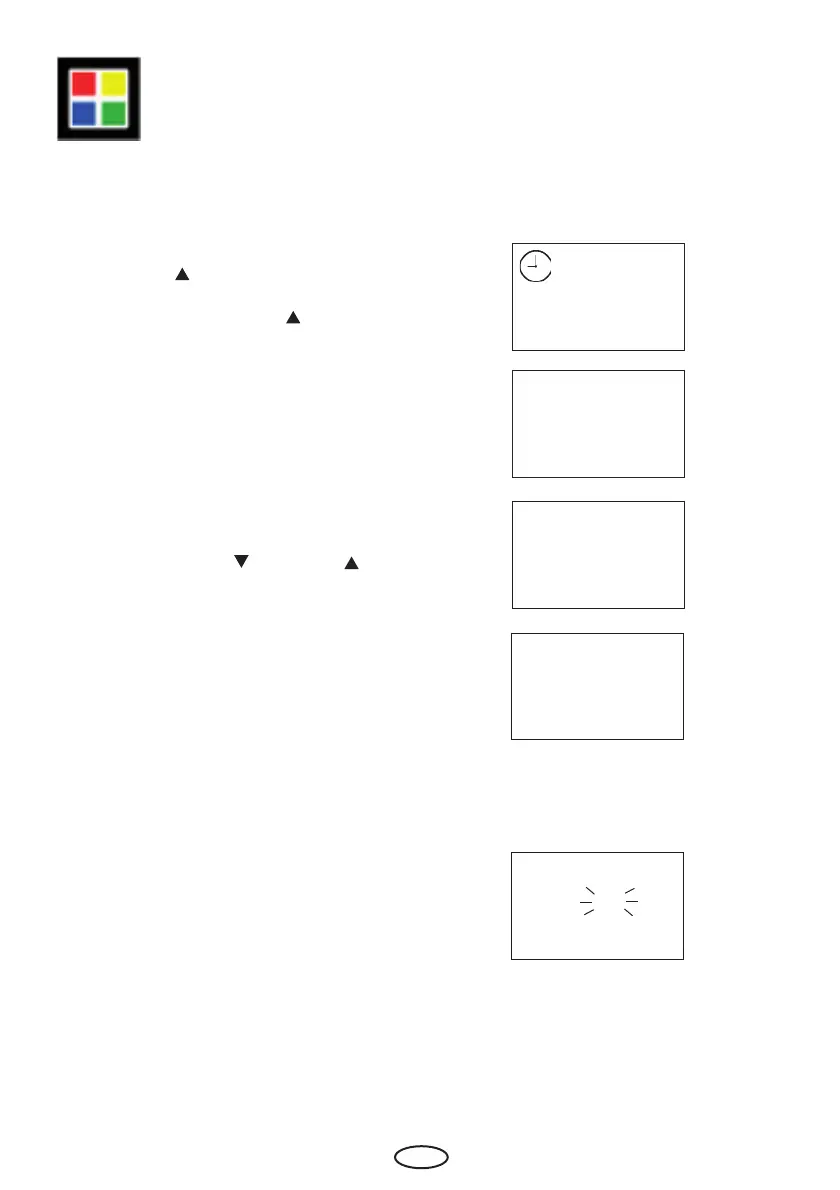
In order to link the coloured light functions
with the heater, press the "Funktion/Mode"
and the "Auf
" button at the same time
("F1" and the clock symbol appear on the
display) and then the "Auf " button until
"F5" appears on the display.
Confi rm with the "Funktion/Mode" button.
With the buttons "Ab
" and "Auf ", you
can now set the required value.
Confi rm the entry by permanently pressing
the "Funktion/Mode" button until the newly
set value fl ashes on the display.
Afterwards, the "F5" is briefl y shown until
the display issues the basic display.
F5 Link color light options with heater
F 1
F 5
1
0
0
0= The colour light function is
linked with the heater function.
i.e. the colour light automatically
turns on if the heater is initialised..
1 = The color light function is not linked
with the heater function



 To Next Page