You can program up to 4 preselection times for each week day in the weekly
timer menu.
The heating time per preselection time can be between 30 minutes and 12 hours.
After 12 hours, a heating break of 6 hours starts automatically.
Manual switch-on of the sauna system is possible at any time. The weekly auto-
matic setting is inactive during this time. If the heating time limitation (6 h) or the
user switches the system off in this time, the weekly timer becomes active again.
Upon initial start-up or after a longer period disconnected from the mains (time
lost), the weekly timer is deactivated.
Activation of the weekly timer
Setting the current day of the week
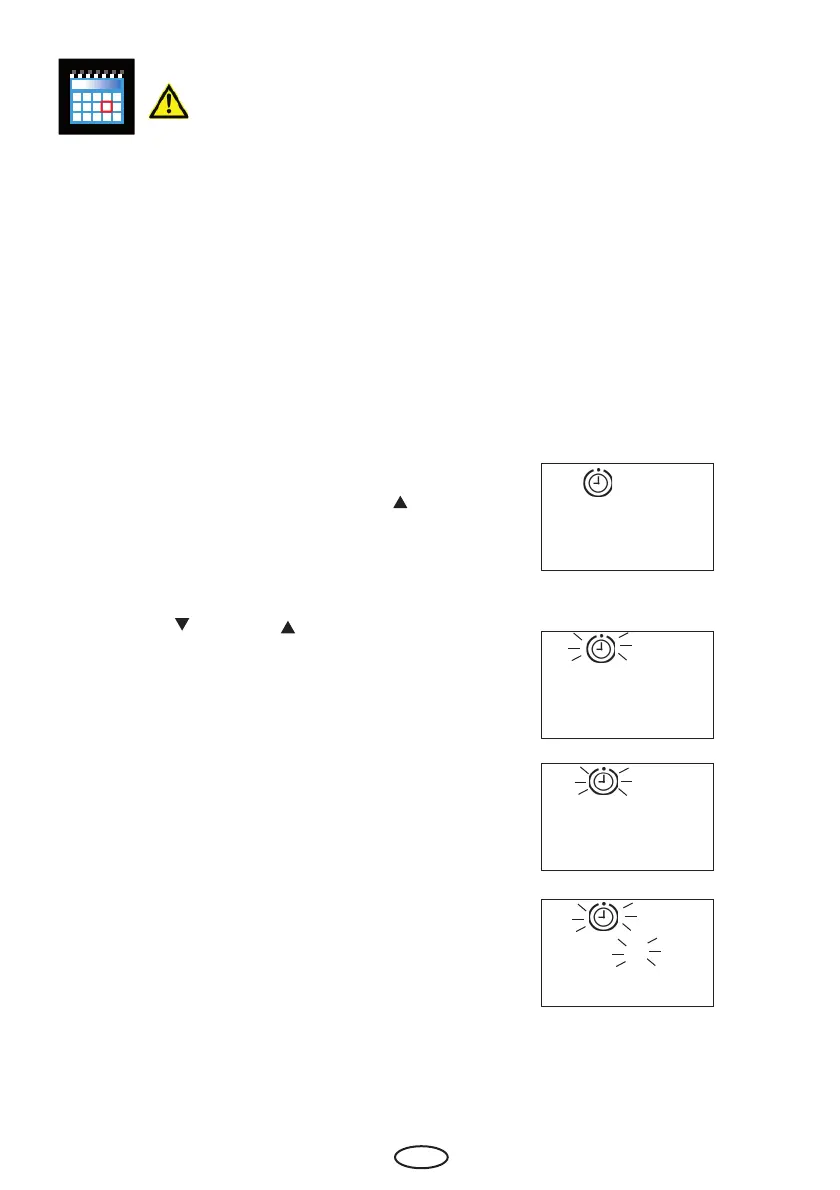
In order to activate the weekly timer, press the
"Funktion/Mode" key and then the "Auf"
" key until the preselection symbol and "P0"
appear on the display.
Confi rm with the "Funktion/Mode" key.
Using the "Ab " and "Auf " keys, select
the current day of the week.
0 = Weekly timer deactivated
1 = Monday
2 = Tuesday
3 = Wednesday
4 = Thursday
5 = Friday
6 = Saturday
7 = Sunday
Confi rm the entry by permanently pressing
the "Funktion/Mode" key until the newly set
value fl ashes on the display.
Afterwards, the "P0" is briefl y shown until the
display issues the basic display. The weekly
timer is now activated and the current day of
the week is set.
0
1
1
P 0



 To Next Page