F 1
F 8
0
1
1
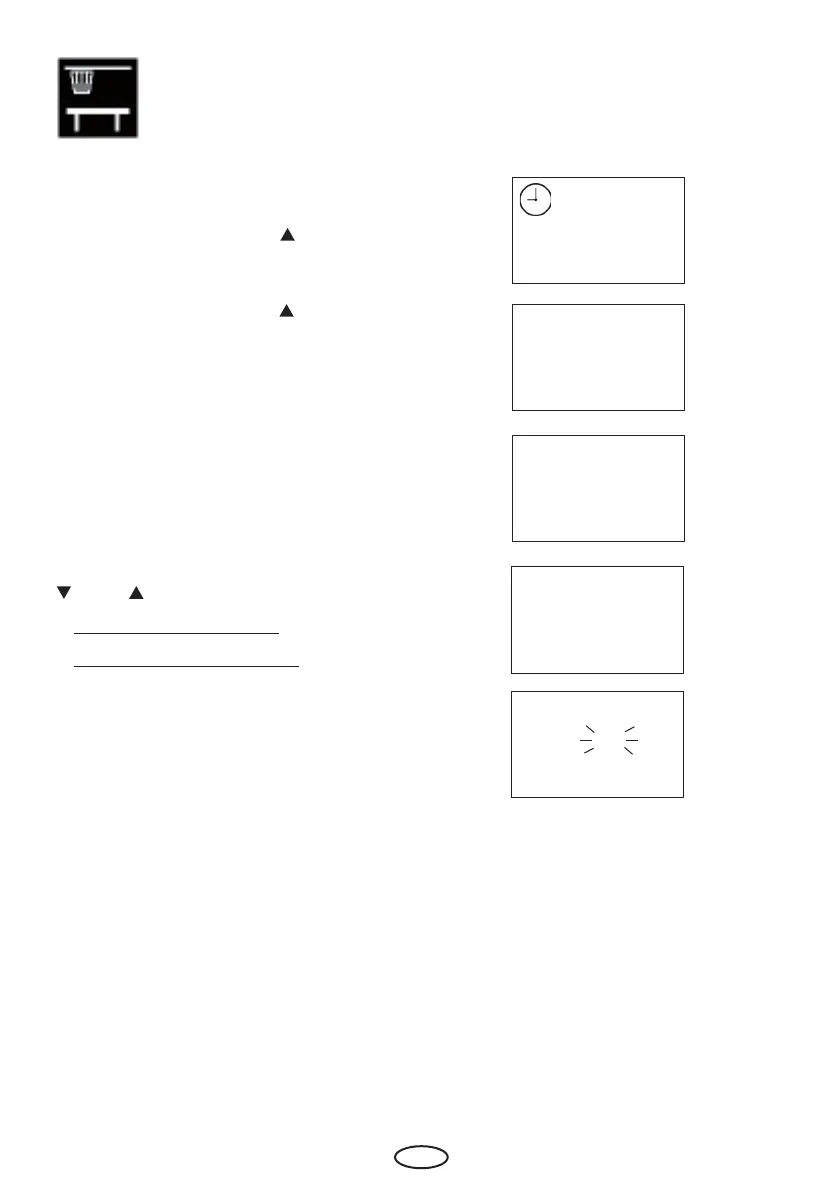
To activate or deactivate the bench sensor
(after error)
please press „Mode“ and „
“ button syn-
chron.
(In the display appears „F1“ and the clock
symbol.) Afterwards press „ „ button until
„F8“ in the display appears.
Please confi rm with the „Mode“ button.
Please chose the wished value with the „
„ and „ „ buttons.
1: bench sensor activated
0: bench sensor deactivated
Please confi rm with a long press on the
„Mode“ button until the new value is fl as-
hing on the display.
Afterwards the displays shows „F8“ for
short time. The fi gure is now fi xed with the
new value.



 To Next Page