38
GB
Attention:Temperature range
in Finnish operation 30-110 C
in humidity operation 30-70 C
P 5
95
85
85
The temperature is fi xed on 95C for Finnish
operation and 60C for Humidity operation.
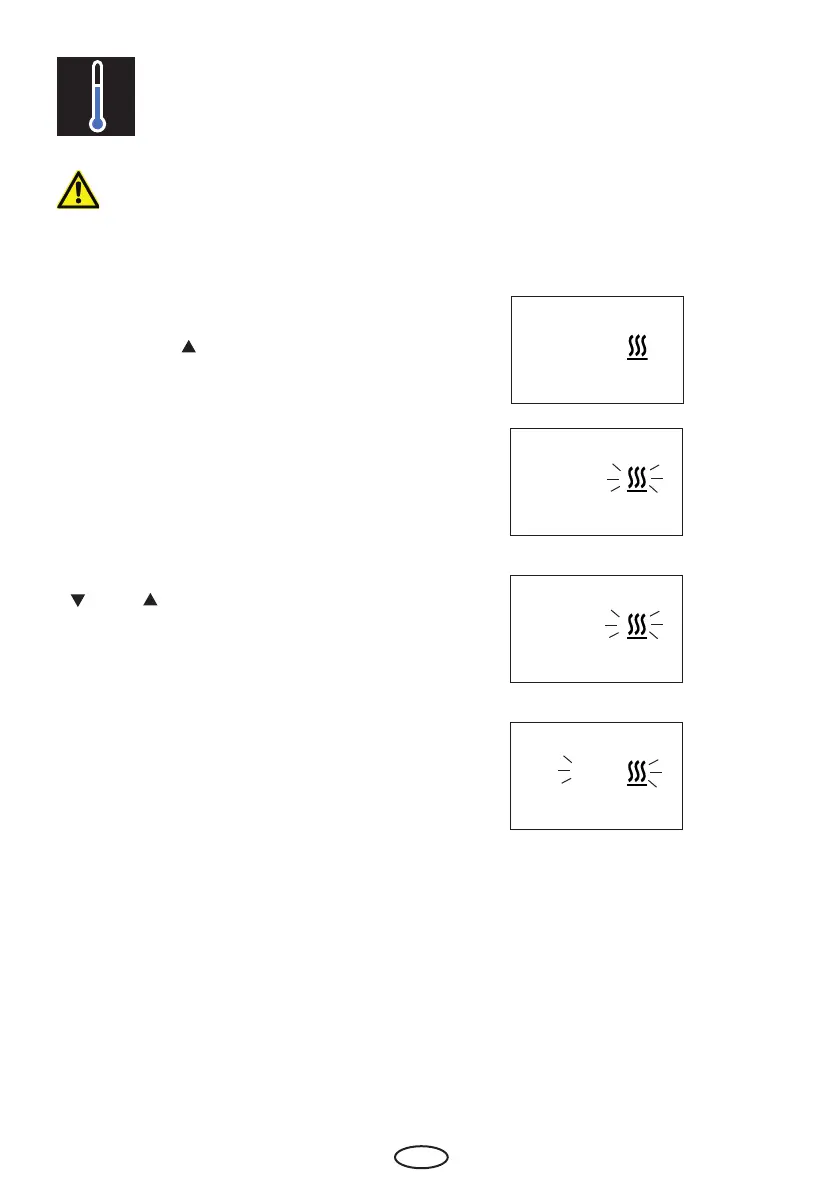
For temperature adjustment please press
„Mode“ button.
Afterwards the „ „ button until in the display
the heating symbol and „P5“ appears.
Please confi rm with the „Mode“ button.
Please chose the wished value with the
„
„ and „ „ buttons.
The arrow at the thermometer-symbol
shows the selected temperature-area.
Please confirm with a long press on the
„Mode“ button until the new value is fl ashing
on the display.
Afterwards the displays shows „P5“ for
short time. Temperature is now fi xed with
the new value.
P5 Temperature setting



 To Next Page