This control unit gives you the option of swit-
ching on a fan (max. 100W) and setting the
fan speed individually to one of 3 stages.
The default setting is „no fan mode“. Only
in post heating operation after operation
humidity the fan is default on the maximum
step.
For fan function adjustment please press
„Mode“ button.
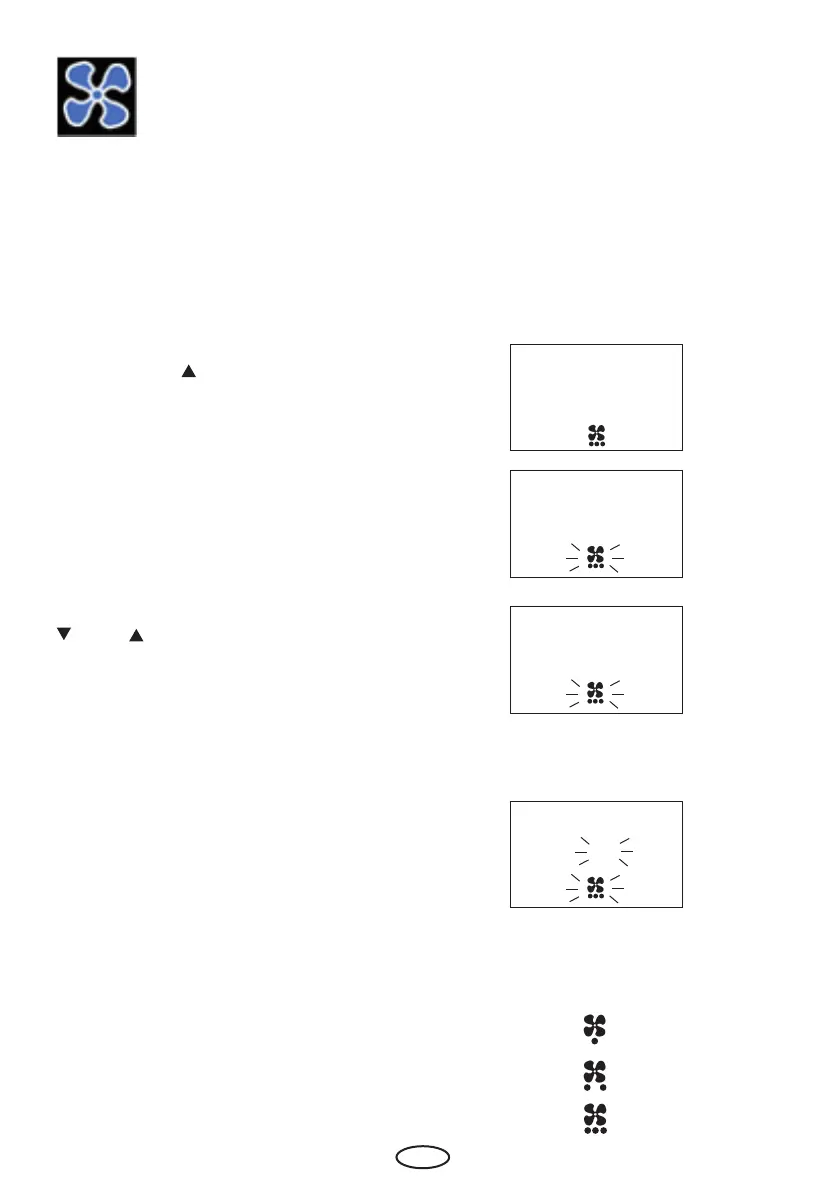
Afterwards the „ „ button until in the display
the fan symbol and „P6“ appears.
Please confi rm with the „Mode“ button.
Please chose the wished value with the „
„ and „ „ buttons.
They mean:
0 = fan off
1 = fan level 1 (approx. 1/3 output)
2 = fan level 2 (approx. 2/3 output)
3 = maximum fan output
Please confirm with a long press on the
„Mode“ button until the new value is fl ashing
on the display.
Afterwards the displays shows „P6“ for
short time. Fan function is now fi xed with
the new value.
The selected level can be seen by the points
under the fan icon on the screen.
P6 Programming fan operation



 To Next Page