
 Need help?
Do you have a question about the Epever MPPT and is the answer not in the manual?
 General
| Brand | Epever |
|---|---|
| Model | MPPT |
| Category | Controller |
| Language | English |
Explains the meaning of symbols used in the manual for safety.
Outlines qualifications and knowledge needed for personnel handling the controller.
Details tasks authorized personnel can perform on the controller.
Provides warnings and precautions to be taken before installing the controller.
Offers specific safety advice for the physical installation of the controller.
Highlights safety measures for making electrical connections to the controller.
Advises on safe practices during the operation of the controller.
Lists actions that could lead to fire, explosion, or electric arc.
Provides guidance on safely shutting down or stopping the controller.
Gives safety instructions for performing maintenance on the controller.
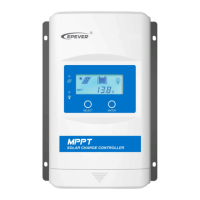
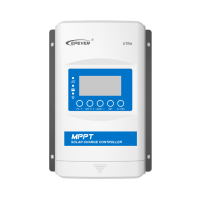
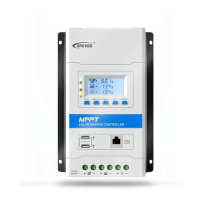
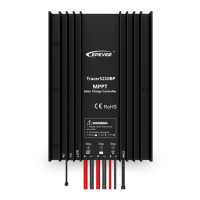
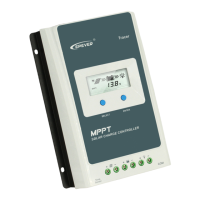
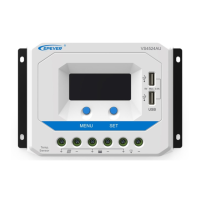
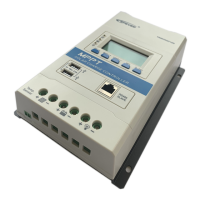
Provides a general description of the MSC-N series solar controller and its features.
Explains the coding system used for model names.
Illustrates the wiring setup for the controller when connected to a battery.
Shows the wiring diagram for operating the controller without a battery.
Describes the LED indicators on the controller and their meanings.
Explains the function of the controller's buttons.
Lists the supported battery types and how to select them.
Details how to configure load output voltage and prioritize load operation.
Explains different operating modes for the load outputs.
Lists accessories that can be connected to the controller.
Provides general precautions and guidelines for installing the controller and batteries.
Specifies requirements for PV module connections and array configuration.
Explains the limit current/power function for PV array input.
Provides guidelines for selecting appropriate wire sizes for PV connections.
Details wire size recommendations for battery and load connections.
Details the procedures and considerations for mounting the controller.
Explains the grounding requirements and procedures for the controller.
Guides on connecting the optional remote temperature sensor.
Instructions for powering up the controller after installation.
Lists and explains the various protection mechanisms of the controller.
Provides solutions for common faults and issues encountered with the controller.
Recommends periodic inspections and maintenance tasks for optimal performance.



 To Next Page
