4-18
Using Your Scanner
R4C448
Rev. C
A5 size CHAP4.FM
2/11/00 Pass 3
L
Proof Sign-off:
tanto name SEI Y.Takasaki M.Fujimori
leader name M.Fujimori
editor name SEI M.Kauppi
Saving the Scanned Image
❏
To save a scanned image in your application, choose
Save
or
Save As
from the File menu. For details, see your application
documentation.
❏
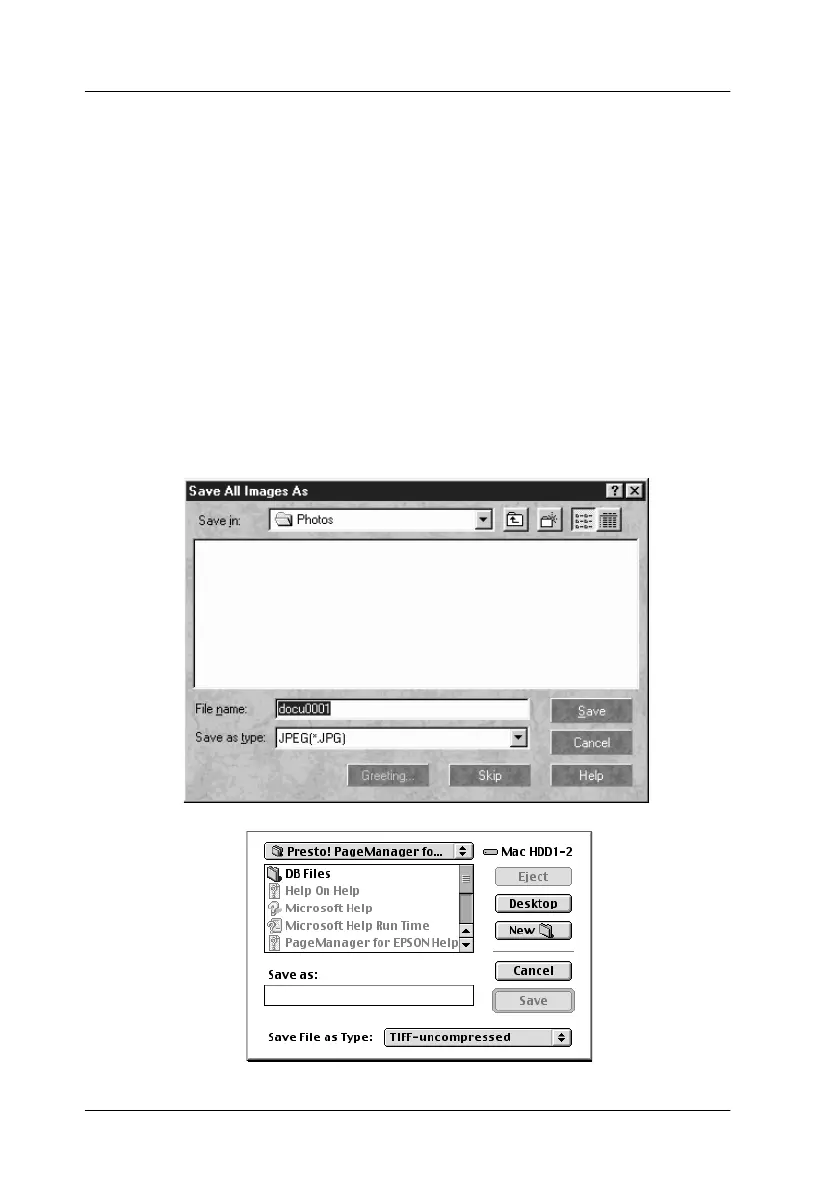
To save a scanned image in PageManager for EPSON, follow
the steps below.
Note:
Parenthesized words in the following steps apply to Macintosh users.
1. Choose
Save As
from the File menu. The following dialog box
appears on the screen.



 To Next Page
 Loading...





