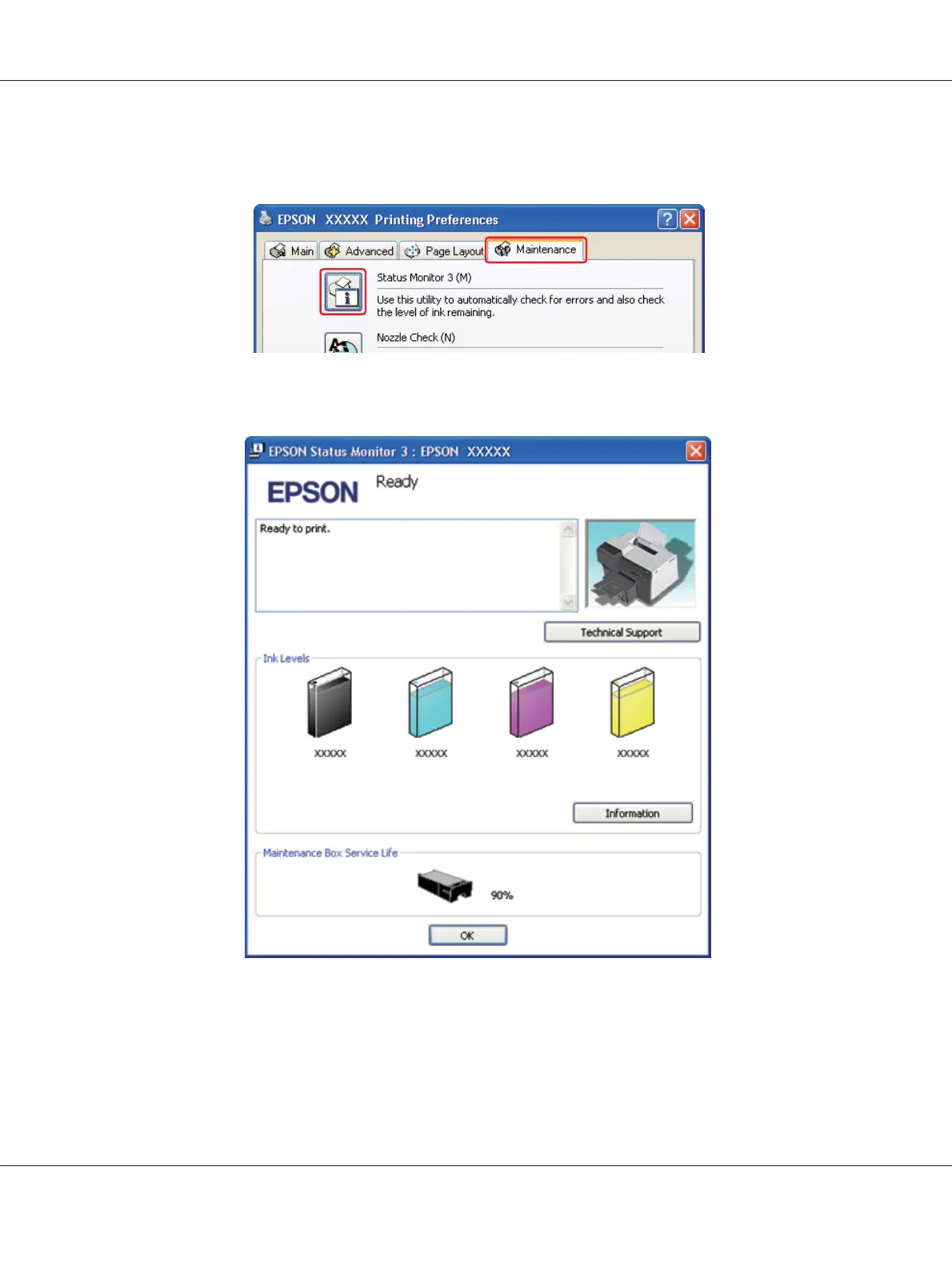
❏ Open the printer driver, click the Maintenance tab, then click the EPSON Status Monitor 3
button.
A graphic displays the maintenance box status.
Note:
If the maintenance box installed in the printer is broken, incompatible with the printer model, or
improperly installed, EPSON Status Monitor 3 will not display an accurate calculation of the
maintenance box status. Be sure to replace or reinstall any ink cartridge indicated by EPSON Status
Monitor 3.
B-310N/B-510DN User’s Guide
Replacing Consumables 147












 To Next Page