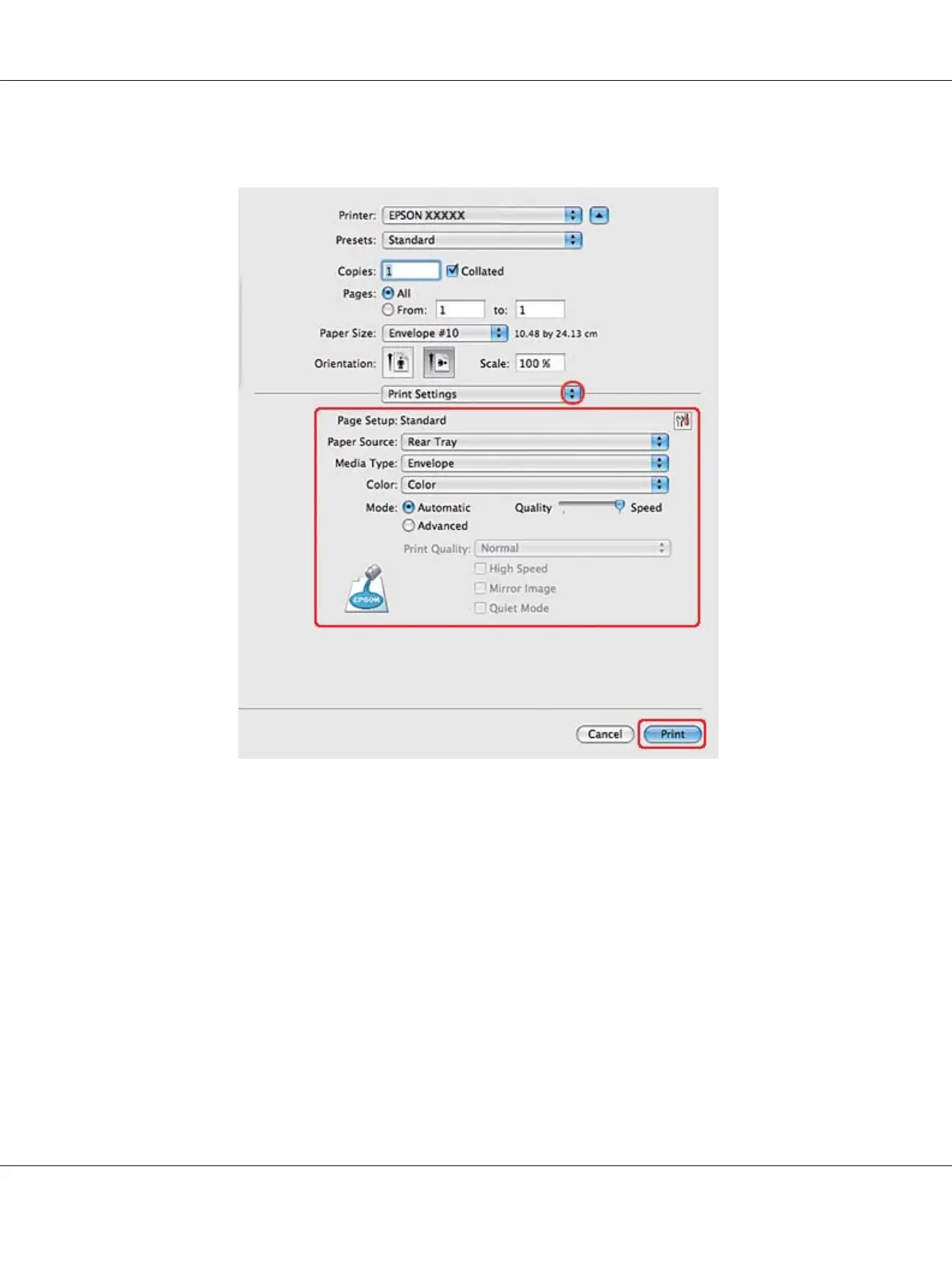
5. Select Print Settings from the pop-up menu.
6. Select Envelope as the Media Type setting.
7. Make other settings that you want to use to print. See online help for details of Print Settings.
8. Click Print to start printing.
Printer settings for Mac OS X 10.3 or 10.4
1. Access the Page Setup dialog.
B-310N/B-510DN User’s Guide
Basic Printing 47












 To Next Page