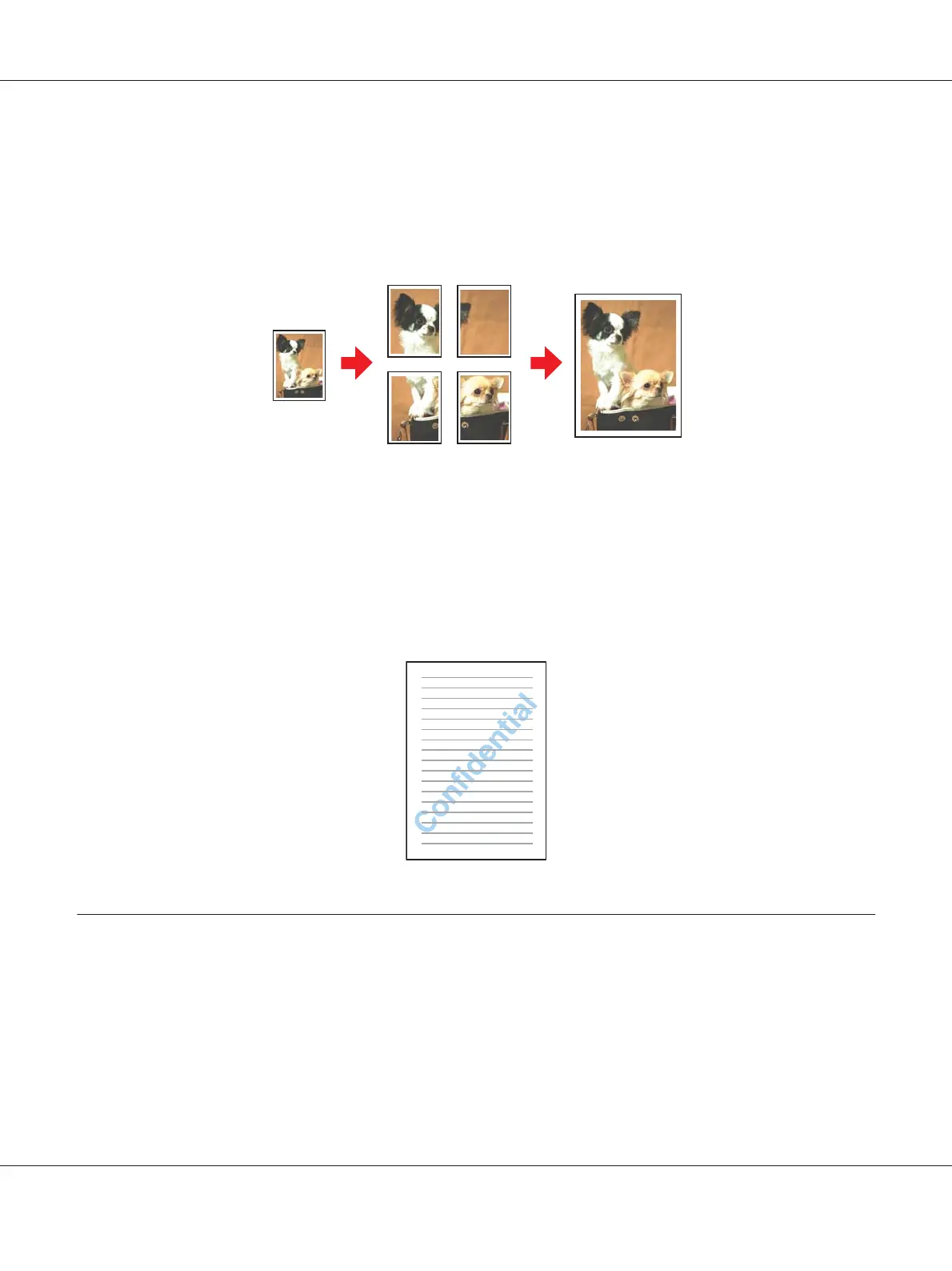
Poster Printing (for Windows only)
Lets you enlarge material on a single document page to cover 4, 9, or 16 printed sheets of paper, and
then make a poster.
& See “Poster Printing (for Windows only)” on page 109.
Watermark Printing (for Windows only)
Lets you print text or an image as a watermark on each page of your printout.
& See “Watermark Printing (for Windows only)” on page 115.
For example, you can put “Confidential” on an important document.
2-Sided Printing
Two types of 2-sided printing are available: standard and folded booklet.
Standard 2-sided printing
B-310N/B-510DN User’s Guide
Printing with Special Layout Options 63












 To Next Page