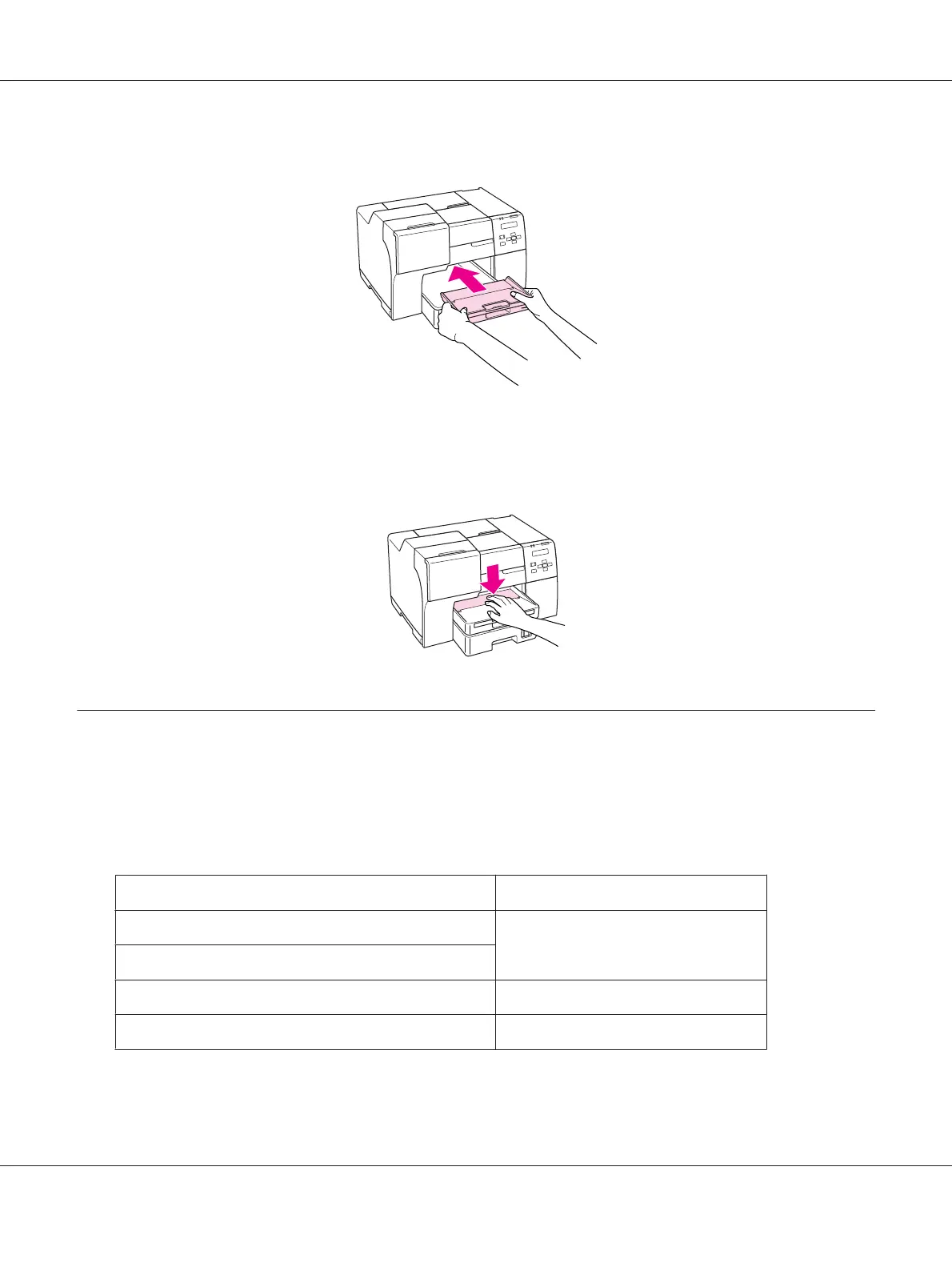
3. Reinsert the output tray into the printer.
Note:
After printing on the Epson Professional Flyer Paper, push the output support tray to move it to its
original position.
Selecting the Correct Paper Type
The printer automatically adjusts itself for the type of paper you select in your print settings. That is
why the paper type setting is so important. It tells your printer what kind of paper you are using and
adjusts the ink coverage accordingly. The table below lists the settings you should choose for your
paper.
For this paper Select this paper type setting
Plain paper plain papers
Epson Bright White Ink Jet Plain Paper
Epson Professional Flyer Paper Epson Professional Flyer
Epson Photo Paper Epson Photo
B-310N/B-510DN User’s Guide
Paper Handling 34












 To Next Page